

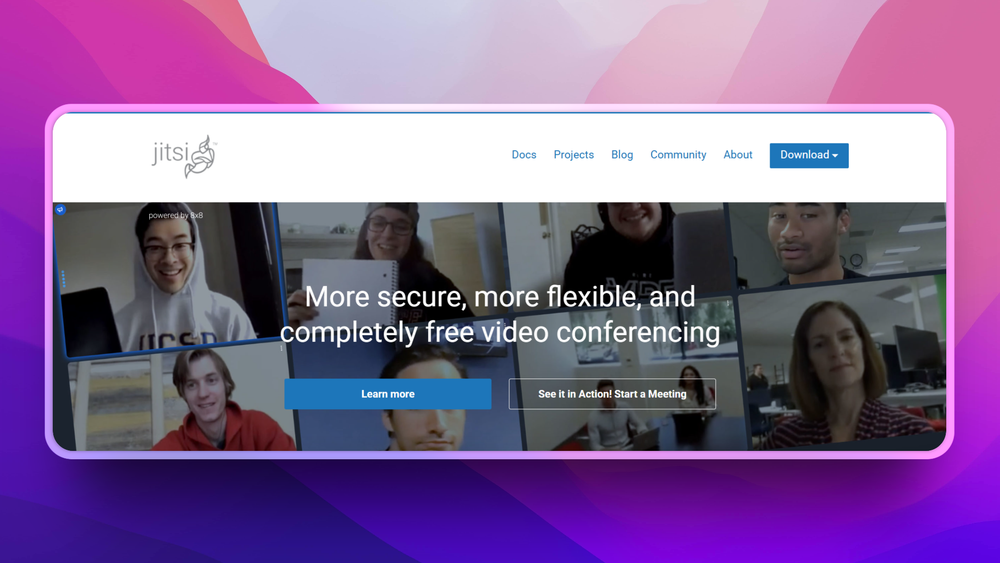
Who Jitsi is for#
Communities hosting private meetings
Use Jitsi when a community needs browser-accessible video rooms under its own domain or operating rules.
Skip if:
Skip it if the priority is enterprise admin policy, managed compliance exports, and vendor support.
Developers embedding video rooms
Use Jitsi when video calls belong inside your product instead of in a separate meeting app.
Skip if:
Skip it if you need a managed video SDK with guaranteed support contracts and usage-based SLAs.
The problem it solves#
Video meetings are now core infrastructure, but hosted meeting suites create lock-in around accounts, recordings, moderation controls, and pricing. Communities, schools, events, and product teams often need a meeting room without forcing every participant into a specific vendor ecosystem.
The issue gets sharper when video is part of a product experience. Embedding meetings, controlling branding, or enforcing private deployment rules can be awkward when the meeting vendor owns the entire room lifecycle.
How it solves it#
Browser-based meetings
Participants can join meetings from a browser with video, audio, chat, and screen sharing. That lowers friction for external guests who should not need a corporate account before joining a call.
Embeddable video rooms
Developers can embed Jitsi meetings into web products and community portals. This fits tutoring apps, support rooms, telehealth prototypes, and event spaces that need video inside an existing workflow.
Self-hosted meeting infrastructure
Teams can operate their own Jitsi deployment when they need control over domain, moderation settings, and infrastructure. That is a different tradeoff from buying hosted Zoom accounts for every use case.
Strengths and trade-offs#
Strengths
- Open video stack under Apache-2.0Apache-2.0 licensing gives teams a permissive base for modification and commercial use. Product teams can evaluate Jitsi as video infrastructure instead of treating meetings as a closed vendor feature.
- Flexible fit for communities and productsJitsi works for public community rooms, private team meetings, and embedded product calls. That range is useful when the same organization needs more than a standard calendar-linked meeting app.
Trade-offs
- -Video infrastructure is demandingSelf-hosted Jitsi requires real operations work: bandwidth, TURN/STUN configuration, moderation choices, and monitoring. Zoom or Microsoft Teams will be simpler when you only need managed corporate meetings.
Jitsi vs alternatives#
Jitsi vs Zoom
Jitsi is the better fit when teams need browser meetings, embedded video rooms, or self-hosted meeting infrastructure. Zoom is stronger for managed enterprise meetings, large admin deployments, webinar tooling, and vendor support. Choose Jitsi when control and embedding matter; choose Zoom when managed meeting operations matter more.
What it's built on#
- Languages
- JavaJavaScriptLuaObjective-CTypeScript
- Frameworks
- React
- Tooling
- Webpack
FAQ#
What does Jitsi replace?
Jitsi can replace Zoom or Microsoft Teams for browser-based meetings, especially when teams need self-hosting or embedded rooms. It does not replace the full Microsoft 365 or Google Workspace collaboration suite.
Is Jitsi self-hosted?
Yes. Jitsi Meet can be self-hosted, though production deployments need networking, bandwidth, and operational care. Teams can also use hosted Jitsi options when they do not want to run the stack.
What license does Jitsi use?
Jitsi Meet is Apache-2.0 licensed. That permissive license allows commercial use, modification, and redistribution with standard notice requirements.
Similar open-source tools#

MiroTalk
Free browser-based video calls with no sign-up required

dcts-shipping
Self-hosted Discord-style chat with encrypted DMs and voice

Rocket.Chat
Self-hosted team chat with voice, video, and omnichannel support

Prose
Decentralized open source workplace with chat and docs

Adapt
Lightweight self-hosted messaging platform for teams

SpacebarChat
Free open source Discord reimplementation with full API parity