
Open source AI models have closed the quality gap. GPT-4o costs $2.50 per million input tokens, $10 per million output tokens: and a production app sending millions of tokens a day faces bills that compound fast. If your use case involves medical records, legal documents, or proprietary code, you may not be able to send that data to a cloud API at all.
The good news: open source AI models like Llama 3, Mistral, and DeepSeek run on hardware you already own. They deliver quality that beats GPT-3.5 on most tasks and approaches GPT-4 on many. The missing piece was always the tooling: model runners, interfaces, RAG platforms, coding assistants: and that ecosystem has arrived.
I researched the best open source tools for running AI models locally. Together they cover the full stack: from downloading and running models to building team-shared interfaces, document Q&A platforms, coding assistants, and AI workflow automation.
TL;DR: Ollama is the fastest path to running open source AI models locally. Pair it with Open WebUI for a private ChatGPT-equivalent your whole team can use. For engineering teams, Tabby replaces GitHub Copilot on your own infrastructure. All of these run on a $1,000 PC or a used server.
Key Takeaways
- Top pick for teams: Ollama + Open WebUI gives you a private, shared AI interface in about 20 minutes
- 6 tools evaluated: model runners, chat UIs, RAG platforms, coding assistants, and AI automation
- Open source advantage: full data ownership, no per-token costs, offline capability, no vendor dependency
- Hardware reality: a Mac with 16GB RAM or a PC with a mid-range GPU runs 13B models comfortably
- All OSI-licensed or source-available: MIT and Apache-2.0 dominate; license restrictions noted where they apply
Quick Comparison
| Tool | License | Self-Hosted | Best For |
|---|---|---|---|
| Ollama | MIT | Yes (binary or Docker) | Running local LLMs via CLI + API |
| Open WebUI | MIT | Yes (Docker) | Team-shared private ChatGPT interface |
| Jan | Apache-2.0 | Desktop app | Individual, fully offline AI chat |
| AnythingLLM | MIT | Yes (Docker or desktop) | RAG over your own documents |
| Tabby | Apache-2.0 | Yes (Docker) | Self-hosted AI code completion |
| n8n | Source-available | Yes (Docker) | AI agent workflows and automation |
Ollama: The Standard for Running Open Source AI Models Locally
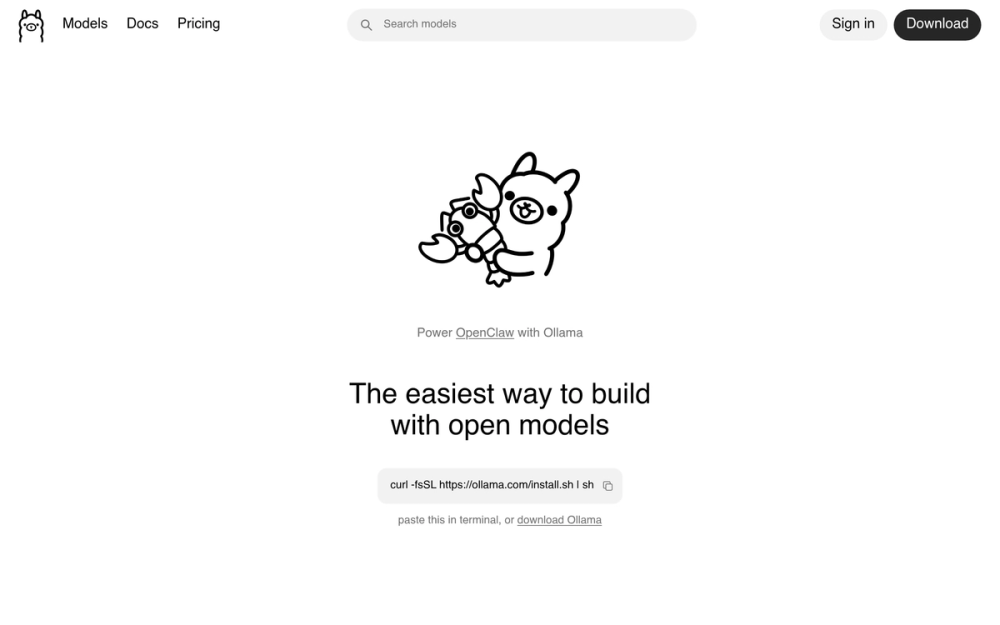
Ollama is the closest thing to a package manager for large language models. One command downloads and runs a model; another exposes it as an OpenAI-compatible API. I've seen it replace hundreds of dollars per month in API costs for teams doing repetitive AI tasks.
It handles everything low-level: model quantization, GPU detection, memory management, and context window sizing. You don't need to know what GGUF means to use it.
Key Features
- 100+ supported open source AI models including Llama 3.3, Mistral 7B, DeepSeek-R1, Phi-3, Gemma 2, Qwen 2.5, and CodeLlama
- OpenAI-compatible REST API at
localhost:11434: any app built for OpenAI works with Ollama with one config change - Multi-modal support (vision models like LLaVA can analyze images)
- GPU acceleration on NVIDIA (CUDA), AMD (ROCm), and Apple Silicon (Metal)
- CPU inference fallback: slower, but works on any machine with 8GB+ RAM
- Custom Modelfiles to configure system prompts, temperature, and context length per model
Pros
- MIT license: use in any product, commercial or personal, without restrictions
- No account, no telemetry, no phone-home by default
- Modelfile system creates custom personas and configurations without fine-tuning
- Drop-in API compatibility means migrating from OpenAI is a one-line config change
- Very active project: new model support added weekly, issues resolved quickly
Cons
- CLI-first: no built-in GUI (pair with Open WebUI for a web interface)
- GPU memory limits which models run well; 7B models on CPU are slow for real-time chat
- No built-in multi-user support (handled by Open WebUI layer above it)
License and Hosting
- License: MIT: no restrictions on commercial use, modification, or distribution
- Source: Ollama GitHub repository
- Self-hosting: Very easy: single binary install, no dependencies
- Docker:
docker run -d -p 11434:11434 -v ollama:/root/.ollama ollama/ollama - Managed cloud: Not available: self-host only by design
Best For
Teams and developers who want to stop paying OpenAI API bills for repetitive, high-volume tasks (summarization, classification, Q&A). Ollama is also the right foundation if you're building a product that needs an AI backend and want to control costs.
View Ollama on Open Source Alternatives
Open WebUI: A Private ChatGPT Interface for Your Team
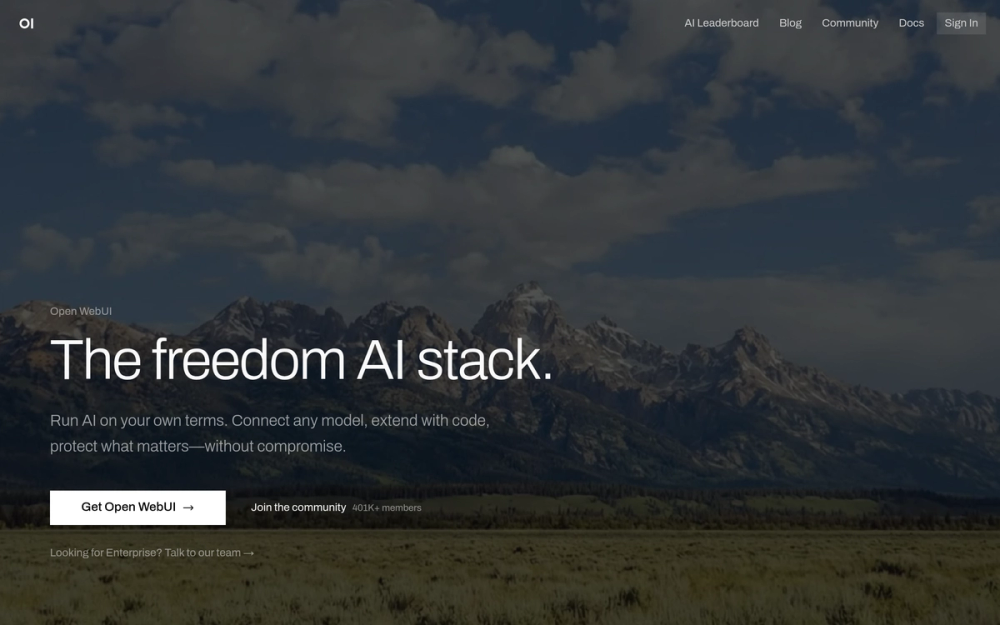
Open WebUI is what you deploy on top of Ollama when you want your team to actually use local AI. It's a polished web interface that looks like ChatGPT: conversation history, model switching, file uploads, RAG over documents: but runs entirely on your own server.
Most people who try Ollama alone end up adding Open WebUI within a week. The CLI is useful for development; a shared web interface is what non-technical teammates actually need.
Key Features
- ChatGPT-quality chat interface with conversation history, search, and sharing
- Multi-user with role management (admin, user): one server for your whole team
- RAG built-in: upload PDFs, Word docs, or paste URLs, then query them in chat
- Model switching mid-conversation: test different models on the same thread
- Voice input and output for hands-free use
- OIDC/OAuth SSO (Google, GitHub, etc.) for team authentication
- OpenAI API fallback: connects to OpenAI or Anthropic APIs in addition to local models
Pros
- MIT license: deploy in commercial products without disclosure requirements
- Works with any OpenAI-compatible backend (Ollama, LiteLLM, LocalAI)
- Active community: 58k+ GitHub stars, patches shipped weekly
- Image generation support via ComfyUI or AUTOMATIC1111 integration
- Optional web search integration for grounded responses
Cons
- Requires Ollama (or another LLM backend) running separately
- RAG quality depends heavily on the underlying model's context size
- Two-container Docker setup adds a bit more operational overhead
License and Hosting
- License: MIT
- Source: Open WebUI GitHub repository
- Self-hosting: Docker recommended: two-container setup with Ollama
- Quick start:
docker run -d -p 3000:8080 --add-host=host.docker.internal:host-gateway -v open-webui:/app/backend/data ghcr.io/open-webui/open-webui:main
Best For
Teams of 2-20 people who want a shared AI assistant without sending data to OpenAI. Legal teams, dev teams with IP concerns, healthcare orgs under HIPAA, or anyone running internal AI on a budget.
View Open WebUI on Open Source Alternatives
Jan: Local AI for Individuals Who Don't Want a Server
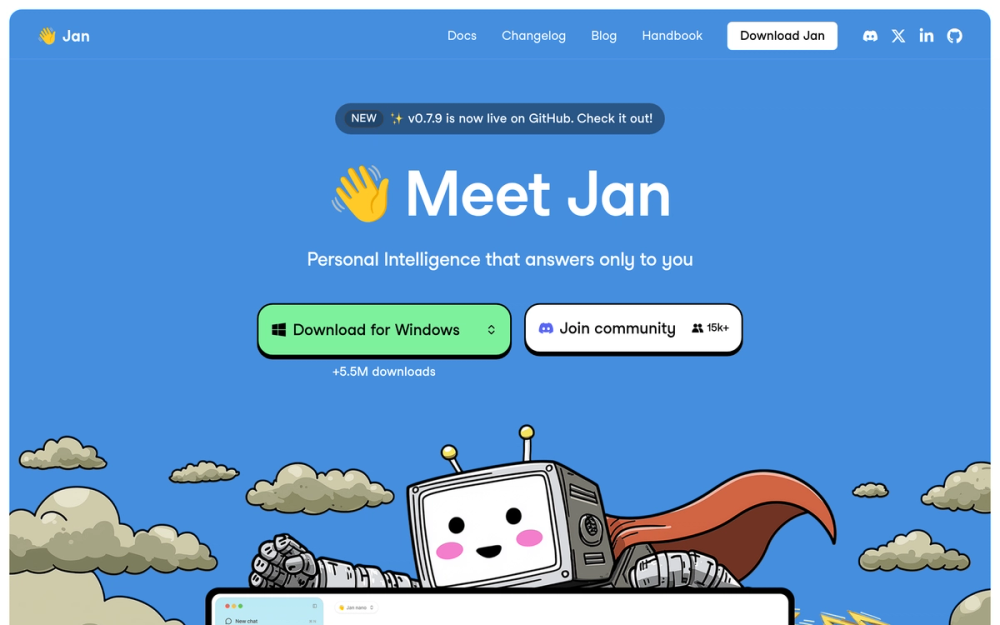
Jan is a desktop application for running open source AI models locally. No Docker, no command line, no server to maintain. Download Jan, open it, click a model to install, and start chatting. It runs entirely on your machine, 100% offline.
If Ollama is for developers, Jan is for everyone else.
Key Features
- Built-in model hub: browse, download, and manage models in-app without touching a terminal
- 100% offline: no internet connection required after model download
- OpenAI-compatible local API server: other apps can connect to Jan as a backend
- Custom AI assistants: configure different system prompts for different use cases (writing, code, research)
- Apple Silicon and NVIDIA GPU acceleration: smooth performance on modern hardware
- Cross-platform: macOS (Apple Silicon and Intel), Windows, Linux
Pros
- No server setup: works like installing a normal desktop app
- Completely private by default: nothing leaves your machine
- Clean, polished UI that non-technical users can pick up immediately
- Apache-2.0 license: use in commercial products without restriction or disclosure requirements
Cons
- Desktop only: no shared team server mode
- Heavier on system resources than a headless Ollama setup
- Single-user: no conversation sharing or team collaboration
License and Hosting
- License: Apache-2.0: no restrictions on commercial use or embedding
- Source: Jan GitHub repository
- Self-hosting: Desktop app, no server required
- Platforms: macOS (Apple Silicon and Intel), Windows, Linux
Best For
Individuals who want a private AI assistant with no technical setup. Writers, researchers, students, or anyone who has used ChatGPT but doesn't want their conversations on OpenAI's servers.
View Jan on Open Source Alternatives
AnythingLLM: AI Over Your Documents, Self-Hosted
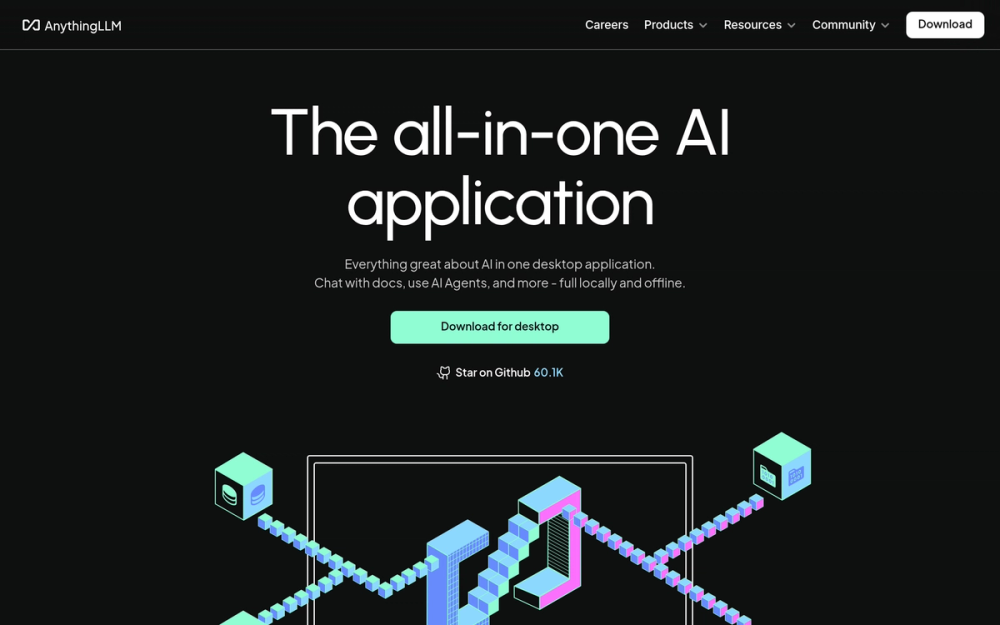
AnythingLLM turns your AI model into a knowledge assistant over your own documents. Upload a PDF, a code repo, a website, or a Google Drive folder; AnythingLLM chunks it, embeds it, and makes it queryable with natural language. This is RAG (Retrieval-Augmented Generation) without building it yourself.
The setup is Docker or a desktop app. The intelligence lives entirely on your infrastructure. Unlike Notion AI or Confluence AI, your documents never leave your server.
Key Features
- Document ingestion for PDFs, Word docs, CSV, Markdown, code files, URLs, and YouTube transcripts
- Built-in vector database (LanceDB default): no external vector DB service required
- Multiple LLM backends: connect to Ollama, OpenAI, Anthropic, Mistral, or any OpenAI-compatible endpoint
- Multi-user with workspace isolation: each workspace has its own document context and chat history
- Custom AI agents that can browse the web, run code, or call external APIs
- MIT license: fork it, white-label it, embed it in your product
Pros
- Full RAG pipeline in one container: no LangChain setup required
- Supports both local models (via Ollama) and cloud fallbacks (OpenAI, Anthropic)
- Conversation history with sources cited: see exactly which document chunk answered a question
- API access for programmatic integration
- White-label friendly under MIT
Cons
- RAG quality degrades with very large document sets or poorly formatted PDFs
- More moving parts than a plain Ollama setup: worth it only if you need document Q&A
- Some advanced agent features work better with cloud LLM backends (local models can be inconsistent with function calling)
License and Hosting
- License: MIT
- Source: AnythingLLM GitHub repository
- Docker:
docker pull mintplexlabs/anythingllm && docker run -p 3001:3001 mintplexlabs/anythingllm - Desktop app: Available for Mac/Windows/Linux: simpler for single-user setups
Best For
Teams building internal knowledge bases, support bots, or documentation assistants. "We want to ask questions about our company wiki or technical docs" is the exact use case this solves.
View AnythingLLM on Open Source Alternatives
Tabby: Self-Hosted AI Code Completion
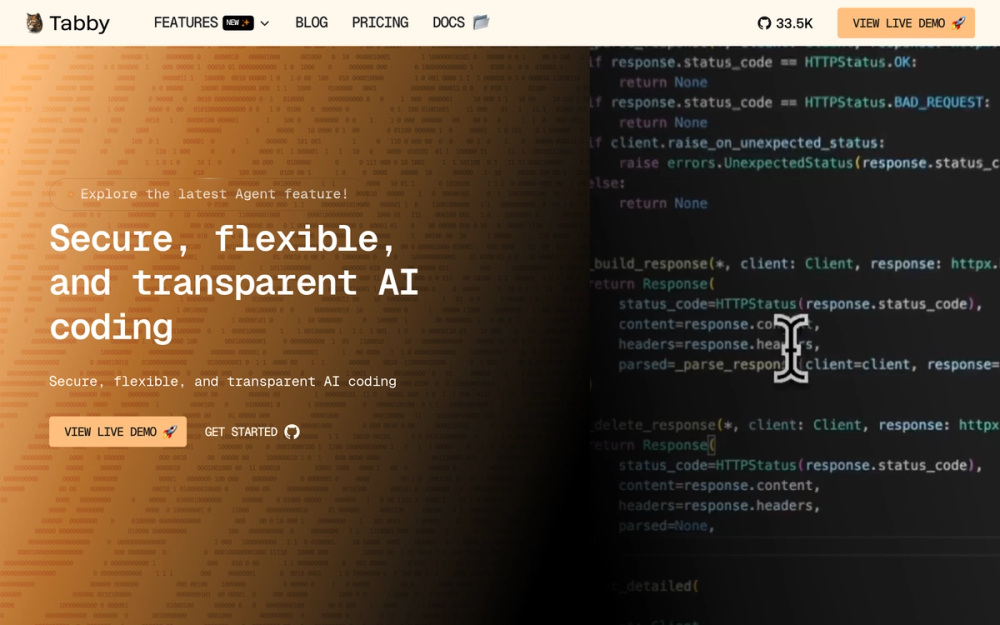
Tabby is a self-hosted AI coding assistant. It integrates with VS Code and JetBrains as an extension and gives you inline code suggestions: the same behavior as GitHub Copilot, but from a model running on your own server.
For engineering teams at companies with IP policies (code can't leave the building), or for anyone paying $19/month per developer for GitHub Copilot Business, Tabby is the obvious answer.
Key Features
- Inline code completion in VS Code and JetBrains IDEs
- Repository context indexing: Tabby indexes your codebase as retrieval context for more accurate, project-aware completions
- Multiple model support: StarCoder2, DeepSeek Coder, CodeLlama, and others
- Team server mode: one Tabby instance serves multiple developers
- Admin dashboard to monitor usage, manage users, and configure model behavior
- Answer Engine: ask questions about your codebase in natural language
Pros
- Apache-2.0: no license restrictions for commercial use
- Built in Rust: efficient memory use and fast cold starts
- GPU acceleration (NVIDIA) and Apple Silicon support
- Replaces GitHub Copilot Business per-seat fees with your own compute cost
- Repository-aware completions beat generic LLM completions for large codebases
Cons
- Requires a server with a GPU for real-time completions (CPU inference is too slow for inline suggestions)
- Smaller model ecosystem than general-purpose LLM runners
- More involved setup than installing Ollama: requires configuring the IDE extension to point at your server
License and Hosting
- License: Apache-2.0: no restrictions on commercial use
- Source: Tabby GitHub repository
- Docker (GPU):
docker run -it --gpus all -p 8080:8080 -v $HOME/.tabby:/data tabbyml/tabby serve --model TabbyML/DeepSeek-Coder-1.3B - Hardware requirement: NVIDIA GPU strongly recommended for real-time completion speeds
Best For
Engineering teams replacing GitHub Copilot, especially at companies where code must stay on-premises. Also good for individual developers who want better codebase-aware completions at zero recurring cost.
View Tabby on Open Source Alternatives
n8n: AI Workflow Automation You Control
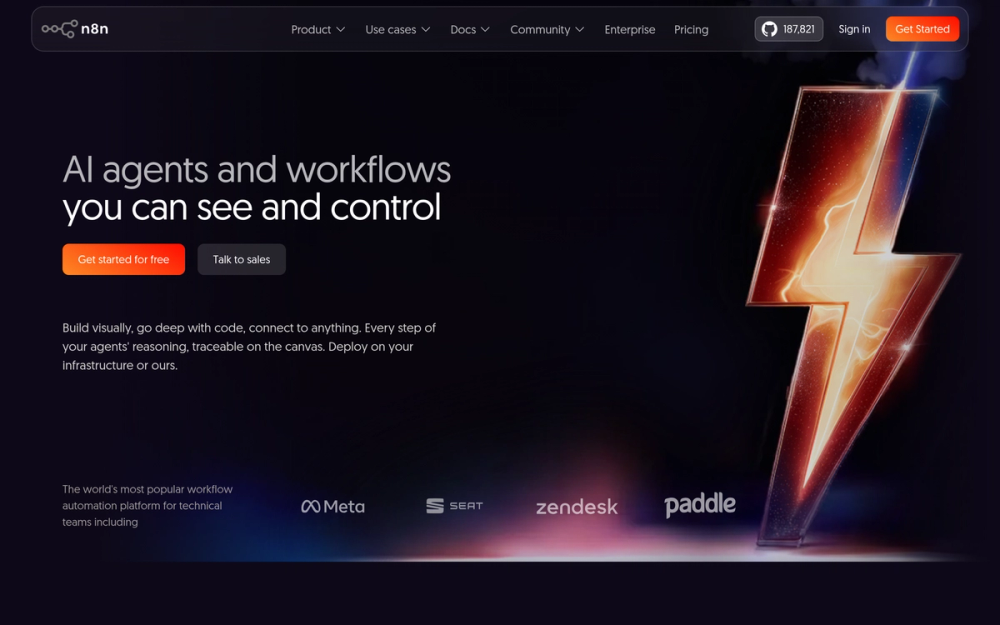
n8n is a visual workflow automation tool with deep AI integrations. Think of it as a self-hosted Zapier with AI-native nodes: LLM calls, vector store operations, agent memory, and function tools. Connect AI to your databases, Slack, email, CRM, and 400+ other services.
n8n ships an "AI Agent" node that wires together an LLM, tools (web search, code execution, API calls), and memory. You build the agent visually, no Python required. It integrates with Ollama for fully local AI workflows, and with Supabase as a vector database layer for AI memory.
License note: n8n uses the Sustainable Use License (not OSI-approved) for its community edition. It's source-available and free to self-host, but commercial restrictions apply. Verify the terms for your use case before building a product on it.
Key Features
- AI Agent nodes with tool use, persistent memory, and decision branching
- LLM integration via Ollama (local), OpenAI, Anthropic, or any OpenAI-compatible API
- Vector store nodes (Supabase pgvector, Pinecone, Qdrant, Weaviate)
- 400+ integrations: connect AI to any data source or service
- Code node for custom JavaScript/Python logic inside workflows
- Visual builder: most automation patterns require no programming
Pros
- Self-hosted means no per-execution fees (Zapier charges per task)
- Integrates with Ollama for fully local AI automation: no external API calls required
- Active ecosystem of community workflow templates
- REST API for triggering workflows programmatically
Cons
- Sustainable Use License: not OSI-approved; commercial use restrictions apply
- More operational complexity than hosted alternatives (you manage updates and backups)
- Visual editors can grow complex for deeply branching logic
License and Hosting
- License: Sustainable Use License (community edition): source-available, NOT OSI-approved
- Source: n8n GitHub repository
- Docker:
docker run -it --rm --name n8n -p 5678:5678 -v ~/.n8n:/home/node/.n8n docker.n8n.io/n8nio/n8n - Managed hosting: Available from n8n.cloud if self-hosting is too much overhead
Best For
Developers and small teams automating AI-powered workflows: document processing pipelines, AI-triage for support tickets, form submissions analyzed by AI, or any multi-step "if this then AI-that" automation.
View n8n on Open Source Alternatives
How I Evaluated These Tools
I looked at five factors for each tool:
- Active development: GitHub commit activity in the last 6 months; no abandoned projects
- Self-hosting ease: Docker support, documentation quality, and time-to-running estimate
- License clarity: OSI-approved preferred; restrictions noted where applicable
- Community health: Issue response time, forum activity, contributor count
- Feature completeness: Does it replace the paid alternative it targets?
All six tools had commits and releases within the last 30 days at time of research.
How to Choose
Choose Ollama if: You're a developer who wants to run open source AI models locally for building or experimentation. It's the foundational layer everything else builds on.
Choose Ollama + Open WebUI if: You want a private ChatGPT for your team. This pair covers 80% of use cases and takes about 20 minutes to set up.
Choose Jan if: You want private AI on your laptop with zero server setup. Individual use, offline capability, no technical overhead.
Choose AnythingLLM if: Your use case is "ask questions about our documents." Upload your knowledge base, query it with AI. Pairs well with Ollama as the LLM backend.
Choose Tabby if: You're an engineering team paying for GitHub Copilot and want to run completions on-premises.
Choose n8n if: You need to automate AI-powered workflows connecting LLMs to databases, APIs, and external services. Check the license before building a commercial product on it.
Quick Decision Matrix
- Want the cheapest private ChatGPT for a team? Ollama + Open WebUI
- Need 100% offline, no server? Jan
- Have compliance or IP requirements for code? Tabby
- Building AI automation pipelines? n8n
- Need document Q&A over your knowledge base? AnythingLLM
- Need a vector database layer for AI apps? Supabase with pgvector
What Hardware Do You Actually Need?
The hardware question blocks most people new to local AI. The honest answer: less than you think.
For casual use (7B models, CPU inference):
- Any machine with 8GB RAM
- CPU inference is slow for real-time chat (responses take 10-60 seconds per paragraph depending on hardware and model), but fine for batch tasks
Sweet spot for teams (13B models, GPU acceleration):
- 16-32GB RAM
- Any NVIDIA RTX 3060+ or Apple M2+ (unified memory is excellent for local AI)
- Responses feel real-time (1-3 seconds per paragraph)
Power users (70B models, quantized):
- 32-64GB RAM
- RTX 4090 or Apple M3 Max/Ultra
- Quality approaches GPT-4 on most benchmarks
You don't need a $10,000 GPU server. A used workstation with an RTX 3090 (24GB VRAM, approximately $500-600 used) runs 70B quantized models acceptably.
Open Source AI Models Worth Running
The tools above run models. Here are the models worth running via Ollama. Run ollama pull llama3.3 for Llama 3.3, or replace llama3.3 with the exact model tag you want.
| Model | License | Best For | Size |
|---|---|---|---|
| Llama 3.3 (Meta) | Llama 3 Community (Apache-style) | General-purpose; best quality-to-size ratio | 8B, 70B |
| Mistral 7B | Apache-2.0 | Fast inference; good for most tasks | 7B |
| DeepSeek-R1 | MIT | Strong reasoning and coding | 7B-70B |
| Phi-3 Mini | MIT | Runs fast on 8GB RAM; punches above its weight | 3.8B |
| Qwen 2.5 | Apache-2.0 | Best multilingual; strong coding | 7B-72B |
| StarCoder2 | BigCode OpenRAIL-M | Code completion | 3B-15B |
| DeepSeek Coder | MIT | Code generation and understanding | 6.7B-33B |
Note: Gemma (Google) uses the Gemma Terms of Service, not an OSI-approved license. Avoid it if license purity matters for your use case.
Note: Llama 3 uses Meta's own Community License, which is Apache-style permissive with one restriction: companies with over 700 million monthly active users need a separate license from Meta.
FAQ
What is the best open source AI model to run locally?
For general-purpose use, Llama 3.3 8B is the best balance of quality and resource requirements. Run it with Ollama: ollama pull llama3.3. For coding tasks, DeepSeek Coder or StarCoder2 are better choices. For low-RAM machines (8GB), Phi-3 Mini or Mistral 7B are the most efficient options.
Do I need a GPU to run open source AI models locally?
No. Ollama and Jan both support CPU-only inference. A machine with 8GB RAM can run 7B models without any GPU. Responses will be slow depending on your hardware and model size, but the setup works for batch tasks or infrequent queries. For real-time chat, a GPU (NVIDIA or Apple Silicon) makes a significant difference.
What hardware do I need to run open source AI models?
Minimum: 8GB RAM, any CPU (7B models, slow). Comfortable: 16GB RAM + an NVIDIA RTX 3060 or Apple M2 (13B models, real-time). High-quality: 32GB RAM + RTX 4090 or Apple M3 Max (70B quantized models).
Is Ollama free to use?
Yes. Ollama is MIT licensed: free for personal use, commercial use, and embedding in products. There are no paid tiers, no rate limits, and no telemetry enabled by default.
What is the difference between Ollama and Open WebUI?
Ollama is a command-line tool and API server that downloads and runs AI models on your hardware. It has no user interface. Open WebUI is a web-based chat interface that connects to Ollama (or other backends) and gives users a ChatGPT-like experience. Most teams use both: Ollama handles model execution, Open WebUI handles the user-facing interface.
Can I run AI models without an internet connection?
Yes. Once a model is downloaded, Ollama, Jan, and AnythingLLM all work completely offline. No internet connection required for inference. This is a primary reason teams in air-gapped environments (government, defense, healthcare) choose self-hosted AI.
Is it legal to use open source AI models commercially?
Most popular models (Llama 3, Mistral, Phi-3, DeepSeek, Qwen) use Apache-2.0 or MIT licenses, which permit commercial use without restrictions. Always verify the specific model's license before deployment. Llama 3 has one restriction: companies with over 700 million monthly active users need a specific license from Meta.
How does self-hosted AI compare to ChatGPT in quality?
For most tasks, a local 13B model competes with GPT-3.5 quality. Local 70B models approach GPT-4 on coding, summarization, and Q&A benchmarks. The quality gap is most notable for complex multi-step reasoning and advanced mathematics. For the majority of real-world use cases: summarization, classification, Q&A, code completion: self-hosted models are a quality-plus-control choice, not a quality compromise.
What is the easiest way to try local AI for the first time?
Install Ollama (one command), then run ollama run llama3.3. You'll have a working AI chat in under 5 minutes. Once confirmed, add Open WebUI on top for a web interface. Jan is the easier path if you prefer not to use a terminal at all.
Can I use these tools to build AI-powered applications?
Yes. Ollama exposes an OpenAI-compatible API at localhost:11434. Any library or framework that supports OpenAI (LangChain, LlamaIndex, Vercel AI SDK, and others) works with Ollama by pointing the base URL at your local server. n8n adds a visual layer for building AI automation without code.
Is self-hosted AI private and secure?
Your data stays on your hardware. Requests don't leave your network. This is the primary reason organizations with compliance requirements (HIPAA, GDPR, attorney-client privilege, defense contracts) choose self-hosted AI. The security of your deployment depends on your infrastructure: a misconfigured Open WebUI instance with no authentication is a risk, same as any self-hosted web service.
How much does it cost to self-host AI models?
Software: free (all tools here are free to self-host). Hardware: whatever you already have, or a $300-600 used server. Electricity: a GPU running inference draws 150-350W: roughly $20-50/month at heavy usage. Compare that to hundreds of dollars per month for cloud AI API access at moderate to heavy usage.
Conclusion
The local AI stack has matured to the point where it's a practical choice, not a hobbyist project. Ollama brings model management down to a single command. Open WebUI wraps it in an interface your whole team can use. Jan handles individuals who want AI with zero server overhead. AnythingLLM covers document intelligence. Tabby replaces Copilot on your own infrastructure. n8n ties it together with AI workflow automation.
None of this requires enterprise hardware or a dedicated DevOps person. An M2 Mac or a PC with a mid-range GPU runs most of these comfortably.
The strongest starting point: install Ollama, pair it with Open WebUI, pull Llama 3.3, and see how much of your current ChatGPT usage it covers. For most teams, the answer is: almost all of it.
Explore more open source AI tools in our directory: Open Source AI Coding Assistants