

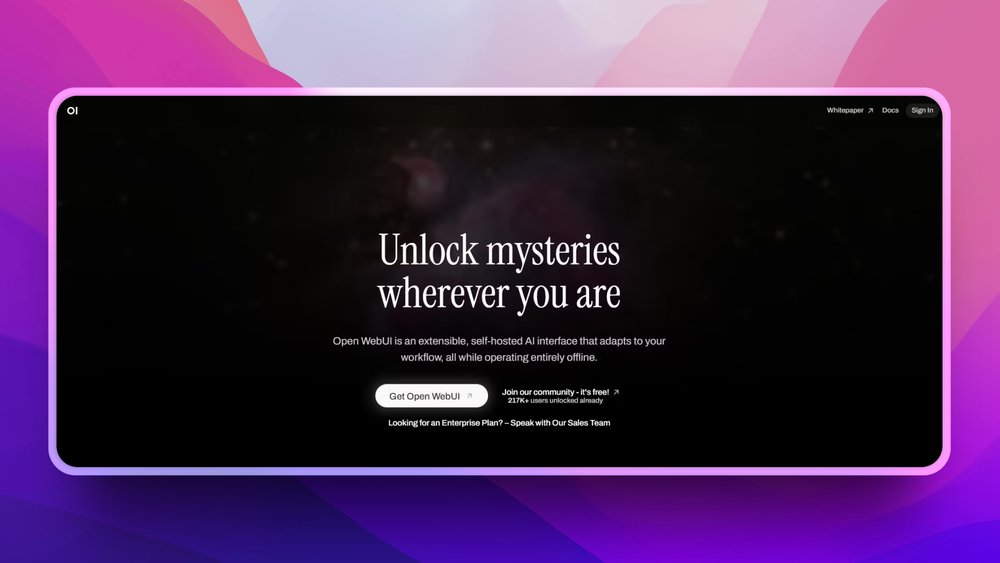
Who Open WebUI is for#
Teams giving staff a private AI chat workspace
Open WebUI wraps local or compatible models in a browser UI.
Skip if:
your team already accepts a managed AI workspace and does not need self-hosting.
Developers testing multiple model providers
the UI can switch between Ollama and OpenAI-compatible endpoints.
Skip if:
you need only a command-line model runner.
Organizations building internal RAG tools
document chat and plugin support help turn model access into a usable workflow.
Skip if:
you need enterprise governance before any pilot.
The problem it solves#
Teams adopting local models often end up with a gap between model runners and real users. Ollama or an OpenAI-compatible endpoint can serve models, but non-technical teammates still need chat history, file context, permissions, RAG, and a usable browser interface.
Hosted AI workspaces solve the interface problem by moving conversations, documents, and admin controls into a vendor account. That tradeoff is hard to accept when prompts include customer data, internal docs, or regulated information.
How it solves it#
Ollama and compatible API support
Connects to Ollama and OpenAI-compatible APIs, including local and cloud-based model providers.
Docker quick start
Docker quick start runs the UI on port 3000 with persistent backend data stored in a named volume.
Built-in RAG support
Built-in RAG support helps users chat with local documents and knowledge sources.
Plugin and tool support
Plugins, tool calling, task models, and Python function support extend chat workflows beyond plain prompts.
Responsive web UI and PWA
Responsive web UI and PWA support make the same instance usable from desktop and mobile browsers.
Strengths and trade-offs#
Strengths
- Chat UI for local modelsOpen WebUI gives local model stacks the user experience that non-technical teammates expect from hosted AI chat tools.
- Provider flexibilityProvider flexibility makes it practical to mix Ollama, OpenAI-compatible APIs, and other model backends behind one interface.
- Flexible deployment pathsDocker, Python, Kubernetes, and desktop install paths cover hobby setups through larger internal deployments.
- Offline-first positioningOffline-first positioning helps teams keep private conversations and documents within controlled infrastructure.
Trade-offs
- -License review requiredThe repository reports no standard SPDX license through GitHub, so teams should review the project license terms before commercial deployment.
- -Production hosting work remainsRunning Open WebUI in production still requires model hosting, storage backups, authentication choices, and network security work.
- -Feature breadth adds admin complexityFeature breadth can create admin complexity if a team only needs a basic local chat UI.
Quick start#
Use the official Docker image for a single-node self-hosted install. This command publishes the UI on port 3000 and stores backend data in a named volume.

```bash
docker run -d -p 3000:8080 --add-host=host.docker.internal:host-gateway -v open-webui:/app/backend/data --name open-webui --restart always ghcr.io/open-webui/open-webui:main
```What it's built on#
- Languages
- JavaScriptPythonTypeScript
- Frameworks
- FastAPISvelte
- Databases
- MariaDBMySQLPostgreSQL
- Infrastructure
- AWS
- Search
- ElasticsearchOpenSearch
- Cache
- Redis
- Tooling
- OpenAPI
FAQ#
Does Open WebUI require Ollama?
No. Open WebUI works with Ollama and OpenAI-compatible APIs, so you can connect local or cloud-based model providers. Ollama is common because it makes local model serving simple.
Can Open WebUI run offline?
Yes, Open WebUI is designed for self-hosted and offline operation when paired with local models. Any cloud model provider you connect will still require network access.
What is the easiest way to install Open WebUI?
Docker is the recommended path for most users. The official quick start runs the container, exposes the UI on port 3000, and stores persistent data in a Docker volume.
Similar open-source tools#

9Router
Smart AI Router with 3-Tier Fallback

God's Eye View
Real-time global intelligence on a 3D globe

Hermes Agent
Self-hosted AI agent with persistent memory, multi-channel chat, and model choice across OpenAI, OpenRouter, and custom endpoints.

Langflow
Visual AI workflow builder that deploys as an API or MCP server.

Atomic Agent
Local-first AI agent that runs on your machine, drives real tools.

Athena-Public
Persistent memory for your AI across IDEs