

Who Cal.diy is for#
Self-hosters controlling booking data
Use Cal.diy when you want to run booking pages and scheduling flows on infrastructure you operate.
Skip if:
Skip it if you need a supported managed scheduling service.
Developers evaluating scheduling infrastructure
Cal.diy fits teams that want source access before adapting scheduling behavior or embedding booking workflows into their own product.
Skip if:
Skip it if a simple hosted booking link is enough.
The problem it solves#
Hosted scheduling products are quick to adopt, but they can become limiting when booking flows need source access, data control, custom deployment choices, or product-level integration. Cal.diy gives self-hosters a Cal.com-derived codebase for running scheduling on their own infrastructure while keeping commercial Cal.com features out of the open-source claim.
How it solves it#
Booking pages and routing
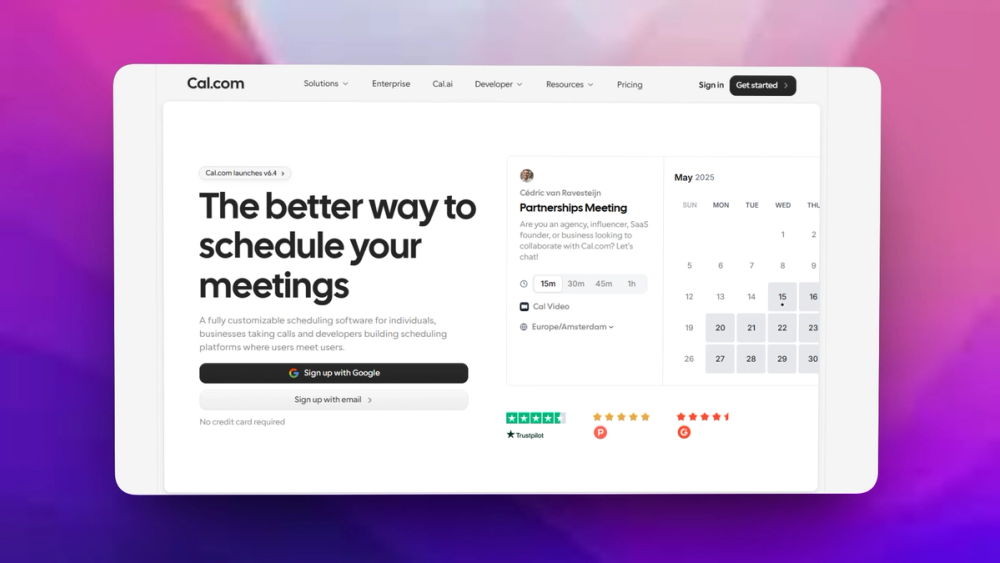
Cal.diy provides Calendly-style booking pages, availability rules, and scheduling flows that self-hosters can run from their own stack.
Developer-controlled codebase
The MIT repository gives teams source access for adapting booking behavior, integrations, and deployment details.
Community self-host path
Cal.diy removes Cal.com enterprise and hosted-product code so the listing points at the community edition, not commercial Cal.com.
Strengths and trade-offs#
Strengths
- Clear MIT source evidenceThe canonical Cal.diy repository reports MIT licensing and is the source OSA should cite for this listing.
- Good fit for self-hostersCal.diy is useful when scheduling data, deployment choices, and customization need to stay close to your own infrastructure.
Trade-offs
- -Self-hosting burden is realThe upstream README warns that Cal.diy self-hosting needs server, database, and security knowledge and is mainly recommended for personal, non-production use.
- -Not hosted Cal.comCommercial and enterprise-ready scheduling remains a Cal.com hosted or on-prem path, not a Cal.diy community-edition claim.
Cal.diy vs alternatives#
Cal.diy vs Calendly
Cal.diy is a stronger fit when scheduling needs source access, self-hosting, and developer-controlled deployment. Calendly is a better fit for teams that only want a managed booking page with minimal setup. Choose Cal.diy when operating the scheduling stack yourself is worth the control; choose a hosted tool when speed and vendor support matter more than source ownership.
What it's built on#
- Languages
- TypeScript
- Frameworks
- Next.jsReactTailwind CSS
- Databases
- PostgreSQL
- Tooling
- Turborepo
FAQ#
Is Cal.diy the same as Cal.com?
No. Cal.diy is the MIT-licensed community edition for self-hosters. Commercial and enterprise Cal.com features are separate from this listing.
Can Cal.diy replace Calendly?
Cal.diy can replace Calendly-style booking pages when you are willing to operate the scheduling stack yourself. Calendly is simpler for hosted scheduling.
What license does Cal.diy use?
The canonical Cal.diy repository reports MIT licensing. Review the upstream repository before using it in production.
Similar open-source tools#

FckSignups
Open-source tools that work instantly, no signup required

Dendron
Local-first Markdown notes with hierarchy and backlinks

Inbox Zero
AI email assistant that drafts replies and clears your inbox

rakazo
AI teammates you own: your keys, your model, your machine.

Vorssaint Utils
One menu bar icon replacing a dozen paid macOS apps

Openlive
On-device voice loop for AI agents and coding assistants