
The best open source CMS platforms solve four distinct problems that WordPress handles poorly: secure publishing at scale, developer-friendly headless APIs, enterprise content workflows, and modern React-based visual editing. WordPress runs 43% of the web and is responsible for an estimated 90% of all hacked CMS sites. The plugin ecosystem that makes WordPress flexible is the same ecosystem that creates security vulnerabilities, performance bloat, and maintenance headaches. Every WordPress site is one outdated plugin away from a security incident.
The developer experience is no better. WordPress's PHP codebase, template hierarchy, and hook system were designed in 2003. Modern teams building content-driven products want headless APIs, composable architectures, and deployment pipelines. The wp-admin dashboard is not the answer.
Open source CMS platforms have evolved far beyond WordPress's paradigm. You can explore the full range of tools in the CMS category and the headless CMS category in the Open Source Alternatives directory. Ghost focuses purely on publishing. Drupal handles enterprise-scale content operations. Payload CMS and Strapi give developers TypeScript-first content APIs. Each solves a different problem and does it better than WordPress in its specific domain.
I compared 5 open source CMS platforms across publishing, developer experience, scalability, and ease of use. Here's which one matches your content needs.
TL;DR: Ghost is the best open source CMS for most independent publishers and newsletter creators. It ships with native memberships and email, costs nothing to self-host, and handles SEO out of the box. Drupal is the enterprise default when you need multi-site management, granular permissions, and a dedicated security team behind the platform. Strapi (64k+ GitHub stars, MIT) is the most popular headless CMS for API-driven applications. Payload CMS is the TypeScript-first alternative for teams that want schema-defined content without a separate GUI. For React teams that want visual editing without replacing their stack, Puck drops in as a library with no migration required.
Key Takeaways:
- Best for publishers and newsletters: Ghost: built specifically for professional publishing with native memberships, newsletters, and SEO
- Best enterprise open source CMS: Drupal: 20+ years of battle-tested scalability for complex, multi-site digital experiences with a dedicated security team
- Most popular open source headless CMS: Strapi: 64k+ stars, REST + GraphQL APIs, plugin marketplace, MIT license
- Best developer-friendly TypeScript CMS: Payload CMS: schema-defined content, direct database access, native Next.js integration
- Best for React developers: Puck: open source visual editor that drops into any React app
Quick Comparison
| Tool | License | Self-Hosted | Headless API | Best For | Setup Difficulty |
|---|---|---|---|---|---|
| Ghost | MIT | Yes | Yes (Content API) | Publishing and newsletters | Easy |
| Drupal | GPL-2.0+ | Yes | Yes (JSON:API, GraphQL) | Enterprise CMS | Advanced |
| Strapi | MIT | Yes | Yes (REST + GraphQL) | Headless CMS, API-driven apps | Intermediate |
| Payload CMS | MIT | Yes | Yes (REST + GraphQL) | TypeScript headless CMS | Intermediate |
| Puck | MIT | Yes (embedded) | Embedded | React visual editing | Intermediate |
How I Evaluated These CMS Platforms
I scored each platform on five factors relevant to modern content management:
- Content modeling: flexibility to define custom structures, not just posts and pages
- Developer experience: API design, deployment workflow, templating, and extensibility
- Publishing workflow: editor experience, preview, scheduling, and collaboration
- Performance and scalability: page load times, caching, CDN support, and traffic handling
- Ecosystem: themes, plugins, community size, and long-term maintenance
1. Ghost: The Best Open Source CMS for Publishers
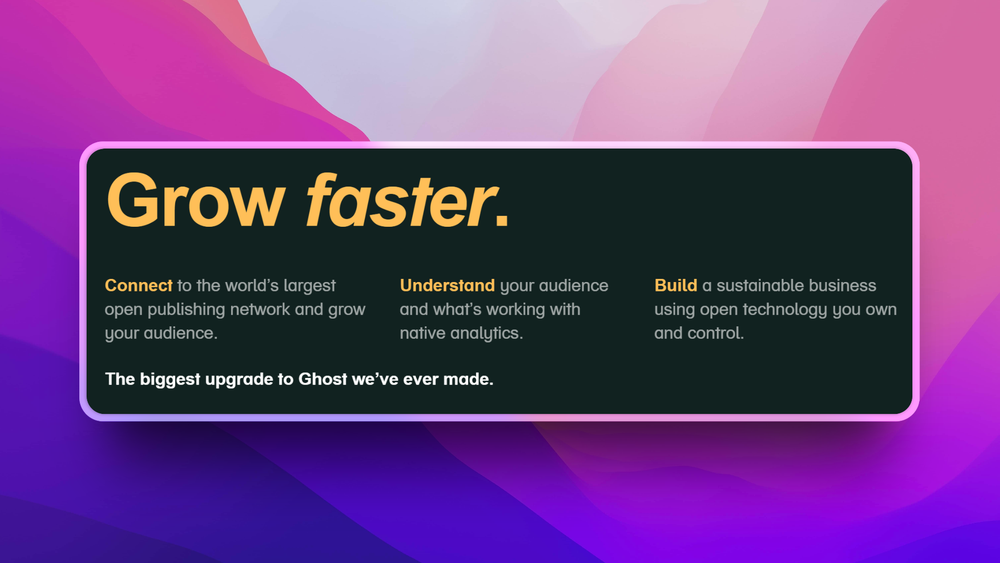
Best for writers, journalists, and content creators who want a publishing platform with built-in newsletters and memberships.
Ghost was built by a former WordPress core developer who wanted to strip away everything that didn't serve publishing. The result: a focused platform for writing, distributing newsletters, and monetizing content through memberships. No plugin sprawl, no theme conflicts, no weekly security patches.
Ghost has over 47,000 GitHub stars. It runs on Node.js, meaning no PHP on your server. Deploy it in under 30 minutes with Docker or Ghost CLI. Unlike WordPress, where you need separate plugins for email, membership, and SEO, Ghost ships all three out of the box.
Key Features
- Headless CMS with a Content API for decoupled frontends
- Native newsletter system: send posts directly to subscribers' inboxes without Mailchimp
- Membership and subscriptions: tiered paid memberships with Stripe integration
- Built-in SEO: structured data, canonical URLs, sitemaps, and OG tags out of the box
- Custom themes with Handlebars templating
- Admin panel designed for writing, not for configuring plugins
- Webhook integrations with Zapier, Slack, and 1,000+ tools
Pros
- Best writing experience of any open source CMS: distraction-free editor with full-screen mode and rich embed cards
- Newsletter functionality eliminates the need for Mailchimp or ConvertKit
- Membership and subscription system replaces Patreon or Memberful
- Performance is excellent: Node.js backend with built-in caching
- Active development with monthly releases and commercial backing through Ghost(Pro)
Cons
- Not a general-purpose CMS: limited when you need complex content types beyond posts and pages
- Theme customization requires Handlebars knowledge (simpler than PHP, but still code)
- Self-hosting requires Node.js, MySQL, and a reverse proxy
- Fewer themes and integrations than WordPress's ecosystem
License and Hosting
- License: MIT (open core; Ghost Pro adds managed hosting)
- Self-hosting: Docker or manual Node.js install. Moderate difficulty
- Managed option: Ghost(Pro) from $9/month
Best For
Ghost is best for independent publishers, newsletter creators, and content-driven businesses that want publishing, email, and monetization in one platform. If you're running a WordPress blog primarily to write and send newsletters, Ghost does both better with less maintenance.
View Ghost on Open Source Alternatives
2. Drupal: Best Enterprise Open Source CMS for Complex Digital Experiences
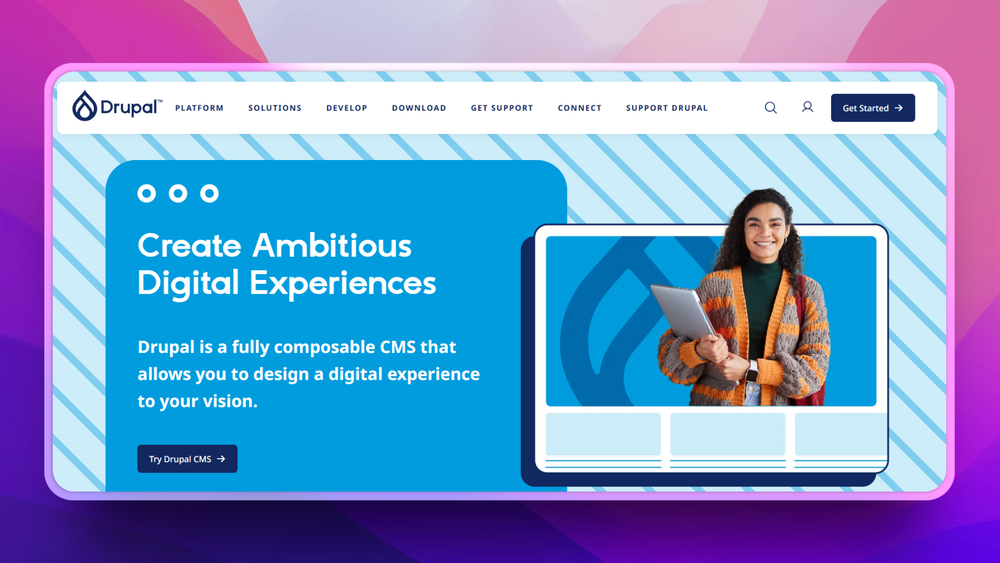
Best for large organizations, government sites, and teams managing multi-site, multi-language content operations with strict compliance and security requirements.
Drupal is the heavyweight of open source CMS and the go-to enterprise CMS in the open source world. It powers websites for NASA, Tesla, the White House, and hundreds of Fortune 500 companies. Where other CMS platforms focus on simplicity, Drupal focuses on capability: complex content relationships, granular permissions, multi-site management, and enterprise-grade security. It's not the easiest to learn, but nothing else in open source matches its scale.
Unlike WordPress, Drupal does not rely on a sprawling plugin ecosystem for security-sensitive features. Core functionality is maintained by a dedicated security team that publishes formal security advisories and follows a structured release process. This is why Drupal is the default enterprise CMS for organizations where a security incident would be headline news.
Key Features
- Composable architecture: build tailored digital experiences with decoupled components
- API-first design: JSON:API and GraphQL endpoints for headless implementations
- 50,000+ contributed modules extending every aspect of the platform
- Dedicated security team with formal security advisories and release process
- Multi-site management: run multiple sites from one Drupal installation
- Content workflows: editorial review, scheduling, and approval chains
- Accessibility compliance built into core (WCAG 2.1)
Pros
- Most scalable open source CMS: handles millions of pages and sustained high traffic
- Strongest security track record with a formal security release process
- Accessibility is a core priority, not an afterthought or plugin requirement
- Massive module ecosystem (50,000+) for nearly any feature you can name
- Predictable long-term support cycles since 2001
Cons
- Steepest learning curve on this list: custom development requires PHP and Symfony knowledge
- Initial setup is complex compared to Ghost or Strapi
- Hosting requirements are higher than simpler CMS platforms
- Overkill for small blogs or simple marketing sites
License and Hosting
- License: GPL-2.0+ (fully open source, no commercial restrictions)
- Self-hosting: LAMP or LEMP stack, Docker, or Composer-based install. Advanced difficulty
- Managed options: Acquia, Pantheon, Platform.sh
Best For
Drupal is best for enterprises, government organizations, and universities managing complex, multi-language, multi-site content operations with strict compliance and accessibility requirements. If you need granular permissions, content workflows, and WCAG 2.1 compliance at scale, Drupal is the standard enterprise CMS choice.
View Drupal on Open Source Alternatives
3. Payload CMS: Best Developer-Friendly Open Source Headless CMS
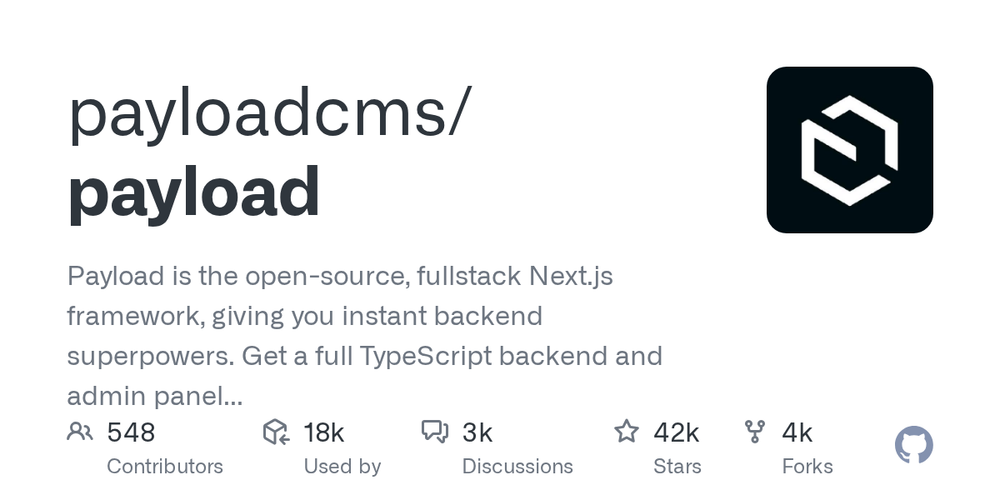
Best for TypeScript and Node.js teams who want to define their content schema in code and get a fully typed REST and GraphQL API automatically.
Payload CMS takes the "configuration as code" approach to headless content management. Instead of clicking through a GUI to define content types, you write a TypeScript configuration file that becomes your entire CMS: schema, access control, hooks, and API in one place. The result is a headless CMS that feels like extending your application rather than installing a separate system.
Payload generates a full REST and GraphQL API from your schema automatically. Every field you define (text, rich text, media, relationships, arrays of blocks) gets typed API responses and a corresponding admin UI. Access control is defined as TypeScript functions, which means role-based permissions are as flexible as your code.
With 28,000+ GitHub stars and backing from production deployments across e-commerce, marketing platforms, and developer tools, Payload is the fastest-growing headless CMS in the TypeScript ecosystem. Version 3.0 added Next.js integration, making Payload the only CMS that runs natively inside a Next.js app without a separate server.
Key Features
- TypeScript-first: full type safety from schema definition to API response
- Code-defined schema: content types, fields, and access control in TypeScript configuration
- Auto-generated REST + GraphQL APIs: every collection gets typed endpoints automatically
- Rich text with Lexical: modern block-based rich text editor with custom block types
- Access control functions: role-based and row-level permissions defined as TypeScript
- Hooks system: lifecycle hooks (beforeChange, afterRead, etc.) for custom logic
- Next.js integration: run Payload inside a Next.js app with no separate process
Pros
- Best TypeScript developer experience of any headless CMS
- Schema-as-code means content types are version-controlled alongside application code
- Access control is genuinely powerful: row-level, field-level, and operation-level
- MIT license with no commercial restrictions for any use case
- Next.js v3 integration is a significant architectural advantage for React teams
Cons
- Requires TypeScript/Node.js knowledge; not a good fit for non-developer teams
- Admin UI is functional but less polished than Strapi's interface for non-technical editors
- Smaller plugin ecosystem than Strapi's marketplace
- Newer project with less third-party content about production deployments at scale
License and Hosting
- License: MIT (no commercial restrictions)
- Self-hosting: Node.js + PostgreSQL or MongoDB. Docker Compose available
- Managed options: Payload Cloud (managed hosting), or any Node.js hosting provider
Best For
Payload CMS is best for TypeScript and Next.js teams who want headless content management defined in code, with full type safety from content schema to API response. If you're building a Next.js application and want content management without running a separate CMS server, Payload's v3 Next.js integration makes it the lowest-friction choice.
View Payload CMS on Open Source Alternatives
4. Strapi: The Most Popular Open Source Headless CMS
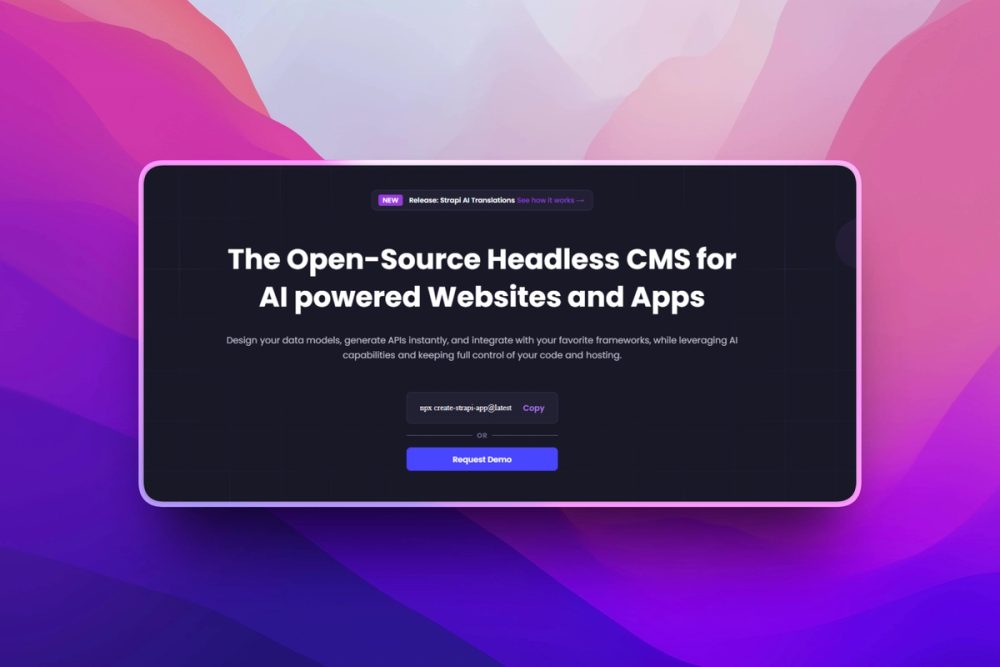
Best for teams who want a production-ready headless CMS with a visual content management interface, plugin marketplace, and both REST and GraphQL APIs.
Strapi is the most popular open source headless CMS by GitHub stars (64,000+) and one of the most widely deployed in production. It occupies the sweet spot between developer flexibility and non-technical usability: developers define content types through a visual builder or configuration files, and content editors manage content through a clean admin panel that requires no technical knowledge.
The plugin marketplace is one of Strapi's most practical advantages. Email providers, OAuth, image optimization, search, internationalization, and dozens of integrations are available as community or official plugins. The plugin API is public, so teams can build custom extensions that follow the same patterns.
Strapi's content API is available as REST or GraphQL, with granular permissions that control which fields and operations each role can access. Draft and publish workflows, content versioning, and internationalization are all built in for enterprise-grade content operations.
Key Features
- Visual content type builder: define schema through GUI or configuration files
- REST + GraphQL APIs: fully generated from your content type definitions
- Role-based access control: per-content-type and per-field permissions
- Draft and publish: content staging workflows out of the box
- Internationalization: built-in multi-locale content management
- Plugin marketplace: 100+ official and community plugins
- Media library: built-in asset management with image transformation
Pros
- 64k+ GitHub stars and the largest community of any open source headless CMS
- Non-technical content editors can use the admin panel without developer support
- Plugin marketplace is mature with a wide range of production-ready integrations
- Both REST and GraphQL APIs are generated automatically (no manual API code)
- MIT license with no commercial restrictions
Cons
- Configuration changes require a server restart in production (Strapi limitation)
- Admin panel is not as polished as Ghost's focused writing UI for content-heavy teams
- More setup and maintenance than Ghost for simple publishing use cases
- Version upgrades have historically required some manual migration work
License and Hosting
- License: MIT (Strapi v4 and v5 Community Edition)
- Self-hosting: Node.js + PostgreSQL, MySQL, or SQLite. Docker Compose available
- Managed options: Strapi Cloud (managed hosting), or any Node.js hosting provider
Best For
Strapi is best for development teams building API-driven applications who need a production-ready headless CMS with a GUI for non-technical editors, a rich plugin ecosystem, and the flexibility to deploy anywhere. It's the default choice for teams that need more structure than a custom API but more flexibility than a traditional CMS.
View Strapi on Open Source Alternatives
5. Puck: Open Source Visual Editor for React Applications
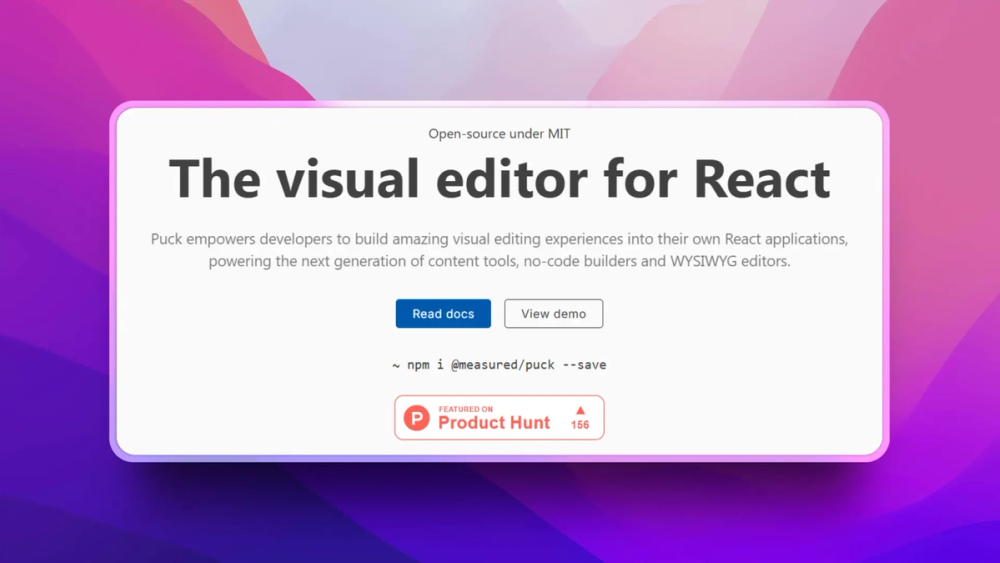
Best for React developers who want to add visual editing to their existing applications without replacing their tech stack.
Puck isn't a standalone CMS: it's a visual editor that drops into any React application. Think of it as an open source alternative to builder.io or Plasmic. Your developers define components; your editors arrange them visually. This embedded approach means you get visual editing without replacing your tech stack or migrating to a new CMS.
Puck has over 7,500 GitHub stars and is actively maintained by the measured.co team. Unlike full CMS platforms, Puck installs as a library and works with whatever backend and data storage you already have.
Key Features
- Visual editor with drag-and-drop component arrangement
- React-native: works in any React application without a separate infrastructure footprint
- Component-based: developers define editable components, editors compose pages visually
- Headless by nature: Puck is the editing layer, your app handles rendering and data storage
- Plugin system for extending editor capabilities
- MIT licensed with no commercial restrictions on use
Pros
- Adds visual editing to existing React apps without migration
- Developers maintain full control over components and rendering logic
- No vendor lock-in: it's a library, not a platform with exit costs
- Works with any backend or data source your app already uses
- MIT license means no commercial restrictions
Cons
- Not a full CMS: doesn't handle routing, authentication, or content storage on its own
- Requires React knowledge to set up and configure
- Editors work within developer-defined components (less freeform than Webflow)
- Smaller ecosystem than standalone CMS platforms
License and Hosting
- License: MIT (fully permissive)
- Self-hosting: Embedded in your React app (no separate hosting required)
- Managed option: N/A (it's a library)
Best For
Puck is best for React development teams building content-driven applications who want to give editors the ability to compose pages visually without surrendering developer control over component design. If you're building a Next.js site and want visual editing without adopting a separate CMS, Puck is the lightest-weight option available.
View Puck on Open Source Alternatives
Open Source Headless CMS vs. Traditional CMS: Which Type Do You Need?
The single biggest decision in choosing a CMS is whether you need a traditional CMS (content management and rendering in one system) or a headless CMS (content management only, with rendering handled separately via API).
Traditional CMS (Ghost, Drupal in coupled mode): Content is created, stored, and rendered in the same system. A content editor logs in, writes an article, and the CMS handles displaying it on the website. Simpler to run, easier to hand off to non-technical teams, and better for SEO tooling built into the platform. Ghost is the best traditional open source CMS for publishers. Drupal handles traditional enterprise-scale deployments.
Headless CMS (Strapi, Payload CMS): Content is created and stored in the CMS, then delivered via API to any front end. A React app, a mobile app, or even a digital signage system can all pull from the same content API. The front end is completely decoupled, giving developers freedom to choose their framework and deployment approach. Strapi is the most popular open source headless CMS; Payload CMS is the best for TypeScript-first teams.
Hybrid (Ghost, Drupal): Both Ghost and Drupal support headless operation through their APIs while still offering a coupled rendering mode. Ghost's Content API is clean and well-documented; Drupal's JSON:API and GraphQL modules power some of the most heavily trafficked headless deployments in production.
The practical rule: if your primary use case is publishing content to a website and you want a simple admin experience, start with a traditional or coupled CMS (Ghost for publishing, Drupal for enterprise). If you're building a product where content needs to flow to multiple surfaces (web, mobile, kiosk, etc.), or your team wants a TypeScript-first developer workflow, start with a headless CMS (Strapi for team-friendly, Payload for developer-first).
You can explore the full list of open source headless CMS tools in the headless CMS category.
How to Choose the Right Open Source CMS
For publishing and newsletters: Ghost is purpose-built for writing, email, and memberships. Don't overcomplicate it with a general-purpose CMS.
For enterprise content operations: Drupal handles the scale, permissions, and compliance requirements that other CMS platforms can't match. It's the default enterprise CMS choice in the open source world.
For API-driven applications with a content team: Strapi is the most popular open source headless CMS with a GUI that non-technical editors can use and a plugin ecosystem that covers most integrations.
For TypeScript/Next.js teams who want a developer-friendly CMS: Payload CMS defines content schema in code, giving you full type safety from schema definition to API response, with native Next.js v3 integration. It's the most developer-friendly CMS option for TypeScript teams.
For adding visual editing to React apps: Puck embeds a visual editor in your existing codebase without replacing your stack.
Browse the full set of open source CMS tools in the CMS category and explore headless-specific options in the headless CMS category.
Frequently Asked Questions
Is WordPress still the best open source CMS?
WordPress is the most popular, not the best for every use case. For simple blogs and small business sites with deep plugin requirements, WordPress's ecosystem is unmatched. For performance, security, developer experience, and modern architectures (headless, composable), the platforms in this article are better choices. Ghost is better for publishing. Drupal is better for enterprise. Strapi and Payload CMS are better for headless API-driven applications. WordPress's market share reflects its history and ecosystem size, not its technical superiority over modern alternatives.
What is a headless CMS?
A headless CMS separates content management (the back end) from content display (the front end). You create and manage content through an admin interface, then deliver it via API to any front end: a website, mobile app, or digital signage. Ghost, Drupal, Strapi, and Payload CMS all offer headless modes with full APIs (REST, GraphQL, or both). This approach gives developers freedom to use any front-end framework (React, Vue, Svelte) while editors work in a familiar admin interface.
Which open source CMS is most secure?
Drupal has the strongest security track record with a dedicated security team, regular security advisories, and a formal security release process. Ghost's smaller surface area (no plugins, no PHP) reduces attack vectors significantly. Strapi and Payload CMS limit attack surface through their headless architecture: no templating engine, no server-side rendering, just API endpoints with access control. All are more secure than a typical WordPress installation loaded with plugins, because each has a smaller, more regularly audited codebase.
Can I migrate from WordPress to an open source CMS?
Yes. Ghost has a WordPress migration tool that imports posts, tags, and images. Drupal has mature migration modules for WordPress content. Strapi can import content via CSV or REST API scripts. The most time-consuming parts of migration are recreating custom functionality (WordPress plugins) and setting up URL redirects correctly. Budget one to two weeks for a medium-size site migration.
Which CMS is best for SEO?
Ghost has the best built-in SEO: structured data, canonical URLs, meta fields, and sitemaps work out of the box with no plugins required. Drupal achieves excellent SEO through Metatag and Pathauto modules. Strapi and Payload CMS leave SEO implementation to the front end, which is actually an advantage for headless setups where the front-end framework handles metadata. The key insight: CMS-level SEO (meta tags, structured data, sitemaps) matters less than content quality, page speed, and backlinks. All five CMS platforms on this list can achieve perfect technical SEO when configured correctly.
Do I need to know PHP to use these CMS platforms?
Ghost uses Node.js (no PHP). Strapi uses Node.js (no PHP). Payload CMS uses Node.js and TypeScript (no PHP). Puck uses React and JavaScript (no PHP). Only Drupal is PHP-based on this list, but content editors don't need PHP knowledge for daily work; theme development in Drupal uses Twig, and only custom module development requires PHP. For content creation and basic administration, none of these platforms require programming skills.
What is the difference between a CMS and a headless CMS?
A traditional CMS (like classic WordPress or Drupal in coupled mode) handles both content storage and front-end rendering on the same server. A headless CMS stores and manages content but delivers it via API to a separate front end. Ghost, Drupal, Strapi, and Payload CMS can all operate in headless mode. The headless approach is popular because it separates concerns: content teams manage content through the CMS, while developers build fast, modern front ends using React, Vue, or any framework they prefer.
What about static site generators like Hugo or Astro?
Static site generators (Hugo, Jekyll, Gatsby, Astro) generate HTML files at build time rather than serving dynamic pages. They're faster and more secure but lack real-time editing and dynamic content capabilities. If your content changes infrequently and your team is comfortable with Git-based workflows, static generators are excellent. The CMS platforms in this article are for teams that need a visual admin interface and dynamic content management at runtime.
How much does self-hosting an open source CMS cost?
Ghost self-hosted runs on a $5-20/month VPS. Drupal requires $20-100/month depending on traffic and complexity. Strapi self-hosted runs on a $10-30/month VPS with Node.js. Payload CMS self-hosted costs $10-20/month (Node.js + database). Puck adds no additional hosting cost since it's embedded in your existing app. By comparison: Contentful starts at $300/month for teams, Webflow runs $14-39/month, and WordPress.com Business costs $33/month.
Which CMS is best for e-commerce?
Drupal with its Commerce module is the most capable for complex e-commerce scenarios. Strapi and Payload CMS work well as headless commerce backends when paired with a dedicated storefront. Ghost handles digital subscriptions and memberships but not physical product sales. Puck doesn't include built-in e-commerce functionality. For serious physical product commerce, consider pairing any headless CMS with a dedicated open source e-commerce platform like Saleor or Medusa.
How do I choose between Ghost and Drupal?
Choose Ghost if your primary use case is writing, publishing, and distributing content to subscribers. It's faster to set up, easier to maintain, and purpose-built for the publishing workflow. Choose Drupal if you manage multiple sites, need complex content relationships, require enterprise security compliance, or serve sustained high traffic that needs fine-grained caching and scaling controls. Ghost is the right default for content teams under 20 people. Drupal is the right choice for large organizations with dedicated DevOps support.
Which is the best open source headless CMS?
Strapi is the most popular open source headless CMS with 64,000+ GitHub stars, a large community, and a mature plugin ecosystem. It's the default choice when you need a headless CMS with a non-technical editor interface and broad integration support. Payload CMS is the best open source headless CMS for TypeScript teams: schema defined in code, full type safety, and native Next.js integration. If your team writes TypeScript and wants content types version-controlled alongside application code, Payload is the more developer-friendly option. Both are MIT licensed with no commercial restrictions. You can compare more options in the headless CMS category.
Which open source CMS is the most developer-friendly?
Payload CMS is the most developer-friendly open source CMS for TypeScript and Node.js teams. Content types are defined in TypeScript configuration files, access control is written as TypeScript functions, and the entire CMS generates a fully typed REST and GraphQL API automatically. There's no separate GUI step to define content structure: you write code, and the CMS follows. Strapi is developer-friendly in a different way: its visual content type builder and plugin API make it easy to scaffold a CMS quickly without writing custom code for every content type. For teams that want developer control without full code-defined schemas, Strapi is the more pragmatic choice.
What is the best enterprise open source CMS?
Drupal is the default enterprise open source CMS. It powers government websites, Fortune 500 company sites, and university portals because it handles the requirements enterprise organizations actually have: multi-site management, granular role and permission systems, WCAG 2.1 accessibility compliance, formal security release processes, and long-term support cycles. No other open source CMS has Drupal's track record at enterprise scale. The trade-off is steeper developer investment: Drupal requires PHP and Symfony knowledge for custom development. Managed hosting on Acquia or Pantheon reduces the operational burden for enterprise teams that don't want to maintain the infrastructure themselves.
What is the best open source alternative to WordPress?
The right answer depends on why you're leaving WordPress. Ghost replaces WordPress for publishing, newsletters, and memberships: it's Node.js, zero plugin dependencies, and ships with native email and subscription tooling. Drupal replaces WordPress for enterprise and complex content operations: multi-site, multi-language, granular permissions, formal security process. Strapi or Payload CMS replace WordPress as a headless content API when you're building a custom front end and need clean REST or GraphQL endpoints rather than WordPress's theme system. None of these are general-purpose WordPress replacements across all use cases: they each solve specific problems that WordPress handles poorly.
This article is maintained by the Open Source Alternatives team. Know an open source CMS we should include? Submit it to our directory.