

Who Puck is for#
React teams adding visual editing
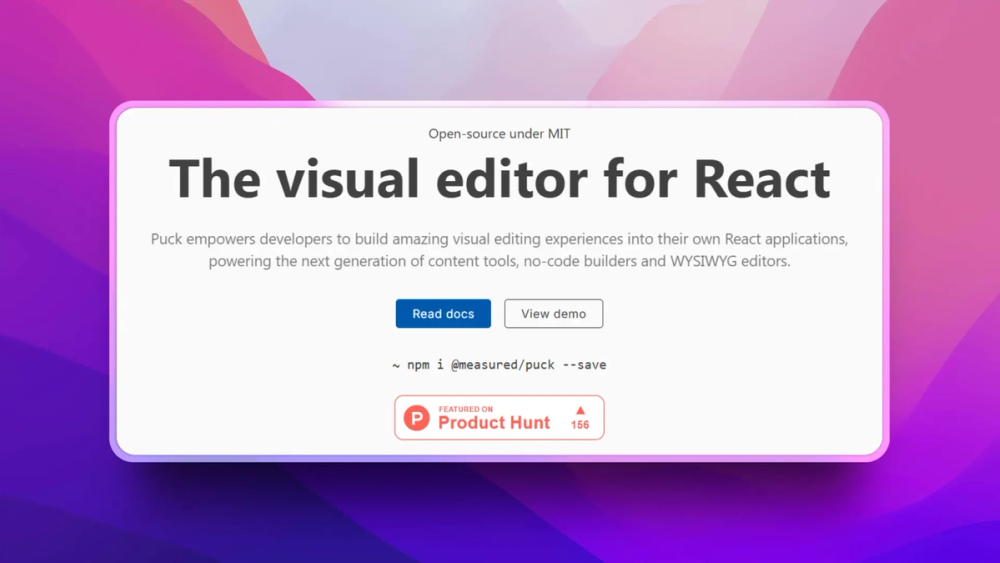
Puck fits teams that already have a component system and want non-developers to compose approved blocks.
Skip if:
Skip it if your site is not React-based or you need a hosted site builder.
Product teams building internal page tools
Engineers can expose only the fields and components a business user should edit while keeping rendering in the product codebase.
Skip if:
Use a managed visual CMS if your team cannot own the editor integration.
The problem it solves#
React teams often need marketing or internal users to edit pages without turning the whole application over to a hosted page builder. The tradeoff is usually painful: developers either build a custom editor from scratch or accept a third-party model that owns rendering and content structure.
The real issue is component ownership. Teams want editors to compose approved React components while engineers keep control over props, rendering, validation, storage, and release flow.
How it solves it#
Config-driven components
Puck maps editor fields to your React component props through a configuration object. Editors can change approved content without gaining arbitrary code access.
Render and edit primitives
The core package includes editor and render components, so teams can store Puck data in their own system and render it through their own React app.
Viewport and layout controls
Official docs cover viewports, iframe preview behavior, categories, dynamic fields, permissions, and plugin support. These details matter when building an editor for real internal users.
Strengths and trade-offs#
Strengths
- Bring-your-own data modelPuck is a React component, not a hosted CMS. Teams decide where page data lives and how publishing works.
- Commercial-friendly licenseMIT licensing keeps Puck practical for internal tools, SaaS products, and commercial websites that need embedded visual editing.
Trade-offs
- -Requires React integration workPuck gives the editor foundation, but engineers still need to define components, fields, storage, permissions, and publishing behavior.
- -Not a hosted website builderTeams looking for templates, hosting, analytics, and a no-code site platform will need additional products around Puck.
Quick start#
npm i @puckeditor/core --save

# Or generate an app
npx create-puck-app my-appWhat it's built on#
- Languages
- JavaScriptTypeScript
- Frameworks
- Next.jsReact
- Tooling
- esbuild
FAQ#
Is Puck open source?
Yes. Puck core is MIT licensed.
Does Puck host my content?
No. Puck is a React editor and rendering library; your application decides where content data is stored.
How do you install Puck?
Official docs show installing @puckeditor/core with npm, pnpm, yarn, or bun, plus an app generator command.
Similar open-source tools#

Onlook
26,928 GitHub starsVisual React editor where every design change writes real code
Alternative to Figma
Figma

Caret
37 GitHub starsYour design canvas is backed by real files in git
Alternative to Plasmic

Strapi
73,326 GitHub starsAlternative to Contentful

screenshot-to-code
80,444 GitHub starsTurn any design screenshot into clean, working code with AI
Alternative to Google Stitch

Payload CMS
45,299 GitHub starsBuild code-first CMS backends with TypeScript schemas
Alternative toContentful

TypeUI
2,016 GitHub starsCLI tool for managing design systems for Claude and AI tools
Alternative toFigma