
The monthly SaaS bill for a typical indie dev stack runs $150-200 before you have a single paying customer. GitHub Pro, Railway for hosting, Zapier for automation, Dropbox for file sync, 1Password for team secrets, a status page service. Each line item looks reasonable in isolation. Together they drain real money from projects that are not yet profitable.
The open source developer tools in this guide replace most of that stack on a single VPS. Whether you call it open source business software or self-hosted infrastructure, the math is the same: you pay $10-20 per month for the server. After the initial setup, the stack runs itself. You own the data. You set the terms.
I researched each tool in this list by looking at GitHub activity, documentation quality, community health, resource requirements, and user reviews on forums like Reddit and Hacker News. Every tool here runs on Docker, ships with active maintenance, and carries an OSI-approved license (one noted exception below).
TL;DR: Coolify handles deployment, Traefik routes traffic and manages SSL, Gitea hosts your code, Supabase is your backend layer, n8n automates your workflows, Uptime Kuma monitors everything, Nextcloud syncs your files, and Vaultwarden stores your secrets. That is a complete indie dev stack for roughly $20 per month in VPS costs.
Key Takeaways
- Top pick for deployment: Coolify replaces Railway and Heroku with a self-hosted PaaS that costs nothing beyond your VPS
- 8 tools evaluated, covering every layer of a production indie dev stack
- Every tool is Docker-based with active GitHub maintenance
- Self-hosting cuts a typical $150-200/month SaaS bill to $10-20/month VPS cost plus your time
- Most tools run on a 4 GB RAM VPS; Nextcloud and Supabase benefit from dedicated resources
Open Source Developer Tools by Stack Layer
| Tool | Stack Layer | License | Self-Hosted | Best For |
|---|---|---|---|---|
| Coolify | Deploy/PaaS | Apache 2.0 | Yes (1-script) | Teams leaving Railway or Heroku |
| Traefik | Reverse Proxy | MIT | Yes (Docker) | Auto-SSL and Docker service routing |
| Gitea | Code Hosting | MIT | Yes (Docker) | Private repos without GitHub lock-in |
| Supabase | Backend/DB | Apache 2.0 | Yes (Docker) | Apps needing Postgres and auth |
| n8n | Automation | Sustainable Use* | Yes (Docker) | Zapier-scale automation at zero per-task cost |
| Uptime Kuma | Monitoring | MIT | Yes (Docker) | Uptime checks and public status pages |
| Nextcloud | File Storage | AGPL-3.0 | Yes (Docker) | Teams replacing Dropbox and Google Drive |
| Vaultwarden | Secrets | AGPL-3.0 | Yes (Docker) | Shared password vault for small teams |
*n8n uses a Sustainable Use License: self-hosted version is free for personal and small commercial use. Not OSI-approved.
Coolify: Self-Hosted PaaS
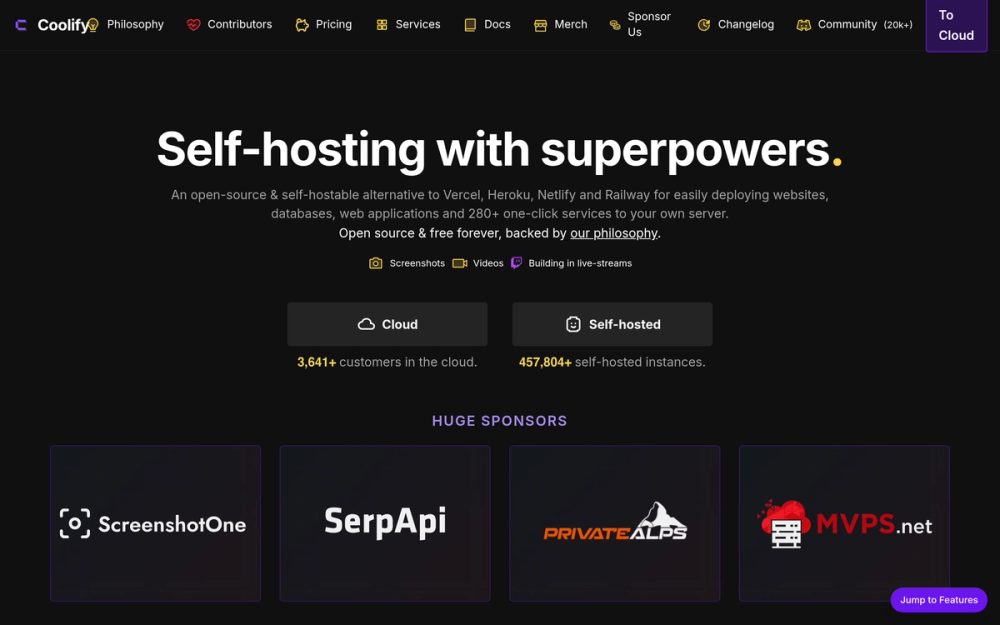
Coolify is what you use instead of Heroku, Railway, or Render. You point it at a VPS, and it gives you a GUI to deploy any Dockerfile, Git repository, or one-click template. No per-dyno pricing. No platform tax on egress. Your server, your rules.
The install is one curl command. After that, you get a web interface for managing deployments, environment variables, SSL certificates, domains, preview environments, and cron jobs. No Kubernetes required.
The key thing to know: Coolify bundles Traefik internally. When you add a domain in the Coolify dashboard, it automatically provisions a Let's Encrypt certificate and configures Traefik to route traffic. You do not write Traefik config unless you want custom middleware beyond what the GUI exposes.
Key Features
- Deploy any Dockerfile, Docker Compose stack, or Git repository (GitHub, GitLab, Gitea, Bitbucket)
- One-click templates for Supabase, n8n, WordPress, Plausible Analytics, Minio, Ghost, and 60+ more
- Automatic SSL via Let's Encrypt (Traefik handles certificate provisioning behind the scenes)
- Multi-server support: manage multiple VPS instances from one dashboard
- Preview deployments: spin up a test environment per pull request
- Built-in cron jobs and background workers
- Webhooks for deploy triggers from Git pushes
Pros
- Replaces Railway and Heroku with no per-dyno billing
- Apache 2.0 license: commercial use, forks, and modifications all permitted
- 35,000+ GitHub stars with active development and a responsive Discord community
- One-liner install, not a multi-day setup project
Cons
- Requires at least 2 GB RAM (4 GB recommended when running multiple apps)
- Some advanced Traefik configurations require CLI knowledge beyond the GUI
- Documentation occasionally lags behind the product; community Discord fills the gap
License and Hosting
- License: Apache 2.0 (permissive, OSI-approved, commercial-friendly)
- Self-hosting:
curl -fsSL https://cdn.coollabs.io/coolify/install.sh | bashon Ubuntu or Debian - Managed option: coolify.io cloud at $5/month
Best For
Indie devs and small teams paying $20-100/month on Railway, Render, or Heroku who want to move to a VPS without a DevOps hire. Coolify is well-suited when your apps are Dockerized or deploy from a Git repo. Skip it if you need Kubernetes-grade orchestration or enterprise RBAC controls on the deploy layer.
Traefik: Reverse Proxy and SSL
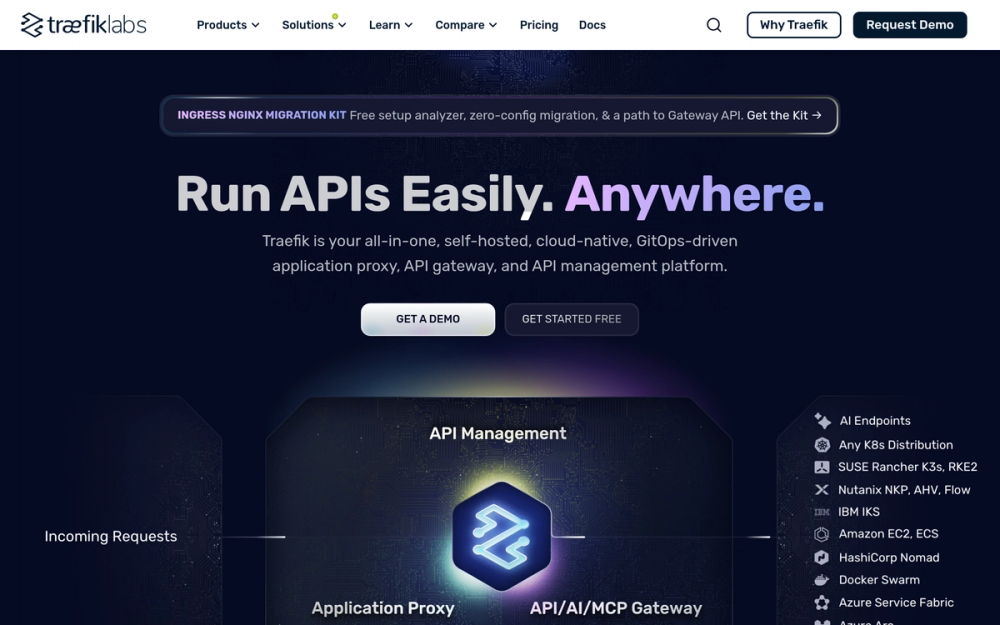
Traefik is a reverse proxy that auto-discovers your Docker containers via labels you add to each container's Compose file. It routes traffic to the correct service, handles SSL termination, and manages Let's Encrypt certificate renewal automatically.
The practical difference from nginx: you do not write config files. You add a label like traefik.http.routers.myapp.rule=Host('myapp.example.com') to your Docker container, and Traefik handles routing and SSL from there. Zero-downtime config changes are the default.
If you are running Coolify, Traefik is already installed and managed for you. This section matters if you want to configure Traefik independently or understand what Coolify is doing under the hood.
Key Features
- Docker-native: reads labels from docker-compose.yml to configure routes automatically
- Automatic Let's Encrypt certificates (HTTP challenge, DNS challenge, or TLS-ALPN)
- Middleware support: rate limiting, basic auth, custom headers, IP allowlists
- v3 performance improvements for high-throughput deployments
- WebSocket proxying and gRPC support
- Real-time dashboard for routing visibility
Pros
- Zero-downtime config reloads (no service restart required)
- MIT license: maximum permissiveness, no restrictions
- Works with Docker, Kubernetes, Consul, and Nomad
- Extremely lightweight (~50 MB RAM)
Cons
- YAML configuration syntax has a learning curve if you come from nginx
- Debugging routing issues requires reading logs rather than a direct error surface
- v2 to v3 is a breaking change; check the migration guide before upgrading
License and Hosting
- License: MIT (permissive, OSI-approved)
- Self-hosting: Single Docker container, configured via labels on sibling containers
Best For
Any self-hosted setup with multiple services running on one VPS. Traefik is the default answer for routing traffic between Docker apps and giving each one an SSL-enabled domain. If you are running only one app and do not need SSL management, nginx is simpler.
Gitea: Code Hosting
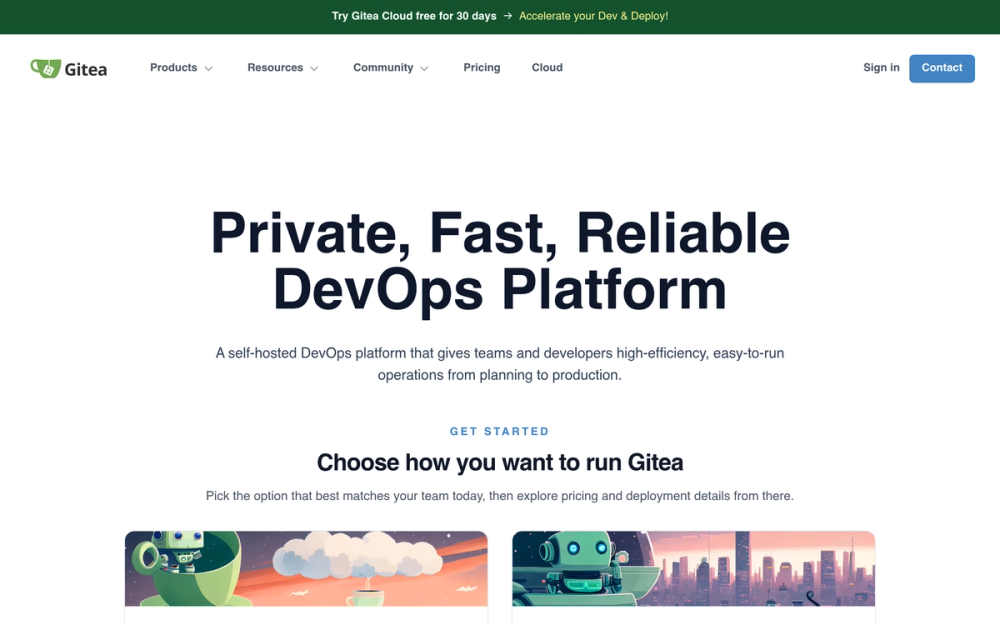
Gitea is a self-hosted Git service with the full GitHub experience: repositories, issues, pull requests, wikis, code review, and CI/CD via Gitea Actions.
The differentiator from GitLab is resource use. Gitea runs in 150 MB of RAM. GitLab Community Edition requires 4 GB minimum. For a solo dev or small team who wants a private Git server without allocating a dedicated VPS to it, Gitea is the obvious choice.
Gitea Actions uses GitHub Actions YAML syntax. You can copy a .github/workflows/ file to .gitea/workflows/ with minimal changes and it runs. This matters if you are migrating from GitHub or want CI/CD parity between hosted and self-hosted environments.
Key Features
- Full repository management with a web UI (branches, tags, releases, forks)
- Issue tracker with labels, milestones, and project boards
- Pull request workflow with inline code review
- Gitea Actions: GitHub Actions-compatible CI/CD using a separate runner
- Package registry (Docker images, npm packages, PyPI, and more)
- SSH and HTTPS clone URLs
- Webhooks for integration with external services
- Org and team management for multi-user setups
Pros
- MIT license: permissive, no restrictions on use or distribution
- Extremely low resource use (150 MB RAM minimum)
- Gitea Actions is compatible with GitHub Actions YAML syntax
- Single binary or Docker container; runs on a Raspberry Pi
- Active development with regular releases
Cons
- Plugin and app ecosystem is smaller than GitLab or GitHub
- Actions runner requires a separate process; not as zero-config as GitHub's hosted runners
- Built-in container registry is basic; heavier CI setups may need additional configuration
License and Hosting
- License: MIT (permissive, OSI-approved)
- Self-hosting:
docker run -p 3000:3000 gitea/giteaor download the single binary
Best For
Solo devs and small teams who want private Git repos without paying GitHub's team tier or running GitLab's resource-heavy server. Well-suited when you are already running Coolify: deploy Gitea through Coolify and connect Gitea Actions to your build pipeline in the same dashboard.
Supabase: Backend and Database
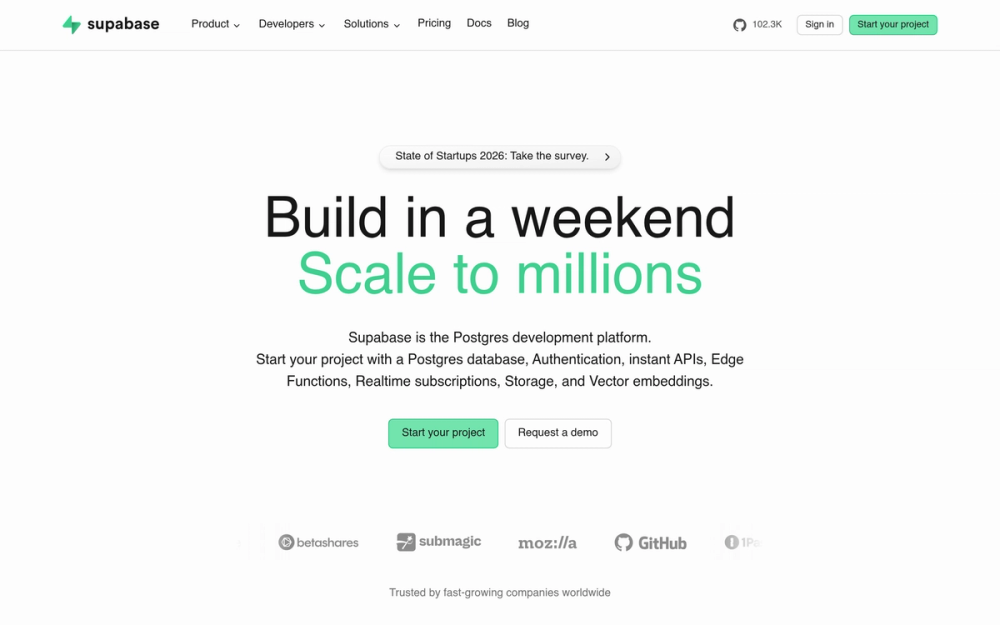
Supabase gives you a full Postgres database plus a REST API, realtime subscriptions, auth (email, magic link, OAuth), file storage, and edge functions, all in one self-hosted stack.
The right comparison is Firebase vs Postgres. Supabase gives you a real relational database (not a document store) with the developer experience of a backend-as-a-service. For indie devs building web or mobile apps, it replaces the need for a custom backend for most use cases.
Self-hosting Supabase is more involved than the other tools in this list. It uses Docker Compose with about 8 containers. The payoff is full Postgres access and no per-row read costs.
Key Features
- PostgreSQL database with full extension support (pgvector for AI search, PostGIS for geo, and 50+ more)
- Auto-generated REST and GraphQL APIs from your database schema
- Row-level security for per-user data access control
- Auth with email/password, magic links, and OAuth (GitHub, Google, Apple, and more)
- Realtime subscriptions via WebSockets for live data updates
- Storage (file upload with access controls and image transformations)
- Edge Functions using TypeScript and the Deno runtime
Pros
- Apache 2.0 license: production-grade, OSI-approved, commercial-friendly
- Full Postgres means no query limitations or proprietary data model
- 70,000+ GitHub stars: one of the largest open source backend projects
- SDKs for JavaScript, Python, Dart, Go, and Kotlin
Cons
- Self-hosted setup requires more configuration: roughly 8 Docker containers and multiple config files
- 1 GB RAM minimum; plan for 2 GB+ for a production deployment
- Not the right tool if your app does not need a backend
- Some Supabase Studio dashboard features only work on the cloud version
License and Hosting
- License: Apache 2.0 (permissive, OSI-approved)
- Self-hosting: Docker Compose stack; see the official self-hosting documentation for the compose file
- Managed option: supabase.com (free tier for hobby projects, then $25/month for the Pro plan)
Best For
Indie devs building web or mobile apps who want a production-grade Postgres backend without writing a custom API server. If you are building on React, Next.js, React Native, or any frontend that calls a backend API, Supabase handles auth, database, and file storage in one deploy.
n8n: Workflow Automation
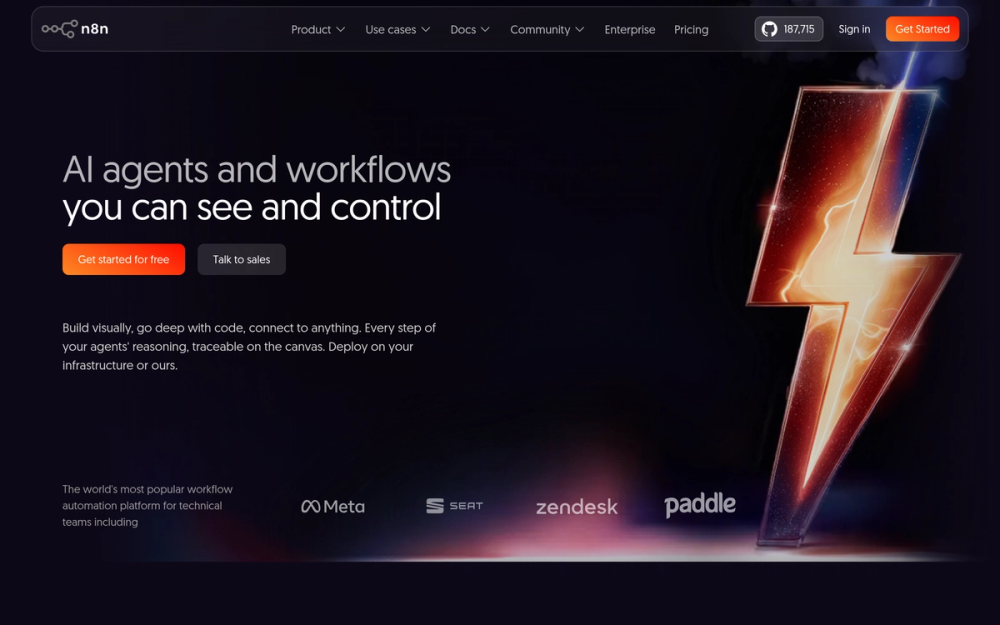
n8n is a visual workflow automation tool with 400+ integrations. It is the self-hosted answer to Zapier and Make: unlimited automations, no per-task billing, your data stays on your server.
The visual node editor lets you chain triggers, transformations, and actions without code. When you need custom logic, n8n has a Code node for JavaScript or Python. AI workflows are native: built-in nodes connect to OpenAI, Anthropic, Ollama, and other LLM providers.
One note on licensing: n8n uses a Sustainable Use License, not an OSI-approved open source license. The self-hosted version is free for personal and small commercial use. The OSA editorial team has included n8n in the directory; verify the license terms for your organization's compliance requirements.
Key Features
- 400+ integration nodes: Stripe, GitHub, Notion, Slack, Gmail, Postgres, HTTP requests, and more
- Visual workflow canvas with conditional logic, loops, error handling, and branching
- Code node for custom JavaScript or Python when no built-in node exists
- AI nodes for LLM chains, agents, and vector database workflows
- Webhook triggers for real-time event processing
- Cron-style schedule triggers
- Workflow templates library
Pros
- Self-hosted version has no per-task billing and no workflow count limits
- Docker setup in under 5 minutes
- 50,000+ GitHub stars with active development
- AI-native design for LLM pipeline automation
Cons
- Sustainable Use License is not OSI-approved: check compliance for your organization
- Complex workflows use significant RAM (250-500 MB, more for AI-heavy pipelines)
- Enterprise features (SSO, audit logs, environment variables) require a paid license
License and Hosting
- License: Sustainable Use License (self-host free for personal/small commercial use; not OSI-approved)
- Self-hosting:
docker run -p 5678:5678 docker.n8n.io/n8nio/n8n
Best For
Indie devs paying $20-50/month on Zapier for automations that run on a schedule or via webhook. If you need to move data between APIs, send notifications, process form submissions, or orchestrate AI workflows, n8n eliminates per-task pricing entirely.
Uptime Kuma: Monitoring
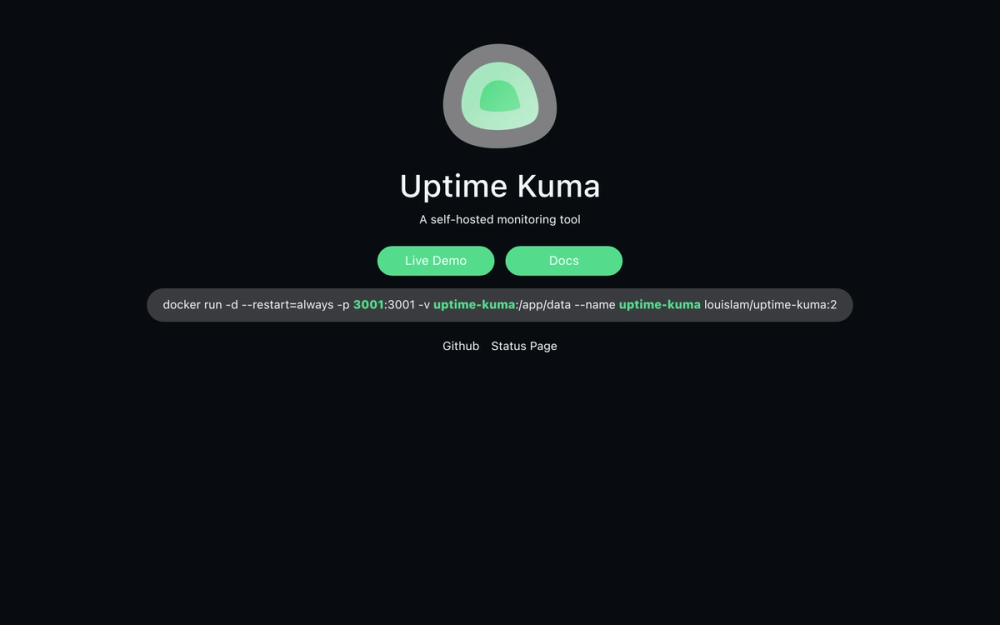
Uptime Kuma is a self-hosted uptime monitoring tool. It checks your services on a schedule and sends alerts when something goes down.
The UI is what sets it apart. Every uptime monitoring tool works. Uptime Kuma works and looks good. The status page feature lets you publish a public-facing page for your apps or for clients. At 61,000+ GitHub stars, it is one of the most-starred tools in the self-hosting ecosystem. The resource cost is negligible: it runs in roughly 50 MB of RAM.
Key Features
- HTTP, HTTPS, TCP, DNS, Docker container, and database monitors
- Configurable check intervals (down to 20 seconds)
- 90+ alert channels: Telegram, Slack, Discord, email, PagerDuty, Pushover, and more
- Public status page with a custom domain
- SSL certificate expiry monitoring
- Basic auth for the dashboard
- Notification grouping to reduce alert noise
Pros
- MIT license: no restrictions
- Extremely lightweight (~50 MB RAM), negligible VPS overhead
- Clean UI that does not feel like enterprise monitoring software
- Status pages work out of the box with custom domains
Cons
- No multi-user team access in the open source version
- Historical data is stored locally only (no built-in cloud backup)
- Not designed for complex on-call rotations or multi-step escalation policies
License and Hosting
- License: MIT (permissive, OSI-approved)
- Self-hosting:
docker run -d -p 3001:3001 --name uptime-kuma -v uptime-kuma:/app/data louislam/uptime-kuma:1
Best For
Any indie dev or small team running production services who wants uptime monitoring and a status page. Uptime Kuma handles fewer than 100 monitors without breaking a sweat. For enterprise-scale monitoring with on-call rotation, look at Prometheus and Grafana instead.
Nextcloud: File Storage and Collaboration
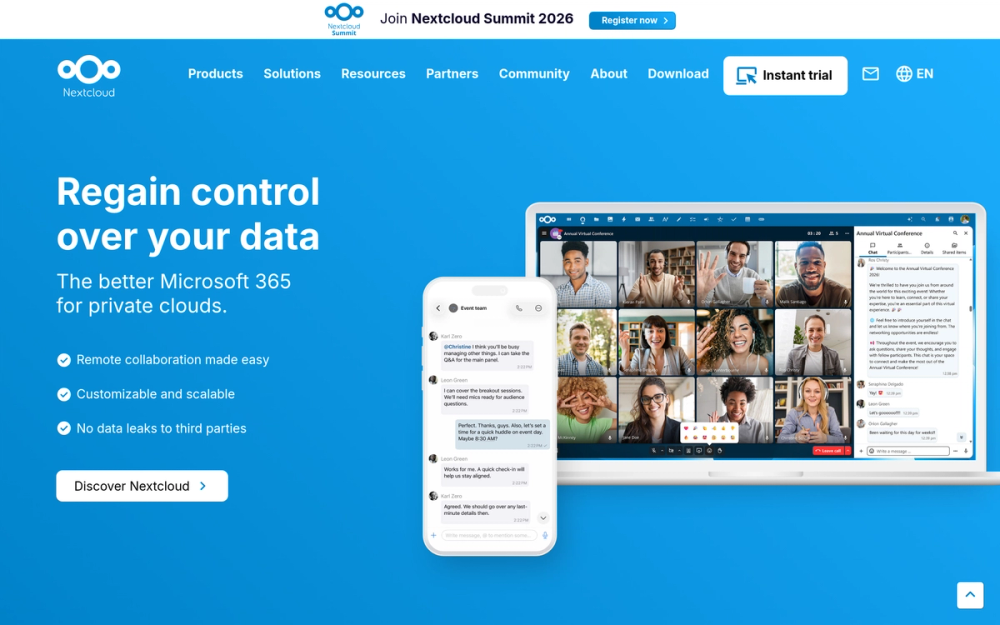
Nextcloud is a self-hosted Dropbox and Google Drive combined. You get file sync with desktop and mobile clients, a web file manager, calendar (CalDAV), contacts (CardDAV), notes, and an optional office suite for document editing.
It is the most resource-intensive tool in this stack. Nextcloud needs 2 GB RAM at minimum and performs better with 4 GB. The AIO (All-in-One) Docker installer simplifies setup considerably: it handles HTTPS, background cron, database, and Redis in a single compose stack.
The AGPL-3.0 license means any hosted derivative must also be open source. For your own internal use, that has no practical impact.
Key Features
- File sync with native clients for Windows, macOS, Linux, iOS, and Android
- Server-side encryption and optional end-to-end encryption
- Calendar (CalDAV) and contacts (CardDAV) sync for all major clients
- Nextcloud Office for collaborative document editing (powered by Collabora Online, based on LibreOffice)
- Nextcloud Talk for video calls and team messaging
- External storage integration (S3, FTP, local paths)
- 100+ apps in the Nextcloud App Store
- Public sharing links with passwords and expiry dates
Pros
- AGPL-3.0: ensures Nextcloud stays open regardless of who hosts it
- Mature project with more than 10 years of active development
- AIO installer has simplified self-hosting significantly
- Native mobile and desktop sync clients included
Cons
- Resource-heavy: 2 GB RAM minimum, 4 GB recommended for office features
- Maintenance is a real commitment: updates, certificate renewals, database backups
- Performance on a 1 GB RAM VPS will be sluggish under real use
- Full feature surface has a steep initial configuration curve
License and Hosting
- License: AGPL-3.0 (copyleft, OSI-approved)
- Self-hosting: Nextcloud AIO Docker stack handles most of the complexity automatically
Best For
Small teams or families who want to move file storage off Google Drive or Dropbox and also want calendar and contacts sync with mobile devices. If you only need file sync with no collaboration features, Nextcloud may be more than you need for the resource investment. For pure file sync without the collaboration layer, Syncthing is a lighter option worth considering.
Vaultwarden: Password and Secrets Management
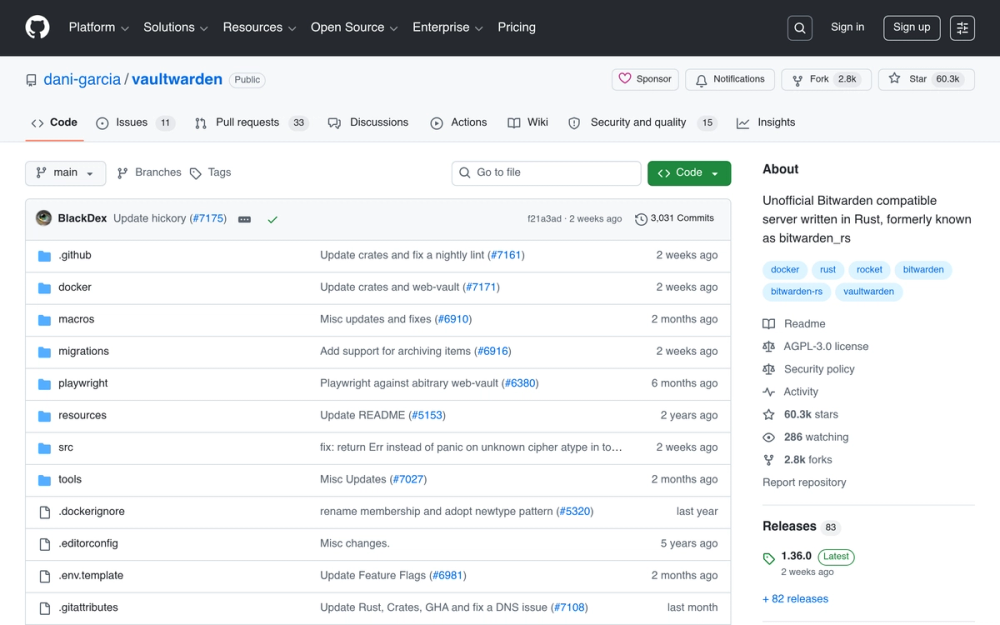
Vaultwarden is an unofficial Bitwarden-compatible server. It works with every official Bitwarden client: the browser extension, the mobile app, and the desktop app. The difference is the server: Vaultwarden uses roughly 10 MB of RAM vs the official Bitwarden server's 1 GB+.
For small teams, Vaultwarden replaces 1Password Teams ($19.95/month) or Bitwarden Teams ($4/user/month) with a self-hosted vault at zero additional cost. Your password database stays on your server, not on a vendor's cloud.
The tradeoff to understand: Vaultwarden is community-maintained and not officially supported by Bitwarden Inc. It relies on a reverse-engineered Bitwarden API. The project has reliably tracked Bitwarden API changes for years, but this is a dependency worth knowing before you commit your team's credentials to it.
Key Features
- Compatible with every official Bitwarden client (browser extension, mobile, desktop)
- Password vault, secure notes, card storage, and identity storage
- Bitwarden Send for secure file and text sharing
- Passkeys support
- Organization sharing for team password groups
- Admin panel for user and organization management
- Emergency access feature
Pros
- AGPL-3.0: fully open licensed
- Uses roughly 10 MB of RAM: the lightest tool in this entire stack
- Works with official Bitwarden clients (no custom client required)
- Replaces per-seat pricing for shared team vaults
Cons
- Not officially supported by Bitwarden Inc.
- Relies on a reverse-engineered Bitwarden API (stable in practice, but worth understanding)
- A future Bitwarden client update could break compatibility if Vaultwarden lags behind
License and Hosting
- License: AGPL-3.0 (copyleft, OSI-approved)
- Self-hosting:
docker run -d --name vaultwarden -v /vw-data/:/data/ -p 80:80 vaultwarden/server:latest
Best For
Solo devs and small teams (up to 10-15 people) who want shared password management without per-seat pricing. If you need enterprise features like Directory Sync or SCIM provisioning, Bitwarden's official self-hosted enterprise license is more appropriate. For personal use or a small team, Vaultwarden handles everything you need at zero additional cost.
How I Evaluated These Tools
I looked at five factors for each tool in this list:
- Active development: GitHub commit history and release cadence in the last 6 months
- Community health: issues response time, contributor count, Discord and forum activity
- Self-hosting ease: Docker availability, documentation quality, realistic setup time
- Resource efficiency: RAM and CPU requirements on a shared VPS
- License clarity: OSI-approved licenses preferred; n8n's exception is noted explicitly
I excluded tools that have moved to non-OSI licenses without a permissive self-hosted track. The exception for n8n stands because it remains free to self-host and is widely used by indie devs and small teams.
What VPS Do You Actually Need?
Running the full 8-tool stack on one server requires planning. Here is a realistic RAM breakdown:
| Tool | RAM Required |
|---|---|
| Coolify plus Traefik | ~500 MB |
| Gitea | ~250 MB |
| Supabase | ~1,000 MB |
| n8n | ~300 MB |
| Uptime Kuma | ~50 MB |
| Deployed apps (varies) | 500 MB+ |
| Core stack subtotal | ~2.6 GB |
| Add Nextcloud | +2,000 MB |
Practical recommendation: A 4 GB RAM VPS ($15-20/month on Hetzner, DigitalOcean, or Vultr) handles the core stack plus a few small apps. Run Nextcloud on a separate 4 GB VPS if you need it under real multi-user load. Coolify supports multi-server management from one dashboard, so adding a second server does not change your workflow.
How to Build the Stack: Recommended Order
You do not need all 8 tools on day one. Here is the order that avoids wasted setup time:
- Start with Coolify. Get your VPS, run the install script, and connect your domain. Traefik comes with it automatically.
- Add Uptime Kuma. Deploy via Coolify. Set up monitors for your domain and services right away.
- Add Gitea. Deploy via Coolify. Move your private repositories off GitHub.
- Add Vaultwarden. Lightest tool in the stack. Get your team's shared passwords off a commercial vault.
- Add n8n when you have automations worth building. Connect it to your services via webhooks.
- Add Nextcloud if your team needs file sync. Plan your VPS RAM budget before deploying.
- Add Supabase when you are building an app that needs a Postgres backend and auth layer.
Frequently Asked Questions
What open source developer tools can I self-host on a VPS?
The most useful self-hosted open source developer tools for a VPS are a deploy platform (Coolify), a reverse proxy (Traefik), a Git server (Gitea), a workflow automation tool (n8n), an uptime monitor (Uptime Kuma), file storage (Nextcloud), a password manager (Vaultwarden), and a backend layer (Supabase). All run on Docker and work on a $10-20/month VPS.
How much does a self-hosted developer stack cost?
A 4 GB RAM VPS for the core stack costs $15-20/month on Hetzner, DigitalOcean, or Vultr. Add a second 4 GB VPS for Nextcloud if you need it under real load, bringing total infrastructure cost to $30-40/month. That replaces a $150-200/month equivalent SaaS bill.
Is self-hosting worth it for indie developers?
It depends on your time budget. Self-hosting cuts monthly costs significantly, but you own the maintenance: updates, backups, and incident response are on you. For teams where one person handles DevOps, the savings are worth it. For solo founders with no interest in ops, managed services reduce stress even at higher cost.
What VPS size do I need for a self-hosted indie stack?
4 GB RAM handles Coolify, Gitea, n8n, and Uptime Kuma comfortably, with room for a few small deployed apps. Add another 4 GB server if you need Nextcloud or Supabase under real production load. Do not try to run the full stack on 1 GB RAM.
What is Coolify and how does it compare to Heroku?
Coolify is a self-hosted PaaS that runs on your VPS. It gives you a web interface to deploy Dockerized apps from a Git repo, manage environment variables, configure domains with SSL, and monitor running services. Unlike Heroku, you pay only for the VPS rather than per-dyno. The tradeoff is that you manage the underlying server.
Can I replace GitHub with a self-hosted Git server?
Yes. Gitea gives you a GitHub-like interface (repositories, pull requests, issues, code review) on your own server, with Gitea Actions for CI/CD using GitHub Actions YAML syntax. The main thing you give up is GitHub's marketplace and its ecosystem of third-party app integrations.
Is Vaultwarden safe to use?
Vaultwarden is not officially supported by Bitwarden Inc., but it has a strong track record. It is used by thousands of teams and has maintained compatibility with Bitwarden clients reliably for years. The risk to understand: it relies on a reverse-engineered API, so a Bitwarden client update could theoretically break compatibility. In practice, the Vaultwarden team has kept up with every major change. Make regular encrypted backups of your vault database regardless.
Can I self-host Supabase?
Yes. Supabase publishes an official Docker Compose stack for self-hosting with thorough documentation. Setup takes roughly an hour and requires configuring about 8 containers. The self-hosted version gives you full Postgres access and all the core features. A few Studio dashboard features are only available on the cloud version.
What is Traefik and why do I need it for self-hosting?
Traefik is a reverse proxy that routes incoming HTTPS traffic to the correct Docker container on your server and handles Let's Encrypt SSL certificates automatically. If you are running Coolify, you already have Traefik: Coolify installs and manages it for you. You need to know Traefik directly if you want custom middleware (rate limiting, IP allowlists, custom headers) or services outside Coolify's management.
How do I get started with self-hosting if I am new to DevOps?
Start with Coolify. It is the gentlest entry point: one install script, a web GUI, and no Kubernetes or complex YAML required. Get a $10-20/month VPS, run the Coolify install script, and deploy your first app from a Dockerfile. Once you are comfortable with that, add tools from this stack one at a time.
What is the best self-hosted software for small teams?
The best self-hosted software for small teams depends on the use case. For file storage: Nextcloud. For shared passwords: Vaultwarden. For code hosting: Gitea. For automation: n8n. For deploying apps: Coolify. For monitoring: Uptime Kuma. For a backend database and auth layer: Supabase. This stack covers every common infrastructure need for indie dev teams.
Browse the Full Self-Hosting Directory
This guide covers 8 tools, but there are hundreds of open source developer tools for every layer of a self-hosted stack.
Browse more open source tools in the directory: Open Source Alternatives