

Who Aider is for#
CLI-first developers making code changes
Ask for features, fixes, tests, and refactors while Aider edits files and keeps changes visible through Git.
Skip if:
You want inline autocomplete more than conversational repository edits.
Teams enforcing test-backed AI edits
Use lint and test commands after AI changes so failures loop back into the editing session.
Skip if:
Your project has no runnable checks and no clear Git workflow.
The problem it solves#
IDE assistants are convenient for suggestions, but larger changes still require the developer to collect context, apply edits, run tests, and manage commits. Terminal-first developers need an AI coding loop that works with Git, diffs, and project commands instead of only autocomplete.
How it solves it#
Terminal pair programming
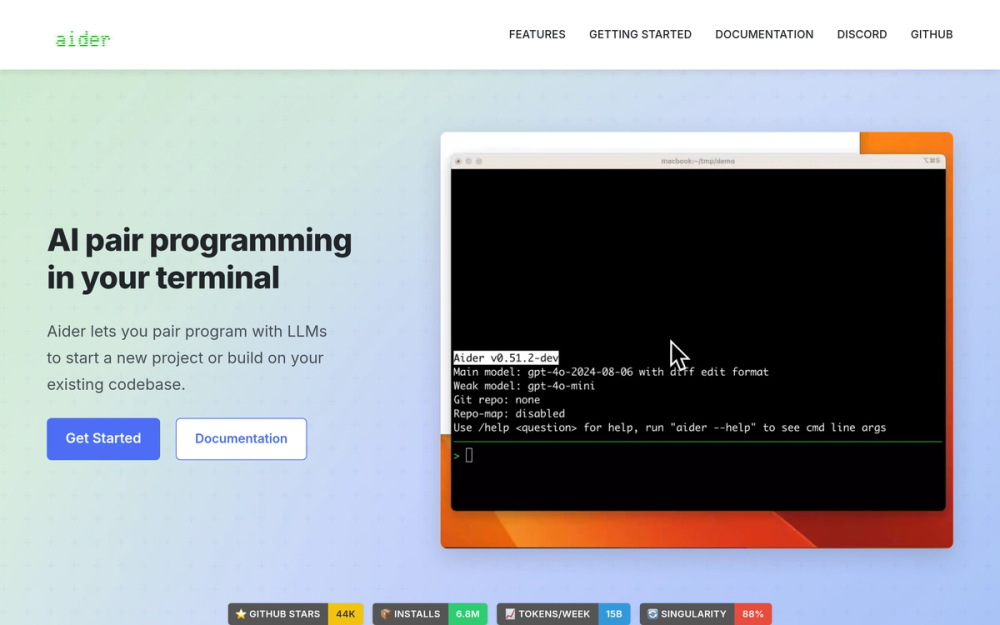
Aider runs in the terminal and edits your existing Git repository, which suits developers who want AI changes inside normal CLI workflows.
Repository map for larger codebases
The README highlights a codebase map that helps the model understand larger projects before editing.
Git-aware editing loop
Aider can commit changes with messages and work with familiar diff, undo, lint, and test workflows.
Strengths and trade-offs#
Strengths
- Strong fit for CLI developersAider works where many senior developers already review changes: terminal, Git, diffs, tests, and commits.
- Model-flexible workflowThe README lists support for many LLMs and local or remote providers, giving teams more choice than a single IDE product.
Trade-offs
- -Less visual than IDE-native toolsCursor and Copilot feel smoother for developers who want inline suggestions, visual context, and editor-native UX.
- -Quality depends on model and repo contextAider can only be as good as the selected model, provided files, tests, and prompts.
Aider vs alternatives#
Aider vs GitHub Copilot and Cursor
Aider is better when you want AI edits in a terminal-first Git workflow with explicit diffs, commits, tests, and repo-map context. Copilot and Cursor are smoother inside IDE-centric workflows and code completion. Aider fits developers who want conversational code changes while staying close to the command line.
Quick start#
```bash pipx install aider-chat ```What it's built on#
- Languages
- JavaScriptPython
- Frameworks
- FastAPI
FAQ#
Can Aider replace GitHub Copilot?
Aider can replace Copilot for terminal-based conversational edits. Copilot is still better for IDE-native code completion.
Does Aider commit code?
Yes. The README says Aider can automatically commit changes with sensible commit messages.
What languages does Aider support?
The README lists Python, JavaScript, Rust, Ruby, Go, C++, PHP, HTML, CSS, and many others.
Similar open-source tools#

codex
OpenAI's terminal coding agent, Apache-2.0 licensed

VibePad
Control your AI coding assistant with a gamepad, open source

OpenCode
OpenCode is an open-source AI coding agent that assists developers in

garden-skills
Production-ready agent skills for Claude Code, Cursor, and Codex
free-claude-code
Route 9 AI coding agents through 1.3B+ free monthly tokens

fx
Native Zig CLI coding agent, 7.8 MiB, any AI model.