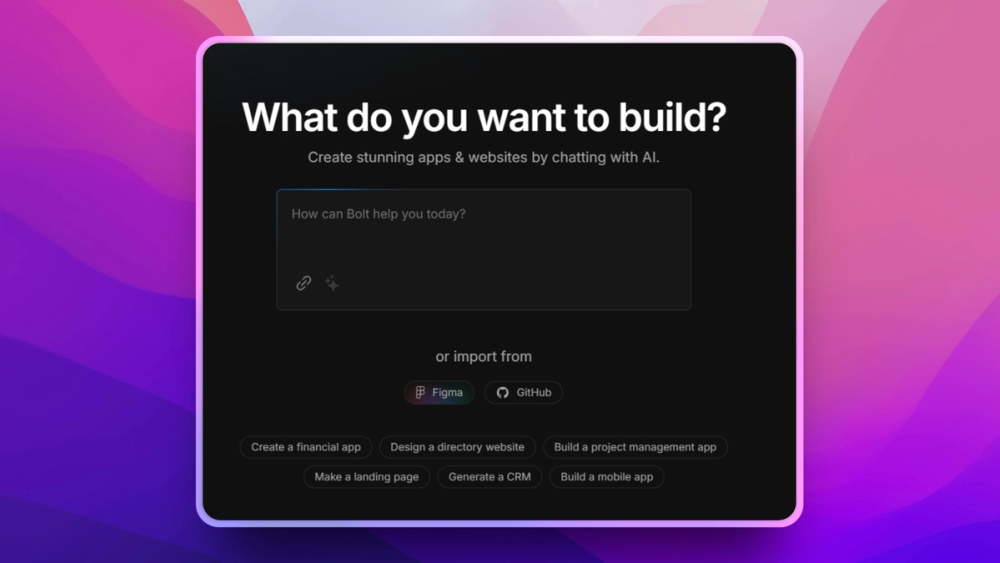
Bolt.new is an AI-powered full-stack web app builder that generates, runs, and deploys complete applications from natural language prompts directly in the browser, with no local development environment required.
The Problem
Building a prototype from a text description still requires setting up a local development environment, installing dependencies, configuring build tools, and deploying to a hosting service. The friction between "I have an idea" and "I have a running URL" takes hours for developers and days for non-developers. Existing AI code editors generate code but do not run or deploy it.
How Bolt.new Solves It
Bolt.new runs a full Node.js development environment inside the browser using WebContainer technology. When you describe an application, Bolt generates the code, installs dependencies, starts a dev server, and presents the running app in a preview pane. Edits can be prompted in natural language or made directly in the code editor. The bolt.diy project on GitHub provides the open source codebase for self-hosting.
Key Features
- Full-stack app generation from natural language: React, Vue, Node.js, and common frameworks supported
- In-browser Node.js execution: no local development environment or install required
- Live preview pane alongside the code editor for immediate visual feedback
- Support for multiple AI providers in the self-hosted version: OpenAI, Anthropic, Google Gemini
- One-click deployment to Netlify and other platforms
- Open source on GitHub as bolt.diy; MIT licensed for the self-hosted version
Who It's For
Bolt.new is best for product managers, startup founders, and non-developers who want to build and demo functional web applications without writing code, and for developers who want to prototype new ideas in minutes rather than hours.
Compared to v0 by Vercel
Unlike v0, Bolt.new generates full-stack applications with backend logic and runs them immediately in the browser, while v0 focuses on generating frontend React components for copy-paste into existing projects. Bolt.new is better for full-application prototyping; v0 is better for generating specific UI components within an existing codebase.