

Who Maestro is for#
Mobile teams covering release flows
Maestro fits teams that need smoke tests for login, onboarding, checkout, messaging, or other critical app flows across mobile builds.
Skip if:
Skip it if your team needs a fully managed device cloud and test management product bundled together.
QA engineers writing readable automation
Declarative flows make tests easier to review and maintain than platform-specific automation code. This helps QA and developers collaborate on coverage.
Skip if:
Use lower-level frameworks if your tests require deep custom hooks or platform internals that a flow language cannot express.
The problem it solves#
Mobile end-to-end tests often become brittle because they depend on low-level selectors, waits, and platform-specific setup. Teams spend more time stabilizing automation than validating the user flows that matter.\u000A\u000ACommercial testing products reduce some setup but can add license cost and vendor lock-in. Engineering teams usually want test flows that live in the repository, run in CI, and remain readable during product changes.
How it solves it#
Declarative test flows
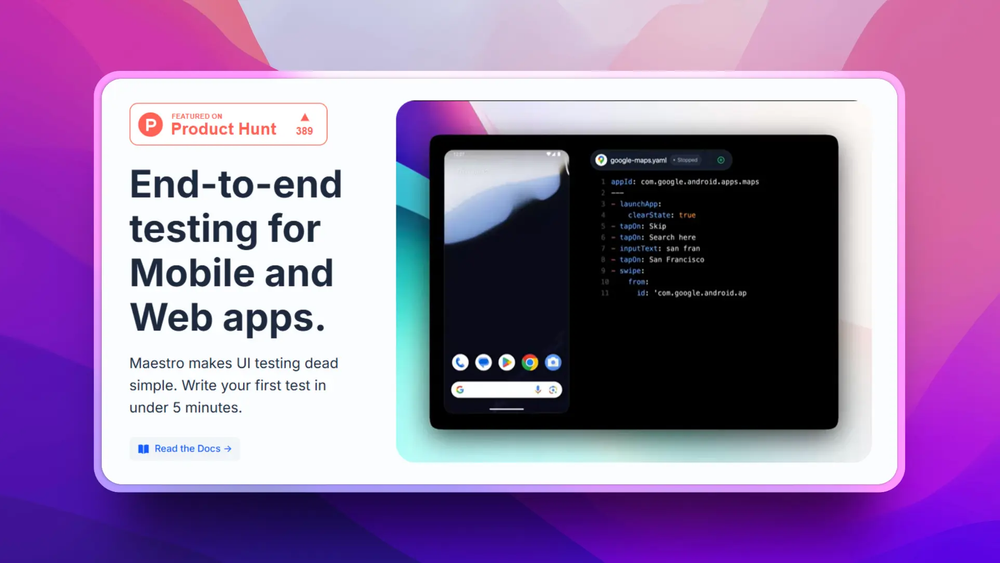
Maestro tests are written as readable flows that describe taps, text input, assertions, and navigation. This keeps common app journeys easier to review than large UI test classes.
Mobile and web automation
Maestro targets end-to-end automation across Android, iOS, and web workflows. Teams can keep a similar test style across the surfaces users actually touch.
CI-friendly execution
Tests can run from command-line workflows, which makes Maestro suitable for pull request checks and release pipelines rather than only manual QA runs.
Strengths and trade-offs#
Strengths
- Readable tests for product flowsMaestro's flow files make test intent clear to developers, QA, and product teams. That helps keep regression coverage tied to user journeys instead of implementation details.
- Open source testing coreApache-2.0 licensing lets teams adopt and adapt Maestro without a proprietary test-runner lock-in. That is useful for teams standardizing mobile CI.
Trade-offs
- -Complex apps still need stable test designMaestro reduces test boilerplate, but teams still need good identifiers, deterministic test data, and CI device management. It does not remove the hard parts of end-to-end testing.
- -Less packaged than enterprise QA suitesCommercial tools may include broader dashboards, test management, device clouds, and non-technical authoring features. Maestro is strongest for engineering-owned automation.
Maestro vs alternatives#
Maestro vs Katalon Studio\u000A\u000AMaestro and Katalon Studio both support UI test automation, but Maestro is an open source flow-based test runner while Katalon is a commercial QA product suite.\u000A\u000A| Criterion | Maestro | Katalon Studio |\u000A| --- | --- | --- |\u000A| License | Apache-2.0 | Proprietary |\u000A| Test model | Declarative flows | IDE-driven test authoring |\u000A| Best fit | Engineering-owned mobile and web flows | QA teams wanting a packaged suite |\u000A| CI use | Command-line friendly | Product-supported CI integrations |\u000A\u000AMaestro is the better choice when tests should live close to code and remain readable in review. Katalon is still better when a team needs a broader commercial QA suite with dashboards and non-developer authoring.
What it's built on#
- Languages
- DartJavaScriptKotlinObjective-CSwiftTypeScript
- Frameworks
- React
FAQ#
What is Maestro used for?
Maestro is used for end-to-end UI automation across mobile and web applications. Teams write declarative flows for actions and assertions.
Is Maestro open source?
Yes. Maestro is Apache-2.0 licensed. The project is developed on GitHub by mobile.dev.
How does Maestro compare to Appium?
Maestro focuses on readable high-level flows and simpler test authoring. Appium is lower-level and more flexible for custom platform automation, but it often requires more code and setup.
Similar open-source tools#

Octrafic
AI-powered CLI for automated API testing with natural language

Duckle
Self-hosted ETL on DuckDB with 385 connectors and no per-row billing.

Herdr
Agent runtime that keeps terminals alive across machines

CodeBoarding
Review code changes as architecture maps, not line diffs

ax
Declarative runtime for autonomous agent workloads

orbi
self-hosted, open-source (AGPL-3.0) AI coding agent