

Who CodeEdit is for#
macOS developers who prefer native apps
CodeEdit is a fit for developers who value Apple UI conventions and open Swift internals.
Skip if:
Skip if your workflow depends on VS Code extensions, Remote Development, or multi-platform parity.
Swift contributors building editor features
The codebase gives Apple platform developers a real editor project to inspect and improve.
Skip if:
Skip if you need a mature production editor more than a community project.
The problem it solves#
Many developers use cross-platform editors because their extension ecosystems are strong, but those editors can feel less native on macOS. Teams and individual developers who care about platform conventions, performance feel, and Swift-based customization may want an editor that starts from Apple-native UI patterns.
The tradeoff is ecosystem maturity. Replacing a mature editor such as VS Code means giving up many extensions, language integrations, and years of edge-case polish unless the project has caught up for your stack.
How it solves it#
Native macOS application
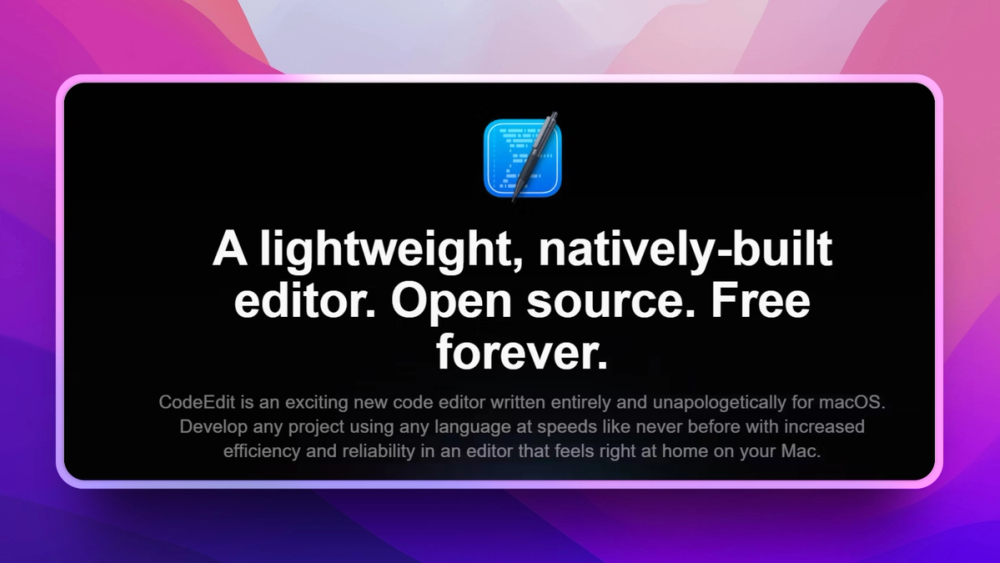
CodeEdit is built for macOS rather than shipping a cross-platform Electron shell, which is the project’s core differentiation.
Swift-based open codebase
The implementation uses Swift, making it approachable for Apple platform developers who want to contribute or inspect the editor internals.
Project-focused editing
The editor targets common code editing workflows such as navigating files, editing source, and working inside developer projects.
Strengths and trade-offs#
Strengths
- Mac-native directionCodeEdit’s clearest advantage is platform fit for developers who want an editor that follows macOS conventions.
- MIT licenseThe permissive license supports modification, redistribution, and commercial use with minimal friction.
Trade-offs
- -Extension ecosystem gapVS Code has a much larger extension marketplace and language-server ecosystem, so developers must verify support for their daily stack before switching.
- -macOS-only focusCodeEdit is not a cross-platform team standard for Linux and Windows developers.
CodeEdit vs alternatives#
CodeEdit vs Visual Studio Code
CodeEdit and Visual Studio Code both target source editing, but CodeEdit prioritizes a native macOS experience while VS Code prioritizes cross-platform reach and extensions.
| Criteria | CodeEdit | Visual Studio Code |
|---|---|---|
| License | MIT | Microsoft product with open source core components |
| Platform focus | macOS | macOS, Windows, Linux, web |
| Extension ecosystem | Developing | Very large |
CodeEdit is better for Mac developers who want native UI and an open Swift codebase. VS Code remains the safer default for teams that depend on a mature extension marketplace and cross-platform workflows.
What it's built on#
- Languages
- Swift
FAQ#
Is CodeEdit open source?
Yes. CodeEdit is open source under the MIT license.
Can CodeEdit replace VS Code?
CodeEdit can replace VS Code for some macOS editing workflows, but VS Code remains stronger for extensions, remote development, and language coverage.
Does CodeEdit run on Windows or Linux?
CodeEdit focuses on macOS, so it is not a cross-platform editor for Windows or Linux teams.
Similar open-source tools#

Neovim
Hyperextensible Vim-based editor with Lua plugin support

Firebase Ios Sdk
Open source Apple SDK for Firebase auth, data, push and crashes

scriptc
TypeScript to native executables, no runtime required

FckSignups
Open-source tools that work instantly, no signup required

Cyrus
Systems language: manual memory, no GC, LLVM-native compilation

limen
Composable authentication for modern Go backends