

Who Codegen is for#
Platform teams launching coding agents
Codegen fits teams that want to trigger code-agent tasks from Python automation or internal developer portals.
Skip if:
You need a fully local coding agent runtime with no hosted API dependency.
Engineering managers tracking repeated code tasks
The SDK can support repeatable prompts and polling flows for structured code-agent work.
Skip if:
Your process relies entirely on interactive IDE-based agent sessions.
The problem it solves#
Code agents become more useful when they can be launched from scripts, internal tools, or orchestration systems. If every agent task starts manually in a web UI, teams cannot easily queue work, track status, or connect results to their own workflows.
Engineering teams need a programmable interface for code-agent execution, especially when they want to run repeated tasks across repos or integrate agents into existing automation.
How it solves it#
Python agent wrapper
The SDK exposes a Python interface for initializing an agent, starting a task with a prompt, refreshing status, and reading results.
API token authentication
The README documents organization ID and API token setup for connecting to Codegen's service.
Multiple install paths
Codegen can be installed through pip, pipx, or uv depending on how developers manage Python tools.
Strengths and trade-offs#
Strengths
- Useful for agent orchestrationCodegen is strongest when code-agent tasks need to be started and monitored from existing developer automation.
- Small SDK surfaceThe README example is direct enough for teams to understand the basic run and status loop quickly.
Trade-offs
- -Depends on Codegen service accessThis SDK wraps Codegen's API. Teams need a Codegen organization and token, and should evaluate service dependency before building critical workflows on it.
Quick start#
pip install codegen
# or
pipx install codegen
# or
uv tool install codegenWhat it's built on#
- Languages
- Python
FAQ#
What is Codegen used for?
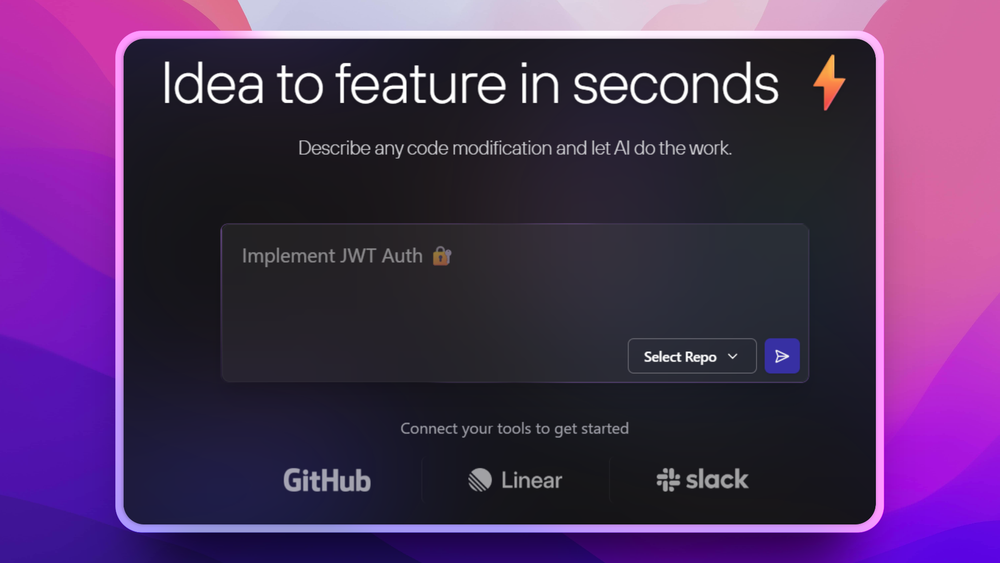
Codegen provides a Python interface for running Codegen code agents through an API and checking task results.
How do you install Codegen?
The README documents pip, pipx, and uv install options for the Python package.
What license does Codegen use?
GitHub metadata reports Apache-2.0 licensing for the Codegen repository.
Similar open-source tools#

VibePad
Control your AI coding assistant with a gamepad, open source

go-modern-guidelines
Modern Go idioms for every AI coding agent, free

Superlearn
Interactive study boards for any topic, no new subscription needed
garden-skills
Production-ready agent skills for Claude Code, Cursor, and Codex
free-claude-code
Route 9 AI coding agents through 1.3B+ free monthly tokens

fx
Native Zig CLI coding agent, 7.8 MiB, any AI model.