

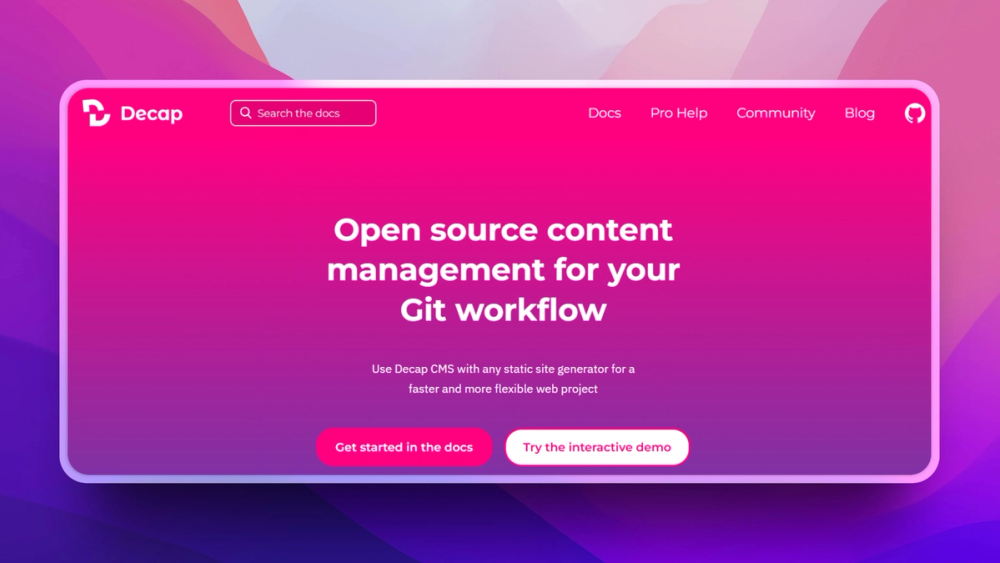
Who Decap CMS is for#
Documentation teams editing Markdown sites
Use Decap CMS to give writers a browser UI while keeping docs in Git and preserving review workflows.
Skip if:
Skip if writers need Google Docs-style collaboration and comments inside the CMS.
Small marketing sites on static generators
Content editors can update pages, blog posts, and images without learning Git commands.
Skip if:
Skip if your site needs complex personalization or high-volume multi-region content APIs.
The problem it solves#
Static-site teams often want non-developers to edit Markdown, frontmatter, and media without opening Git. Hosted CMS products solve the editing UI problem, but they move content into an external system and add API dependency, pricing, and migration concerns.
For documentation sites, marketing sites, and Jamstack projects, the repository is already the source of truth. The missing piece is an editor-friendly interface that writes clean commits.
How it solves it#
Git-backed content editing
Stores content changes in the project repository, so edits flow through commits, branches, and pull requests instead of a separate content database.
Config-driven collections
Defines editable content types, fields, media paths, and editorial workflows in configuration files alongside the site.
Static-site friendly admin UI
Adds a browser-based editing interface to static sites while preserving Markdown and frontmatter file formats.
Strengths and trade-offs#
Strengths
- Repository remains the source of truthContent stays portable because pages and data live in Git rather than behind a vendor API.
- Good fit for Jamstack sitesDecap CMS works naturally with static-site generators and deploy pipelines that already build from repository changes.
Trade-offs
- -Less suitable for complex content platformsDecap CMS works best for file-based content. Teams needing real-time collaboration, relational content modeling, or large editorial operations may prefer a hosted headless CMS.
Decap CMS vs alternatives#
Decap CMS vs Contentful
Decap CMS and Contentful both give editors a content UI, but they store content in different places. Decap CMS writes to Git; Contentful stores content in a proprietary hosted platform and serves it through APIs.
Decap CMS is better for static sites where Git should remain the source of truth. Contentful is still better for large editorial teams that need advanced content modeling, roles, localization, and managed APIs.
What it's built on#
- Languages
- JavaScriptTypeScript
- Frameworks
- React
- Tooling
- Webpack
FAQ#
Is Decap CMS open source?
Yes. Decap CMS is open source under the MIT license.
How does Decap CMS store content?
Decap CMS stores content in Git, usually as Markdown, frontmatter, and media files inside the site repository.
How does Decap CMS compare to Contentful?
Contentful is a hosted headless CMS with APIs and enterprise content modeling. Decap CMS is Git-based and works best when the repository should remain the content source.
Similar open-source tools#

Strapi

Payload CMS
Build code-first CMS backends with TypeScript schemas

Craft CMS
Flexible developer-friendly CMS for content teams

TinaCMS
Open source headless CMS with inline editing and Git backend

Grav
Flat-file CMS for fast, self-hosted websites.

Drupal
Open source CMS for enterprise and complex digital experiences