

Who GrapesJS is for#
SaaS products embedding a page or email editor
Use GrapesJS when customers need to design templates inside your own product and the output must connect to your data and publishing flow.
Skip if:
Skip it if you want a complete managed website builder with hosting and support.
Internal CMS and template builders
Use GrapesJS when editorial or operations teams need controlled visual editing for HTML templates, landing pages, or newsletters.
Skip if:
Skip it if a markdown editor or fixed content blocks are enough.
The problem it solves#
Teams often need non-developers to edit pages, email templates, or CMS blocks inside an existing product. Hosted builders such as Webflow solve website creation, but they do not always fit when the editor must live inside a SaaS app, internal CMS, email platform, or custom admin surface. Building a visual editor from scratch is expensive because it requires blocks, style controls, asset handling, code output, storage, and plugin behavior.
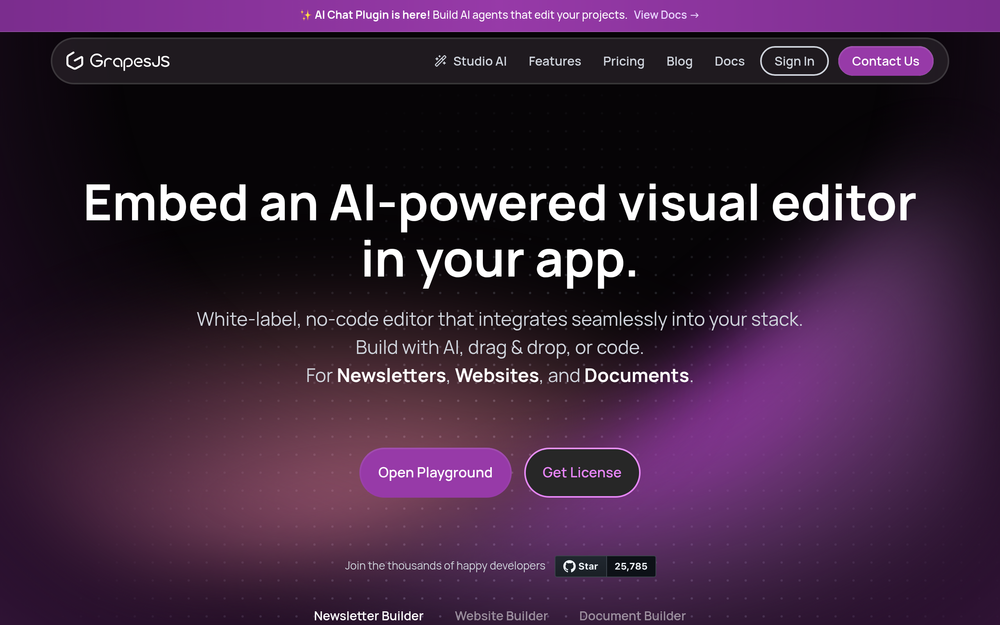
GrapesJS gives developers a framework for embedding that editor experience into their own web application. The important distinction is that it is not a managed site builder; it is a JavaScript framework for building a custom visual editor around your own data model and deployment path.
How it solves it#
Embeddable drag-and-drop editor
Add a visual HTML and CSS editor to a CMS, email platform, landing-page tool, or internal product. Users can compose templates without leaving your application.
Blocks, layers, style, and asset managers
GrapesJS includes common editor primitives such as blocks, layers, style controls, asset handling, and code viewing. That reduces the amount of editor infrastructure a team must build from scratch.
Template and newsletter use cases
The project explicitly targets sites, newsletters, mobile-app templates, and CMS template systems. That makes it useful for products where users need reusable content layouts.
Plugin and wrapper ecosystem
Official and community plugins, plus wrappers such as the React integration, give teams a path to customize the editor UI, storage, and component behavior.
Strengths and trade-offs#
Strengths
- Framework fit, not SaaS lock-inGrapesJS is strongest when the product needs to own the editor experience inside its own application. Webflow is a website platform; GrapesJS is a framework developers embed.
- Good starting point for custom buildersTeams get the core visual-builder primitives without committing to a vendor-hosted dashboard or designing every editor interaction from zero.
Trade-offs
- -Requires product engineering ownershipGrapesJS does not give you Webflow hosting, accounts, CMS, billing, analytics, or support out of the box. Your team owns integration, storage, permissions, publishing, and long-term editor UX.
GrapesJS vs alternatives#
GrapesJS vs Webflow
GrapesJS is the better fit when a team needs to embed a drag-and-drop editor inside its own CMS, SaaS product, or template workflow. Webflow is stronger when the team wants a hosted website builder with publishing, CMS, collaboration, and support already packaged. Choose GrapesJS for custom editor infrastructure; choose Webflow for managed website creation.
What it's built on#
- Languages
- JavaScriptTypeScript
- Tooling
- Webpack
FAQ#
What does GrapesJS replace?
GrapesJS can replace the custom editor framework you might otherwise build for CMS templates, email builders, or embedded page builders. It does not replace every Webflow, Wix, or Squarespace feature.
Is GrapesJS self-hosted?
GrapesJS is a JavaScript web builder framework you embed in your own application. It is not a standalone desktop app or a server product, so self-hosting depends on the app you build around it.
What license does GrapesJS use?
The OSA item record lists NOASSERTION. Confirm the current upstream license before using GrapesJS in commercial, redistributed, or hosted-service contexts.
Similar open-source tools#

WordPress

Ycode
Open source visual website builder with no-code CMS

Webstudio
Open source website builder with visual design and CMS

Grav
Flat-file CMS for fast, self-hosted websites.

Silex

Revyme
Build stunning website, export your code anytime