

Who KeePass is for#
Individuals avoiding cloud password vaults
KeePass fits users who want an encrypted local database instead of a hosted password manager account.
Skip if:
You need managed family or enterprise sharing out of the box.
Offline credential storage
Teams can use KeePass-style databases for sensitive credentials that should not depend on external service availability.
Skip if:
You cannot maintain secure backup and recovery procedures.
The problem it solves#
Hosted password managers are convenient, but they require trust in a vendor's infrastructure, pricing, breach response, and account recovery model. Some users prefer a password vault that is just an encrypted file they control.
KeePass solves that with a local database protected by a master password and optional key material. The tradeoff is clear: users gain ownership and portability, while taking responsibility for backup and sync.
How it solves it#
Encrypted local vault
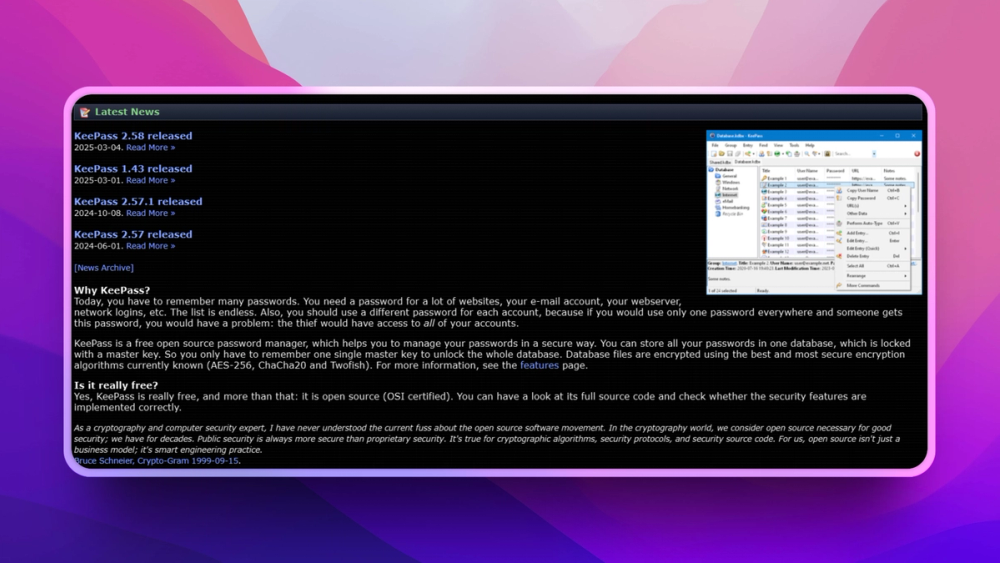
KeePass stores credentials in an encrypted database file rather than requiring a hosted account.
Portable database format
The .kdbx-style vault workflow lets users control where the database lives and how it is backed up.
Offline-first password storage
Users can manage credentials without depending on a cloud password service being available.
Strengths and trade-offs#
Strengths
- Strong personal data ownershipKeePass is best when the user wants password storage they can understand, move, back up, and keep offline.
- Long-lived ecosystemThe KeePass database model has broad recognition across many compatible tools and workflows.
Trade-offs
- -Backup and sync are user-ownedKeePass does not remove operational responsibility. Users must choose safe backup, device sync, and recovery practices.
What it's built on#
- Languages
- TypeScript
FAQ#
What is KeePass?
KeePass is a free open-source password manager that stores credentials in an encrypted local database.
Does KeePass require a cloud account?
No. KeePass works with local encrypted vault files, though users may choose their own sync method.
Who should use KeePass?
KeePass is best for users who want password data ownership and are comfortable managing backups.
Similar open-source tools#

Vaultwarden
Self-hosted Bitwarden-compatible password management

Bitwarden

KeePassXC
Cross-platform open source password manager with browser plugin

Passbolt
Open source team password manager with sharing and audit

Psono
Self-hosted password manager for teams with enterprise SSO

Keestash
Self-hosted team password manager with web-based access control