

Who Keestash is for#
Teams self-hosting password storage
Keestash fits teams that want control over encrypted vault infrastructure and can maintain a secure server.
Skip if:
You want a managed password manager with vendor-run recovery and support.
Groups sharing credentials privately
The sharing model works for small groups that need shared credentials without using a commercial cloud vault.
Skip if:
You only need an offline personal password database.
The problem it solves#
Password managers hold some of a team's most sensitive operational data. Hosted vaults reduce setup work, but they also place credential storage, account recovery, and sharing controls under a third-party service.
Self-hosting a vault gives teams more control, but it raises the bar for secure deployment. TLS, database migrations, permissions, backups, and upgrades all become part of the password manager decision.
How it solves it#
Encrypted password vault
Keestash is built around encrypting passwords inside a dedicated password manager server.
Shared credentials
The README describes sharing passwords with teams, family, or friends, which supports group vault workflows.
Docker development setup
The README states that local development moved from Vagrant to Docker, with Docker Compose used to create the container.
Extensible app ecosystem
Keestash positions extensibility through an app ecosystem as part of its password manager model.
Strengths and trade-offs#
Strengths
- Self-hosted credential controlKeestash lets organizations run password storage on their own infrastructure instead of depending entirely on a managed vault provider.
- Designed for sharingTeam and friend sharing is part of the project positioning, which matters for groups that need more than a personal password file.
Trade-offs
- -Setup is not lightweightThe documented setup includes Docker, TLS files, database migrations, instance data, system users, and permissions, so it needs admin comfort.
What it's built on#
- Languages
- JavaScriptPHP
FAQ#
What is Keestash?
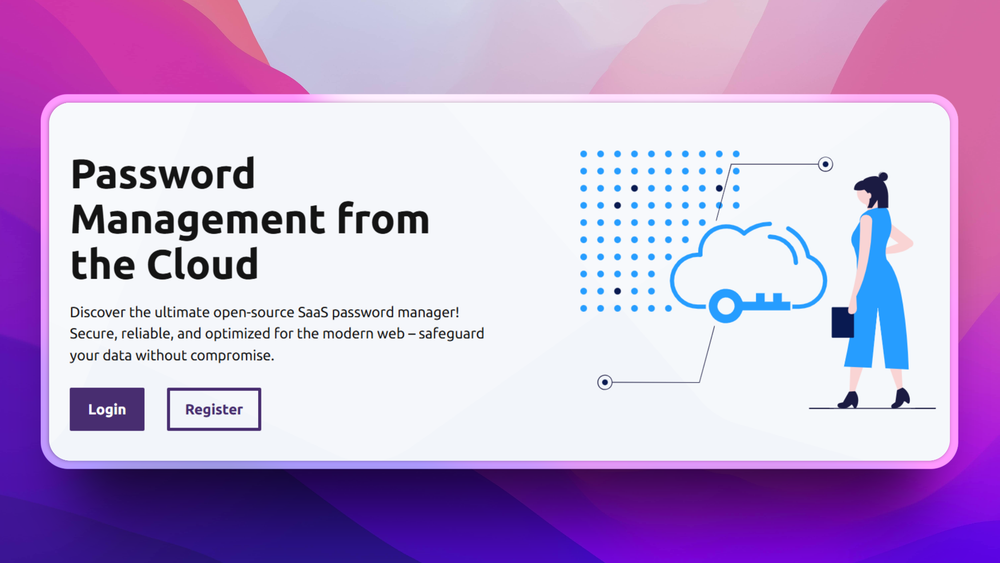
Keestash is an open-source password manager server for encrypted password storage and shared vault workflows.
Can Keestash be self-hosted?
Yes. The README describes installing Keestash on your own server and includes a Docker-based development setup.
What license does Keestash use?
Keestash uses AGPL-3.0 according to repository metadata.
Similar open-source tools#

Bitwarden

Vaultwarden
Self-hosted Bitwarden-compatible password management

KeePass
Free open source password manager with encrypted local file

KeePassXC
Cross-platform open source password manager with browser plugin

Passbolt
Open source team password manager with sharing and audit

Psono
Self-hosted password manager for teams with enterprise SSO