

Who LocalSend is for#
Mixed-device teams sharing files in the same office
LocalSend lets a Windows laptop, MacBook, Linux workstation, Android phone, and iPhone exchange files without routing them through Slack, email, or a cloud drive. It fits quick handoffs like screenshots, PDFs, installers, and exported reports.
Skip if:
Your teammates are remote or regularly transfer files across different networks. LocalSend is intentionally local-network first.
Privacy-minded users avoiding cloud uploads
People handling client documents, personal photos, lab data, or internal notes can send files directly over local WiFi without creating an account or storing the file with a third-party provider. HTTPS is used for local device communication.
Skip if:
Your organization requires centralized retention, audit logs, DLP controls, or legal hold for every file transfer.
Teachers and students in low-connectivity classrooms
Classrooms can pass worksheets, project files, images, and text snippets between nearby laptops and phones even when internet access is weak or unavailable. The no-login model reduces setup time on shared or student-owned devices.
Skip if:
The school network isolates client devices or blocks peer-to-peer traffic and administrators cannot change those settings.
Field teams moving files without internet
Technicians, researchers, event staff, and creators can move media or documents between nearby devices on a portable router or local hotspot. This avoids USB juggling when several operating systems are in use.
Skip if:
You need automatic background sync, conflict handling, or cloud backup after the transfer completes.
The problem it solves#
Nearby file sharing breaks when a team uses more than one operating system. AirDrop works well inside Apple's ecosystem, but Windows, Linux, Android, and shared classroom or office devices often need another path. Cloud drives and chat apps force local files through external accounts and servers, adding upload delays and avoidable exposure for quick handoffs. Network restrictions create a second failure point: firewalls, public network profiles, local-network permissions, and AP isolation can prevent devices in the same room from seeing each other.
How it solves it#
Local-network file and message transfer
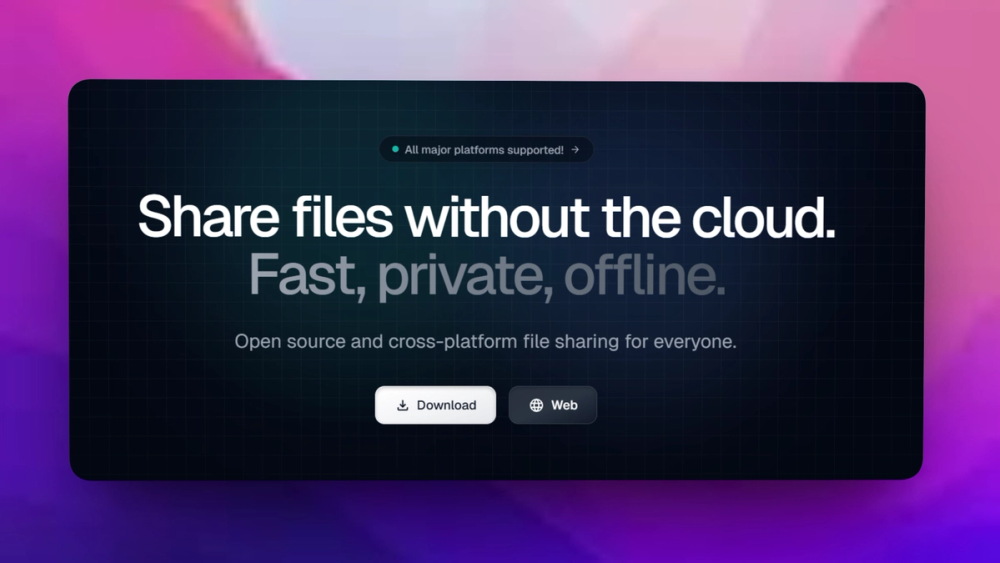
Sends files, text, and messages directly between nearby devices on the same network. Transfers do not require internet access, accounts, login, or third-party servers, which keeps the workflow useful in offices, homes, classrooms, and offline environments.
Cross-platform desktop and mobile apps
Runs on Windows, macOS, Linux, Android, iOS, and Fire OS through official app stores, package managers, and release downloads. This helps mixed-device teams where AirDrop or vendor-specific sharing tools leave some users out.
HTTPS-based local protocol
Uses a REST API with HTTPS encryption for device communication, and each device generates its TLS certificate on the fly. The protocol documentation defines multicast discovery plus HTTP fallback on default port 53317.
No account or server dependency
LocalSend does not require signup, cloud storage, or a central relay. The official website states there are no ads, no tracking, and no hidden costs, so the transfer path stays local unless your own network routes it differently.
Practical network troubleshooting built in
The README documents the real setup points users hit: allow TCP and UDP traffic on port 53317, use a private Windows network profile, grant local-network permission on Apple devices, and disable AP isolation on routers that block peer discovery.
Strengths and trade-offs#
Strengths
- Better mixed-device coverage than AirDropAirDrop is excellent for Apple-only devices, but LocalSend covers Windows, macOS, Linux, Android, iOS, and Fire OS. That matters for offices, families, schools, and labs where people do not all use the same vendor ecosystem.
- Local-first privacy modelFiles move over the local network instead of through cloud storage, email, or a messaging account. The website explicitly positions LocalSend around no login, no servers, no tracking, and local WiFi transfer, which reduces exposure for sensitive internal files.
- Apache-2.0 license for commercial useApache-2.0 allows teams to use, modify, and redistribute the app with a permissive license and an explicit patent grant. That is a better fit for companies that want to audit or adapt their file-transfer tooling without proprietary vendor lock-in.
- Documented open protocolThe separate LocalSend protocol repo documents discovery, upload, reverse download, HTTPS fingerprints, and default port behavior. This gives technical teams a clear reference when debugging network rules or integrating LocalSend into managed environments.
Trade-offs
- -Requires the same reachable local networkLocalSend is built for nearby devices on a local WiFi or LAN. It does not transfer over the public internet by design, so remote teammates still need a cloud drive, VPN, chat app, or another file-transfer path.
- -Network policies can block discoveryFirewalls, public Windows network profiles, macOS and iOS local-network permissions, and router AP isolation can prevent devices from seeing each other. The README documents these fixes, but locked-down corporate or guest networks may still require administrator help.
- -App updates are not automatic everywhereThe README recommends app stores or package managers because the app does not have built-in auto-update. Users who install portable builds, APKs, or direct release files need their own update habit.
- -Not a cloud sync or backup toolLocalSend handles immediate local transfer, not ongoing file sync, version history, retention, or restore workflows. Teams that need shared drives, audit logs, or long-term backup should pair it with a storage tool.
LocalSend vs alternatives#
LocalSend vs AirDrop
LocalSend and AirDrop both target nearby file sharing, but they fit different device environments. The LocalSend repository describes it as an open-source cross-platform alternative to AirDrop, and the official site lists Windows, macOS, Linux, Android, iOS, and Fire OS support. LocalSend also avoids accounts, internet access, and third-party servers for local transfers, which matters when a room includes devices from several operating systems.
Choose LocalSend for homes, offices, classrooms, and field teams that need local transfers across mixed platforms with public source code, Apache-2.0 licensing, and documented local protocol behavior. Choose AirDrop for Apple-only users who want the native sharing flow built into Apple devices and do not need Windows, Linux, Android, or Fire OS support in the same workflow.
What it's built on#
- Languages
- C++DartKotlinRust
- Frameworks
- Flutter
FAQ#
Is LocalSend free to use?
Yes. LocalSend is free and open source under the Apache-2.0 license, and the official website states there are no ads, no tracking, and no hidden costs. You can install it from app stores, package managers, or GitHub releases.
Does LocalSend work without internet?
Yes. LocalSend transfers files over your local WiFi or LAN and does not require external servers. Devices must still be able to reach each other on the same local network.
Which platforms does LocalSend support?
LocalSend supports Windows, macOS, Linux, Android, iOS, and Fire OS. The README lists store and package-manager options including Winget, Scoop, Chocolatey, Homebrew, Flathub, Nixpkgs, Snap, AUR, Google Play, F-Droid, Apple's App Store, and Amazon.
Why can't my devices see each other?
Local network discovery can fail when a firewall blocks TCP or UDP port 53317, Windows marks the network as public, Apple local-network permission is disabled, or the router has AP isolation enabled. The README lists those cases as the first troubleshooting checks.
Is LocalSend an AirDrop alternative?
Yes. The GitHub repo describes LocalSend as an open-source cross-platform alternative to AirDrop. The biggest difference is device coverage: LocalSend works across Apple, Windows, Linux, Android, and Fire OS devices instead of staying inside one vendor ecosystem.
Similar open-source tools#

ownCloud

Nextcloud

Drivebase
Self-hosted cloud file manager with unified storage

Inbox Zero
AI email assistant that drafts replies and clears your inbox

FU Flow
Free offline voice typing for Windows 10/11 and Ubuntu Linux

OpenBot
AI coworkers you can trust with real work