

Who Open Agents is for#
Developer-tool teams building cloud agents
Open Agents fits teams adding background coding agents to a developer product and needing a working pattern for sessions, tools, sandboxes, streaming, and repo changes.
Skip if:
You want a finished managed coding assistant rather than a reference app to adapt.
Vercel teams prototyping agent workflows
Teams already using Vercel can use the repo to explore AI SDK, Gateway, Sandbox, Workflow SDK, Neon-backed persistence, and GitHub app wiring in one project.
Skip if:
Your infrastructure policy prevents adopting Vercel-specific runtime services.
Engineering leaders evaluating agent architecture
The repo is useful as a concrete architecture study for separating an agent control loop from its execution sandbox, with real file, shell, git, and preview workflows.
Skip if:
You only need a lightweight local CLI agent with no hosted session UI.
The problem it solves#
Building a useful coding agent takes more than a chat box. Teams need authentication, repo access, long-running execution, tool calls, file edits, shell access, streaming status, cancellation, sandbox isolation, and a way to turn agent work into branches or pull requests.
Hosted coding-agent products hide that complexity, but they also limit how much teams can inspect, modify, and govern. Developers who want agent workflows inside their own product need a reference architecture that shows how the web app, workflow runner, and execution sandbox fit together.
How it solves it#
Three-layer agent architecture
The README separates the web app, durable agent workflow, and sandbox VM. That split keeps the agent control plane outside the execution VM, so sandbox lifecycle and model choices can evolve independently.
Durable workflow runs
Chat requests start Workflow SDK-backed runs instead of one request lifecycle. Active runs can stream progress, resume after reconnects, and cancel when the user stops the job.
Isolated Vercel sandboxes
Each session can work inside a Vercel sandbox with filesystem, shell, git, dev server, network, and preview-port access. Sandboxes can hibernate after inactivity and resume from snapshots.
GitHub app workflow
The README documents GitHub App credentials for repo access, pushes, and PRs. Open Agents supports repo cloning and branch work inside the sandbox, with optional auto-commit and auto-PR behavior.
Forkable Vercel deployment
The project ships a Vercel deploy flow with Neon Postgres integration support and explicit env var steps, giving teams a path from fork to hosted reference app.
Strengths and trade-offs#
Strengths
- Clear reference architectureOpen Agents is meant to be forked and adapted. The README explains the web, workflow, and sandbox boundaries directly, which helps teams reason about agent control and execution instead of reverse-engineering a hosted product.
- MIT license with real deployment piecesGitHub reports an MIT license, and the README includes deployment, auth, database, sandbox, and GitHub App configuration details. Teams can inspect and adapt the full stack for commercial projects.
- Built around production agent constraintsDurable runs, cancellation, stream reconnects, sandbox hibernation, preview ports, and optional PR creation address operational needs that simple agent demos usually skip.
Trade-offs
- -Vercel-first infrastructureThe reference app is built around Vercel products such as Sandbox and Workflow SDK. Teams outside the Vercel platform may need to replace key infrastructure pieces rather than drop the app into an existing stack.
- -GitHub flow needs app configurationFull repo access, pushes, and PRs require GitHub App credentials, webhook secrets, and callback URLs. That setup is appropriate for production use, but it is more involved than a local-only coding assistant.
- -Reference app, not managed serviceOpen Agents gives teams source code and patterns, not vendor-operated uptime. Operators still own database setup, auth settings, sandbox resource profiles, upgrades, and model-provider policy.
Quick start#
bun install
cp apps/web/.env.example apps/web/.env
bun run webWhat it's built on#
- Languages
- TypeScript
- Frameworks
- Next.jsReact
- Cache
- Redis
FAQ#
What is Open Agents?
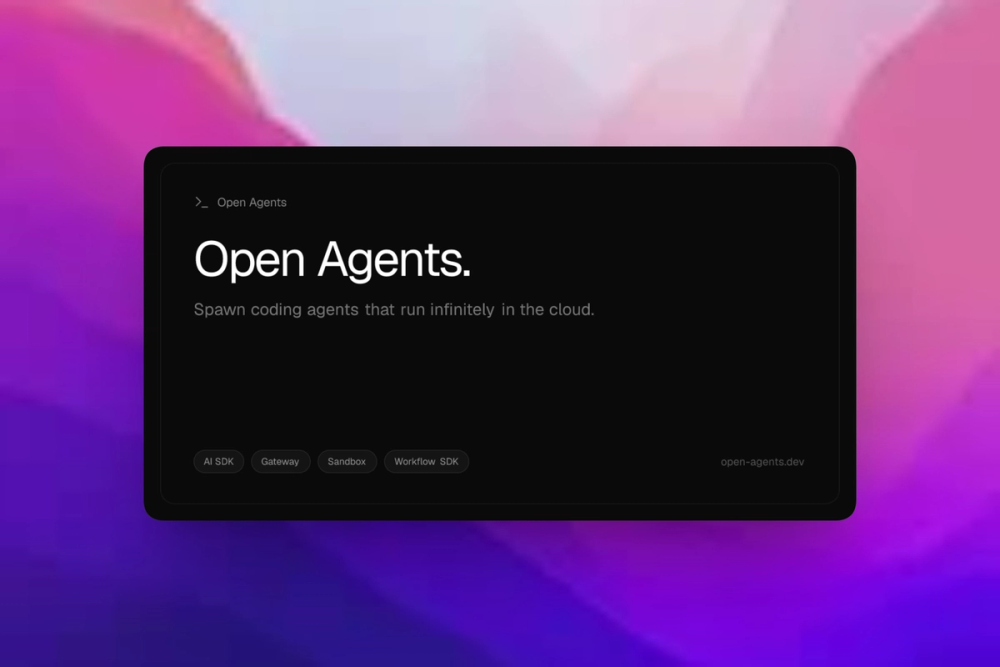
Open Agents is an open source reference app for building and running background coding agents on Vercel. It includes a web UI, agent runtime, sandbox orchestration, and GitHub integration.
Does Open Agents run the agent inside the sandbox?
No. The README says the agent runs outside the sandbox and interacts with it through tools such as file reads, edits, search, and shell commands. The sandbox stays focused on filesystem, shell, git, dev servers, and preview ports.
Can Open Agents create pull requests?
Yes, the README lists optional auto-commit, push, and PR creation after a successful run. Those capabilities depend on the GitHub App setup and user preferences.
What license does Open Agents use?
GitHub reports Open Agents under the MIT License. That makes it a permissive starting point for teams that want to fork, modify, and adapt the reference app.
How do you run Open Agents locally?
The README documents a Bun-based local setup: install dependencies, copy apps/web/.env.example to apps/web/.env, fill required values, then run the web app with bun run web.
Similar open-source tools#

Langflow
Visual AI workflow builder that deploys as an API or MCP server.

dify
Visual AI workflow builder with RAG, agents, and self-hosting

OpenBot
AI coworkers you can trust with real work

OpenCompany
Self-hosted AI agent canvas for every business function

headlong
Bash microharness for agents that think continuously

guaardvark
Self-hosted AI workstation with agents, video, voice, and RAG.