

Who DBeaver is for#
Developers debugging production-like data
Inspect schemas, run SQL, export records, and compare database behavior across engines from one GUI.
Skip if:
Your team only uses one database and prefers terminal-native tools.
Analysts querying mixed data stores
Connect to several warehouse and transactional systems without learning a separate client for each one.
Skip if:
You need governed BI dashboards rather than an operator database client.
The problem it solves#
Database work gets messy when every engine requires a different GUI, export workflow, and query editor. Developers and analysts lose time switching tools, remembering driver quirks, and building one-off scripts for routine inspection and migration work.
How it solves it#
Broad database driver support
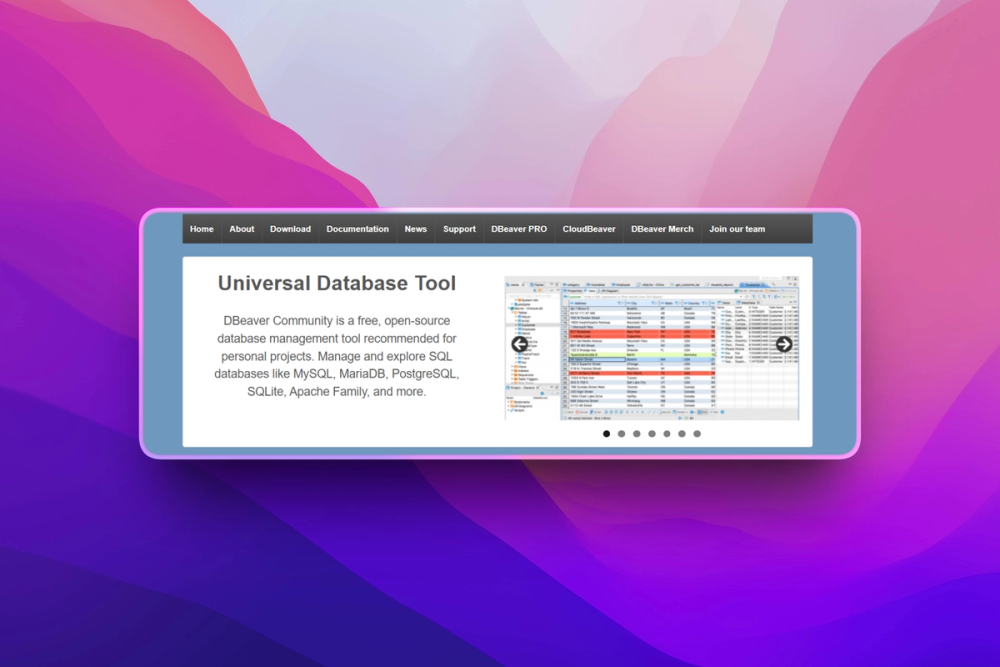
DBeaver supports more than 100 database drivers and can connect to most systems with JDBC or ODBC support.
SQL and schema tooling
The README lists SQL editor, schema editor, data editor, execution plans, ER diagrams, dashboards, and data export/import workflows.
Connection and tunnel options
Proxy and SSH tunneling support helps teams reach databases behind private networks without separate tunnel scripts.
Strengths and trade-offs#
Strengths
- One client for many databasesDBeaver reduces tool switching for teams that work across PostgreSQL, MySQL, SQLite, SQL Server, Oracle, Snowflake, and other systems.
- Apache licensed desktop baseThe community edition is Apache-2.0 licensed, giving developers a serious database GUI without starting from a proprietary-only client.
Trade-offs
- -Desktop app footprintDBeaver is a full Java desktop application. Lightweight CLI-first users may prefer psql, sqlite, or database-native shells.
- -Advanced team features may require paid editionsSome enterprise and cloud workflows sit outside the community edition, so teams should check edition boundaries before standardizing.
DBeaver vs alternatives#
DBeaver vs DataGrip
DBeaver is a strong choice when broad database coverage and a free Apache-licensed desktop client matter. DataGrip is still worth paying for if your team lives inside JetBrains tooling and wants the most polished SQL IDE experience. DBeaver wins for mixed database operations where one cross-platform client reduces tool sprawl.
What it's built on#
- Languages
- Java
- Databases
- Amazon RedshiftMySQLNoSQLPostgreSQLSnowflakeSQLite
- Infrastructure
- Databricks
FAQ#
What databases does DBeaver support?
DBeaver supports more than 100 drivers and works with most databases that expose JDBC or ODBC connectivity.
Is DBeaver free?
The DBeaver community edition is free and Apache-2.0 licensed. Paid editions add commercial and enterprise features.
Does DBeaver include Java?
Current desktop distributions include OpenJDK 21, according to the README. Older or custom setups may still need Java planning.
Similar open-source tools#

tabularis
Open-source desktop SQL workspace with AI, notebooks, and MCP

QoreDB
Rust-powered database client for 9 SQL and NoSQL engines

libredb-studio
One browser tab for 18 database engines, deployed beside your data

Duckle
Self-hosted ETL on DuckDB with 385 connectors and no per-row billing.

ChartDB
Free open source database diagram editor and visualizer

Azimutt
Explore and document complex database schemas visually