

Who Flowblade is for#
Linux creators editing local footage
Use Flowblade to cut, arrange, and export videos on a Linux workstation without moving footage to a hosted editor.
Skip if:
You need Adobe Premiere or Final Cut collaboration workflows.
Educators teaching video basics
Use Flowblade in Linux labs where students need the same local editor without license management.
Skip if:
The course depends on a cross-platform commercial editor used in a certification track.
The problem it solves#
Video editors often force Linux users into limited free tiers, paid desktop licenses, or cloud-based tools that do not fit local production workflows. That creates friction for creators who need timeline editing, export control, and project files they own.
The pain is sharper for educators, hobbyists, and small teams using Linux workstations. They need practical editing tools without moving footage into a vendor account or changing operating systems.
How it solves it#
Multitrack timeline editing
Edit video and audio across multiple tracks, which gives creators the basic structure needed for cuts, overlays, titles, and layered edits.
Linux desktop focus
Flowblade is built for Linux, so it fits workstations where commercial video editors may have limited or unsupported native options.
Local project workflow
Projects, media, and exports stay on the local machine, which helps teams working with private footage or offline editing environments.
Strengths and trade-offs#
Strengths
- No account-based editor lock-inFlowblade gives Linux users a local editor without a hosted account or subscription gate for basic editing workflows.
- Focused editing surfaceThe tool centers on non-linear editing rather than trying to become a full media suite, which can make it approachable for practical timeline work.
Trade-offs
- -Linux-only audienceFlowblade is not the right choice for teams that need one editor across Windows, macOS, and Linux workstations.
What it's built on#
- Languages
- Python
FAQ#
Does Flowblade run on Windows or macOS?
Flowblade is focused on Linux. Teams needing Windows or macOS support should choose a cross-platform editor.
Is Flowblade a browser video editor?
No. Flowblade is a local desktop video editor for Linux, not a web-based editing service.
Who should use Flowblade?
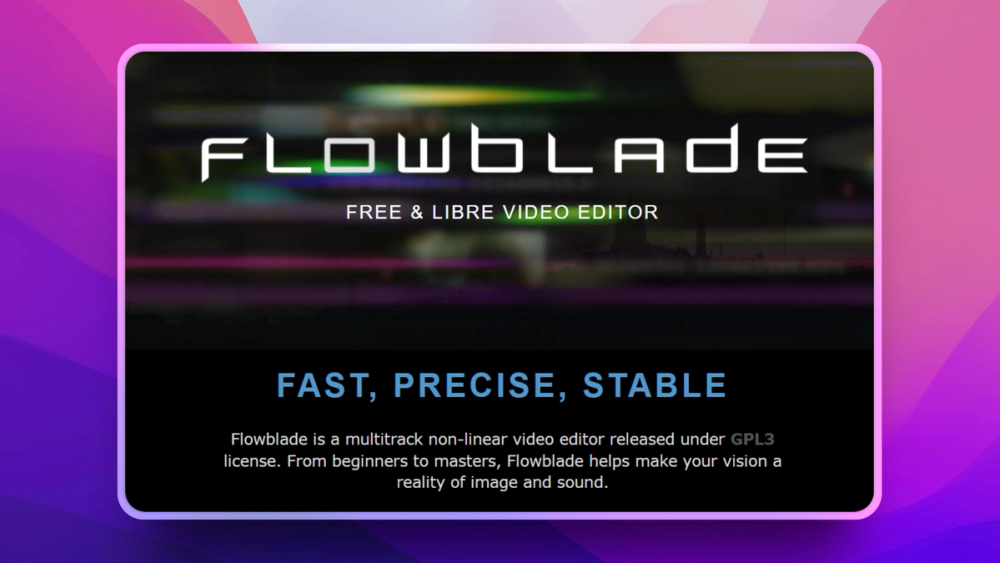
Flowblade is best for Linux users who need local non-linear video editing without a paid desktop editor.
Similar open-source tools#

Shotcut
Open source video editor for native timeline workflows on desktop

OpenShot
Free open source video editor for Linux, Mac, and Windows

Pitivi
Non-linear video editor for Linux, powered by GStreamer

Kdenlive
Free non-linear video editor for Linux, Mac, and Windows

LiVES
Live video editing and VJ performance tool for GNU/Linux

Cinelerra GG Infinity
Professional video editing software for Linux, fully free