
Educators and students editing projects
Use OpenShot when a class needs a free desktop editor for assignments, presentations, and basic video storytelling.
Skip if:
The curriculum teaches professional post-production or Adobe-specific certification.

Open source alternative to Adobe Premiere Pro, DaVinci Resolve Studio, Final Cut Pro and CapCut
Last verified
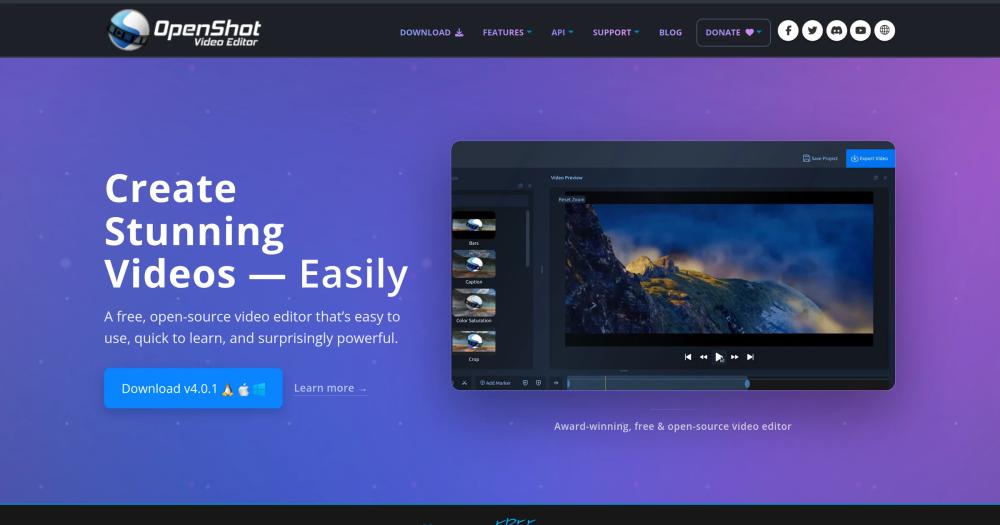
A free, open-source, cross-platform video editor offering powerful yet user-friendly editing tools for Linux, macOS, and Windows.
Use OpenShot when a class needs a free desktop editor for assignments, presentations, and basic video storytelling.
The curriculum teaches professional post-production or Adobe-specific certification.
Use OpenShot for product walkthroughs, social clips, event recaps, or internal training videos that do not need a studio pipeline.
You need shared media libraries, advanced color workflows, or multi-editor collaboration.
Many creators need to cut clips, add titles, arrange audio, and export finished videos, but paid professional editors carry subscription costs and workflows built for full production teams. That is overkill for classrooms, small teams, hobby creators, and occasional marketing work.
The challenge is finding a video editor that is accessible without forcing users into a web-only editor or a vendor account. Local desktop editing still matters when files are large, internet access is limited, or users want to keep media on their own machine.
OpenShot provides a non-linear timeline for arranging clips, audio, transitions, titles, and effects in a desktop editing workflow.
The project ships for Linux, Windows, and macOS, which helps mixed teams and classrooms standardize on one editor.
OpenShot includes practical editing tools for title overlays, animated titles, clip transitions, and basic visual effects without requiring a paid plug-in stack.
Yes. OpenShot is free desktop video editing software with source available through the project repository.
OpenShot can replace Premiere Pro for basic editing, titles, transitions, and exports. Premiere remains stronger for professional post-production and collaborative media workflows.
Yes. OpenShot supports Linux, Windows, and macOS.
#1 in the CapCut guide
Local background removal, auto-captions, and Android support
#2 in the CapCut guide
The browser-and-desktop pick for CapCut's familiar feel
#3 in the CapCut guide
Desktop timeline editor with built-in Whisper captions
#4 in the CapCut guide
KDE editor with 2 speech-to-text engine options and colour grading
Featured

Alternative to Grok Bot
AI teammates you own: your keys, your model, your machine.

Alternative to Superhuman
AI email assistant that drafts replies and clears your inbox

Alternative toClaude Managed Agents
Open-source agent deployment API. Self-host or use Omnara Cloud.
The projects we add and every new guide. Free, unsubscribe any time.
 Claude Code to
  OpenCode
 Jira to
  Windshift
 Notion to
  AppFlowy
 Slack to
  Mattermost
 Linear to
  GitLab
 Wispr Flow to
  Handy
Handy CapCut to
  Concat
 Grok Bot to
  rakazo
 Superhuman to
  Inbox Zero
 Airtable to
  AITable
 Muse to
  OpenClaw
 GitHub Copilot to
  Cline
Cline Datadog to
  Netdata
 Microsoft Teams to
  Rocket.Chat
 Pinecone to
  Qdrant
 Zapier to
  n8n
n8n Devin AI to
  OpenHands
 Firebase to
  Supabase
 1Password to
  KeePassXCConfluence to
  Docmost
 Contentful to
  Strapi
 Adobe Premiere Pro to
  Shotcut
 ChatGPT to
  AnythingLLM
 LangSmith to
  Langfuse


