
Privacy-conscious desktop users
Midori fits users who want a daily browser with stronger privacy positioning and broad desktop operating-system support.
Skip if:
You need Chrome-specific enterprise policies, sync, or extension compatibility.

Open source alternative to Google Chrome, Island Enterprise Browser and Palo Alto Networks Enterprise Browser
Last verified
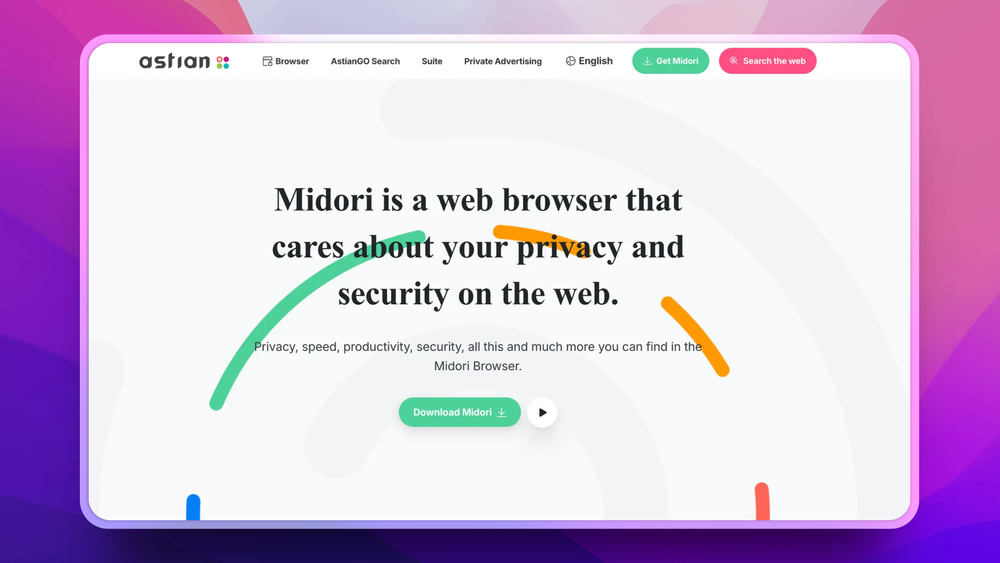
Midori Browser is a lightweight, privacy-focused web browser for Windows, Linux, and Android with built-in tracker blocking, DNS-over-HTTPS, and no telemetry collection. GPL-3.0 licensed.
Midori fits users who want a daily browser with stronger privacy positioning and broad desktop operating-system support.
You need Chrome-specific enterprise policies, sync, or extension compatibility.
Midori's lightness positioning makes it useful for Linux users who want a browser that does not feel tied to a large vendor ecosystem.
You require official support from a major browser vendor.
Mainstream browsers optimize for broad platform ecosystems, accounts, and advertising-adjacent defaults. Privacy-conscious users often spend time disabling telemetry, changing search settings, and adding extensions before the browser matches their expectations.
The tradeoff is that alternative browsers still need modern engine compatibility across Windows, Linux, and macOS. Users want stronger defaults without giving up the web compatibility they expect from a Firefox-derived browser.
Midori uses a Firefox-derived stack, giving users broad website compatibility while changing the product direction toward lightness and privacy.
The repository positions Midori for Windows, Linux, and Mac, which helps users keep the same browser choice across desktop devices.
Project metadata emphasizes privacy and security, making Midori a fit for users who want fewer tracking-oriented defaults than a mainstream browser.
Midori Browser is described in repository topics as Firefox-based and Gecko-related. That makes it closer to Firefox than to Chromium browsers.
Yes. The GitHub repository reports MPL-2.0 licensing.
Yes. The repository description positions Midori for Windows, Linux, and Mac desktop use.

Alternative to Google Chrome
Block ads and trackers by default in a Chromium-based browser

Alternative toGoogle Chrome
Browser with its own rendering engine, no Chrome or Firefox code

Alternative toGoogle Chrome
Speed-first browser for KDE Plasma with built-in ad blocking

Alternative toGoogle Chrome
Chromium-based browser with enhanced privacy and security

Alternative to Brave Browser
Privacy-hardened Firefox fork with all telemetry removed

Alternative toBrave Browser
Privacy-focused browser engineered for speed and user control
Featured

Alternative to Superhuman
AI email assistant that drafts replies and clears your inbox

Alternative to Grok Bot
AI teammates you own: your keys, your model, your machine.

Alternative toClaude Managed Agents
Open-source agent deployment API. Self-host or use Omnara Cloud.
The projects we add and every new guide. Free, unsubscribe any time.
 Claude Code to
  OpenCode
 Jira to
  Windshift
 Notion to
  AppFlowy
 Slack to
  Mattermost
 Linear to
  GitLab
 Wispr Flow to
  Handy
Handy CapCut to
  Concat
 Grok Bot to
  rakazo
 Superhuman to
  Inbox Zero
 Airtable to
  AITable
 Muse to
  OpenClaw
 GitHub Copilot to
  Cline
Cline Datadog to
  Netdata
 Microsoft Teams to
  Rocket.ChatConfluence to
  Docmost
 Pinecone to
  Qdrant
 Zapier to
  n8n
n8n Devin AI to
  OpenHands
 Firebase to
  Supabase
 1Password to
  KeePassXC
 Contentful to
  Strapi
 Adobe Premiere Pro to
  Shotcut
 ChatGPT to
  AnythingLLM
 LangSmith to
  Langfuse


