

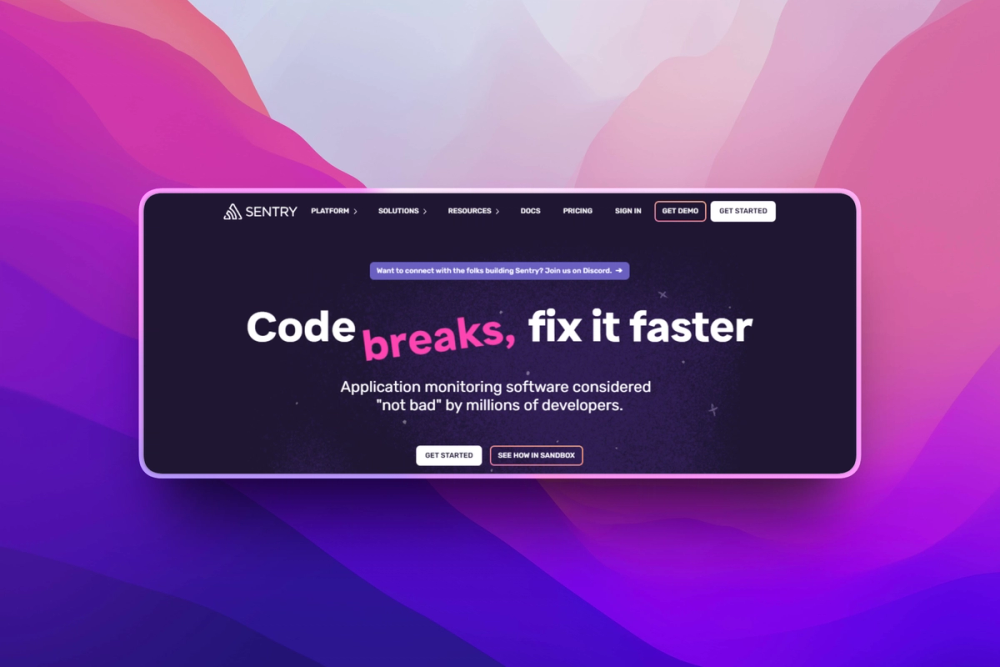
Who Sentry is for#
Product engineers fixing production bugs
Use Sentry when developers need grouped exceptions, stack traces, release context, and alert routing for web, mobile, or backend applications.
Skip if:
You only need infrastructure uptime checks or host metrics. A monitoring tool is a better fit for that narrow job.
Teams tracking release regressions
Use Sentry to compare issues across releases and identify deploys that changed crash or latency behavior.
Skip if:
Your team already has a mature APM suite and only needs lightweight log collection.
The problem it solves#
Production bugs are hard to fix when logs only show that something failed. Developers need the stack trace, affected release, user impact, environment, and surrounding events before they can decide what to fix first.
Generic observability dashboards often show symptoms without ownership. A slow endpoint or client crash still needs to be grouped, assigned, reproduced, and linked back to the commit that introduced it.
How it solves it#
Error grouping with stack traces
Groups related exceptions and captures stack traces, request data, environment details, and affected users so teams can prioritize real incidents instead of reading raw logs.
Performance monitoring
Tracks transactions, spans, and slow paths across application code, giving developers a way to connect errors and latency in the same debugging workflow.
Release and commit context
Connects issues to releases and source control metadata, which helps teams see whether a new deploy introduced a regression.
Strengths and trade-offs#
Strengths
- Developer-first debugging contextSentry is built around fixing code, not only displaying metrics. Stack traces, suspect commits, ownership rules, and alerts reduce the handoff from incident detection to code change.
- Broad SDK coverageOfficial SDKs cover major backend, frontend, mobile, and desktop runtimes. That helps teams standardize error tracking across a mixed application stack.
Trade-offs
- -Self-hosting is operationally heavySentry can be self-managed, but the full stack is larger than a small logging tool. Teams should expect database, queue, storage, upgrade, and retention planning.
What it's built on#
- Languages
- Python
FAQ#
What is Sentry used for?
Sentry is used for application error tracking, performance monitoring, tracing, and release regression detection. Developers use it to find and fix production issues faster.
Can Sentry be self-hosted?
Yes, Sentry provides a self-hosted deployment path. Teams should treat it as an operational service with databases, queues, storage, and upgrade work.
Is Sentry the same as log monitoring?
No. Sentry focuses on grouped application issues with stack traces and code context, while log monitoring captures broader event streams.
Similar open-source tools#

Prometheus

ClawTrace
Visualize agent execution trees and track token costs per step

Stakpak
Open source agent that automates app deployment and monitoring

OpenObserve
Self-hosted observability for logs, metrics, and traces

Coroot
Instant observability with no-code setup.

Grafana
Open source dashboards for metrics, logs, and traces