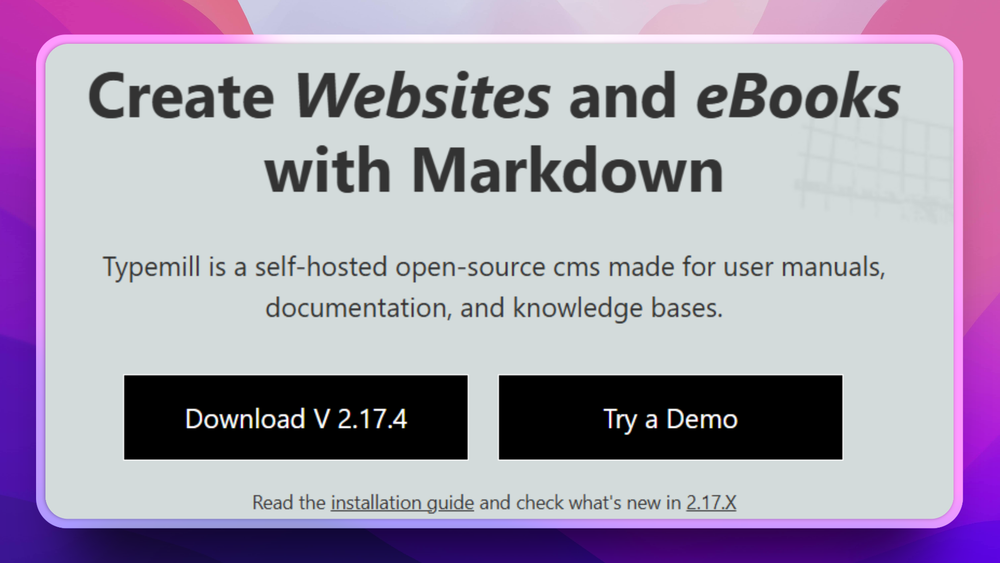
Typemill is an open source flat-file content management system designed for technical documentation, user manuals, and knowledge bases, using Markdown files and YAML configuration with no database required.
The Problem
Documentation teams using WordPress or Confluence face a common problem: the overhead of a database-backed CMS for content that is inherently file-based. Every page edit requires a database write; every deployment requires database management; every Git-backed content workflow adds a database sync layer. Simple documentation does not need a relational database, but most CMS options assume one.
How Typemill Solves It
Typemill reads Markdown files from your server's filesystem and renders them as a navigated documentation site. No database setup, no complex deployment, no server-side migrations. Content authors write Markdown in any editor, commit files to a repository, and the site reflects the changes immediately. A visual Markdown editor is available in the browser for non-technical writers. MIT license applies.
Key Features
- Database-free: documentation content lives as Markdown files in a flat directory structure
- Visual Markdown editor in the browser for content writers who do not use a text editor
- Navigation auto-generated from folder and file structure with no manual configuration
- Plugin and theme system for extending functionality without modifying core code
- Runs on any shared PHP hosting with no special server configuration
Who It's For
Typemill is best for technical writers, developers, and small teams building product documentation or user manuals who want a simple, fast, Git-friendly CMS without running a database server.
Compared to Confluence
Unlike Confluence, which stores all documentation in a managed database on Atlassian's servers and charges per user, Typemill is MIT licensed and file-based: documentation is plain Markdown files you can version-control in Git and host on any PHP server.