

Every time a visitor loads your site, Google Analytics fires a request to Google's servers. Their IP, browser, screen size, referrer, and behavior become Google's data. For EU-based sites, that makes every unblocked Google Analytics install a potential GDPR liability. For everyone else, it means your visitor data funds the world's largest ad network.
Self-hosted analytics solves this. You run the tool on your own server or a VPS you control. The data never leaves your infrastructure. No consent banner required in most jurisdictions. No third party sees who visits your site.
The open source options have caught up. You no longer have to choose between privacy and functionality.
TL;DR: Plausible is the right pick for most sites: lightweight, cookie-free, and ready in under an hour. Choose Umami if you want an MIT license or a simpler stack without ClickHouse. Use Matomo if you need full Google Analytics feature parity, including ecommerce funnels and GA data import. Pick PostHog if you are building a SaaS product and need product analytics (user behavior, feature flags, and session recordings) beyond marketing pageviews.
Key Takeaways
- All four tools are GDPR-compliant when self-hosted, because visitor data stays on your server
- Plausible and Umami work without cookies and need no consent banner
- Matomo matches Google Analytics feature-for-feature; the tradeoff is setup complexity
- PostHog is not a Google Analytics replacement; it is a product analytics platform for SaaS teams
- Self-hosting Plausible, Umami, or Matomo costs as little as $5-12/month on a VPS; PostHog needs more resources
Quick Comparison: Self-Hosted Analytics Tools
| Tool | License | Stack | Best For | Self-Hosting Difficulty |
|---|---|---|---|---|
| Plausible | AGPL-3.0 | Elixir + ClickHouse + PostgreSQL | Privacy-first site analytics | Medium |
| Umami | MIT | Node.js + PostgreSQL or MySQL | Minimal setup, MIT license | Low |
| Matomo | GPL-3.0 | PHP + MySQL/MariaDB | Full GA feature parity | Medium |
| PostHog | MIT | Python + ClickHouse + PostgreSQL + Kafka | SaaS product analytics | High |
| GoatCounter | BSD-ISC | Go + SQLite | Ultra-minimal, personal sites | Low |
GoatCounter is a solid minimal option but is not currently in the OSA directory.
Plausible Analytics
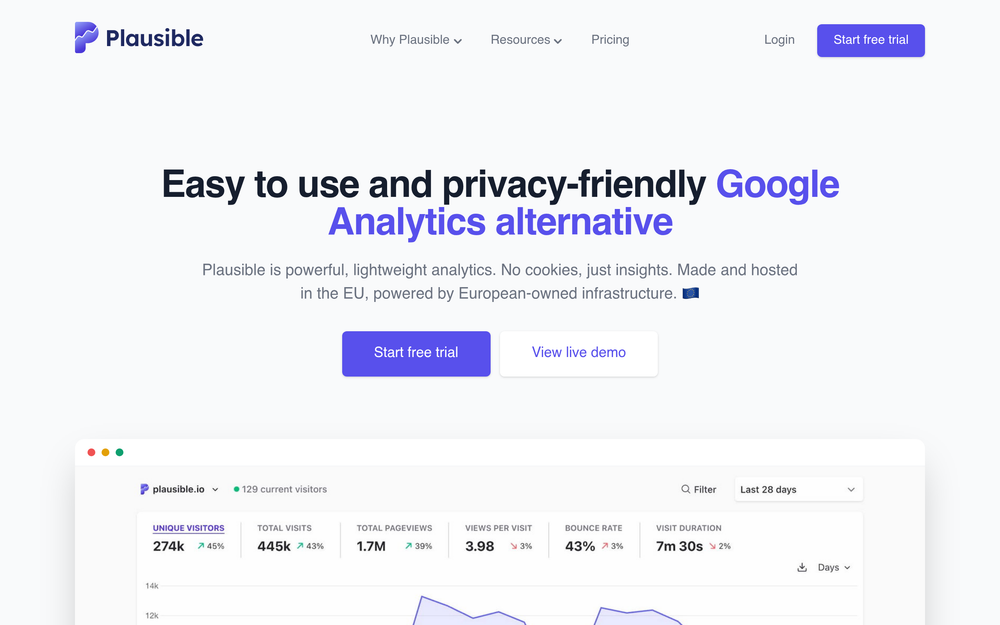
Plausible Analytics is the go-to self-hosted analytics tool for developers who want privacy compliance without configuration overhead. Founded in 2019 by Marko Saric and Uku Taht in Estonia, Plausible was built from the ground up to be cookieless and GDPR-compliant by design, not retrofit.
The tracking script weighs under 1KB. Google Analytics 4's loading script is 30KB+. On a slow mobile connection, that difference is visible in load time. For a site that cares about Core Web Vitals, Plausible is an easy win.
The dashboard gives you everything a content site or marketing site needs: pageviews, unique visitors, bounce rate, session duration, top pages, referrers, geographic breakdown, device type, and browser. That covers 90% of what most people actually look at in Google Analytics.
Key Features
- Cookie-free tracking by default: no consent banner required in GDPR jurisdictions; no personal data collected, no cross-site tracking
- Under 1KB tracking script: minimal impact on page load and Core Web Vitals
- GDPR, CCPA, and PECR compliant: data stays on your server; verified by legal teams at EU organizations
- Single-page dashboard: all data in one view without nested reports
- Works through ad blockers: when self-hosted under your own domain, Plausible requests bypass common ad-block filter lists
- Custom event tracking: track button clicks, form submissions, and file downloads without custom backend code
- Official Docker Compose setup: maintained
plausible/hostingrepository on GitHub keeps the self-hosted version in sync with the cloud
Pros
- Zero cookies means no banner, no CMP, no consent management overhead
- Self-hosted version is identical to the cloud version (no feature gaps)
- ClickHouse handles millions of pageviews per month without degrading
- Active maintainers with responsive GitHub issues and a clear roadmap
- EU-based company if you want the cloud version for convenience later
Cons
- ClickHouse adds real complexity: it runs as a separate container and needs 2GB+ RAM to operate reliably
- Not designed for per-user product analytics: no user tracking, no funnels by user ID
- AGPL-3.0 license requires open-sourcing any hosted modifications; SaaS products embedding Plausible should review license obligations
License and Hosting
AGPL-3.0. Self-host via Docker Compose. The official plausible/hosting repository provides a working docker-compose.yml for production. Recommended minimum: 2GB RAM (ClickHouse can start on 1GB but may run out of memory under real traffic), 1 vCPU, 20GB storage.
Best For
Plausible is best for content sites, marketing sites, and developer portfolios that want accurate traffic data without cookie banners or Google dependencies. It is the default recommendation for any site that needs privacy compliance without the overhead of Matomo.
Umami
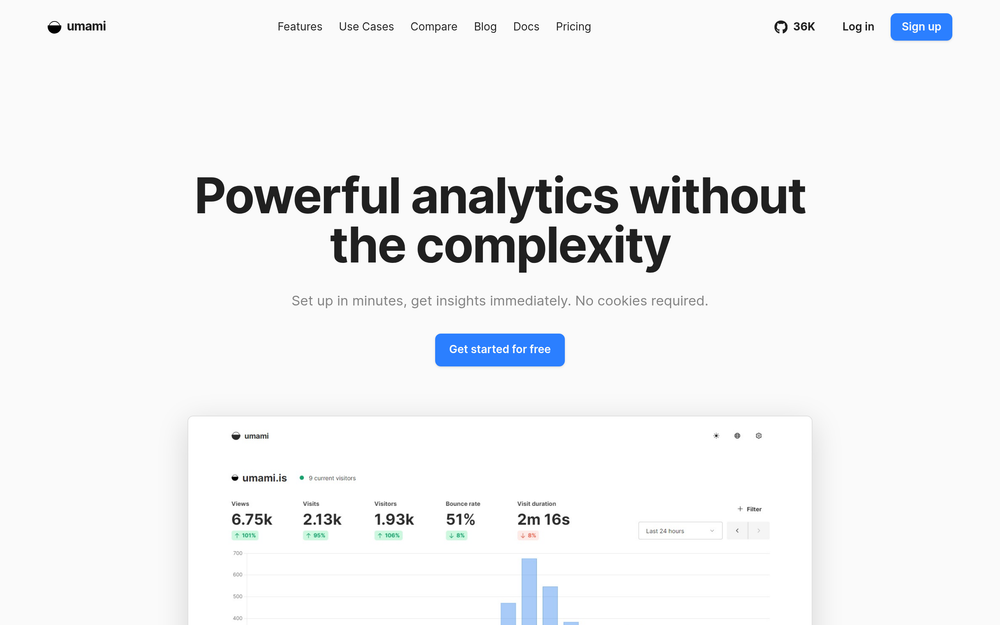
Umami is a privacy-focused analytics tool with a deliberately minimal feature set. Where Plausible leans into ClickHouse for data scale, Umami runs on PostgreSQL or MySQL, the databases most developers already operate. That simpler stack makes it the easiest tool in this roundup to get running.
The MIT license is a meaningful difference. Plausible and Matomo are both copyleft-licensed (AGPL and GPL respectively), which requires open-sourcing hosted modifications. Umami's MIT license lets you embed the analytics engine in a commercial product without any copyleft obligations. If you are building a SaaS platform and want to offer your customers usage analytics, Umami is the right starting point.
Key Features
- MIT license: embed in commercial products, white-label, or modify freely without AGPL obligations
- PostgreSQL or MySQL backend: runs on the database you already have; no ClickHouse required
- Multi-site from one instance: track unlimited websites from a single Umami deployment
- Custom events API: send arbitrary events with a single JavaScript call
- Simple Docker setup: one container plus a database; no ClickHouse, no Redis, no Kafka
- API access: query your analytics data programmatically and build custom dashboards or reports
Pros
- Simplest self-hosting stack in this roundup: Node.js + one database
- Cookie-free by default; no consent banner needed
- MIT license removes all copyleft concerns for commercial products
- Clean, modern dashboard that non-technical stakeholders can navigate
- Active development with regular releases
Cons
- Less battle-tested at scale than Plausible (ClickHouse genuinely outperforms PostgreSQL for time-series analytics at high event volumes)
- No built-in ecommerce tracking or advanced funnel analysis
- Smaller plugin ecosystem than Matomo
License and Hosting
MIT. Docker Compose: one Umami container plus PostgreSQL. Minimum specs: 512MB RAM is functional for low-traffic sites (allocate more if PostgreSQL is shared with other applications); 1GB RAM for comfortable operation.
Best For
Umami is best for developers who want the simplest possible self-hosted analytics or need an MIT-licensed analytics engine they can embed or build on top of. It is also the natural choice for teams already running PostgreSQL or MySQL who want to avoid adding ClickHouse to their stack.
Matomo
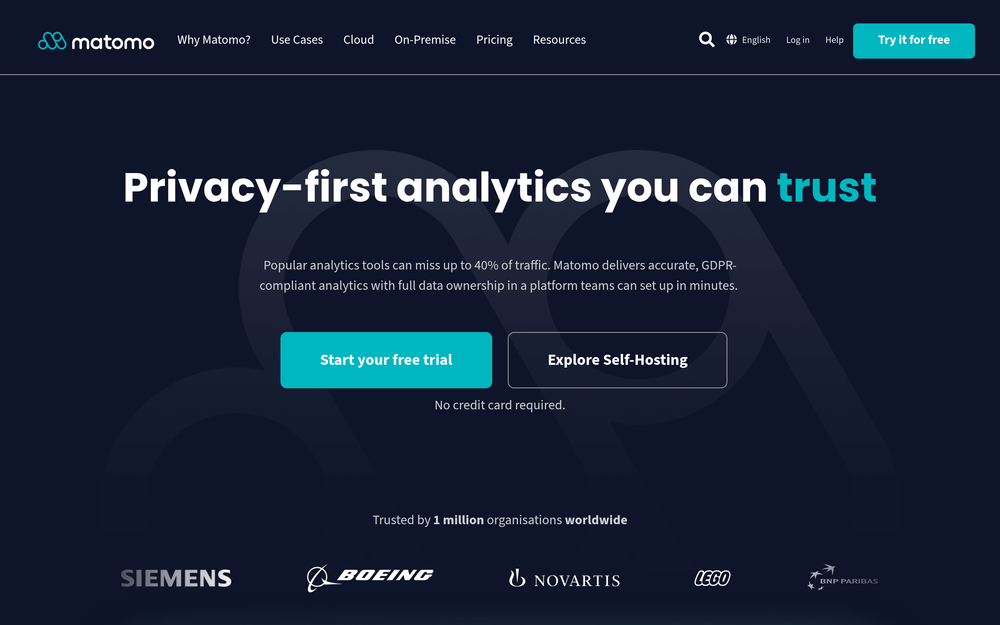
Matomo is the most feature-complete open source analytics platform available for self-hosting. Started in 2007 as Piwik and rebranded to Matomo in January 2018, it is used by governments, universities, NGOs, and enterprises that need 100% data ownership with the full reporting power of a commercial analytics platform.
If your organization has been using Google Analytics and needs to migrate without losing capability, Matomo is the only open source option that covers the full feature set: ecommerce tracking, goal funnels, A/B testing, heatmaps, session recordings, custom dimensions, multi-channel attribution, and a GA data importer for historical data.
The tradeoff is operational weight. Matomo is a PHP application with more moving parts than Plausible or Umami, and the dashboard reflects years of accumulated features rather than a modern redesign from scratch.
Key Features
- Google Analytics feature parity: goals, funnels, ecommerce, multi-channel attribution, custom dimensions, and more
- Google Analytics data import: migrate historical GA4 data into Matomo; no data loss during transition
- Cookie-free mode: available and explicitly supported; requires configuration; sampling may affect accuracy in some scenarios
- 100+ plugins: including paid extensions for A/B testing, heatmaps, and roll-up reporting across multiple sites
- GDPR manager: built-in consent management, data deletion requests, and data retention controls
- Runs on PHP/MySQL: deployable on shared hosting; no ClickHouse or special database requirements
- On-premise or cloud: full data control either way
Pros
- The only open source analytics tool that matches Google Analytics in breadth of reporting
- Runs on a standard PHP stack, deployable on shared hosting that already runs WordPress or PHP apps
- Built-in GDPR manager handles right-to-be-forgotten requests and consent workflows
- Imports historical Google Analytics data, critical for teams transitioning mid-stream
- Large plugin ecosystem with commercial extensions available from Matomo and third parties
Cons
- Heavier resource usage than Plausible or Umami; storage requirements grow significantly as traffic scales
- Dashboard UI has not kept pace with modern design standards; steeper learning curve for new users
- Cookie-free mode requires careful configuration; cookies are on by default
- PHP stack is less familiar to developers working primarily in Node.js or Go
- Default install uses cookies and would require a consent banner without cookie-free mode enabled
License and Hosting
GPL-3.0 (on-premise). Docker image available or traditional PHP + MySQL/MariaDB on a web server. Recommended minimum: 2GB RAM, 2 vCPUs for sites with meaningful traffic.
Best For
Matomo is best for organizations that need full Google Analytics feature parity, need to import historical GA data, or have compliance requirements that demand a GDPR manager with consent workflows. It is the correct choice for enterprise, government, and nonprofit deployments where reporting depth matters more than setup simplicity.
PostHog
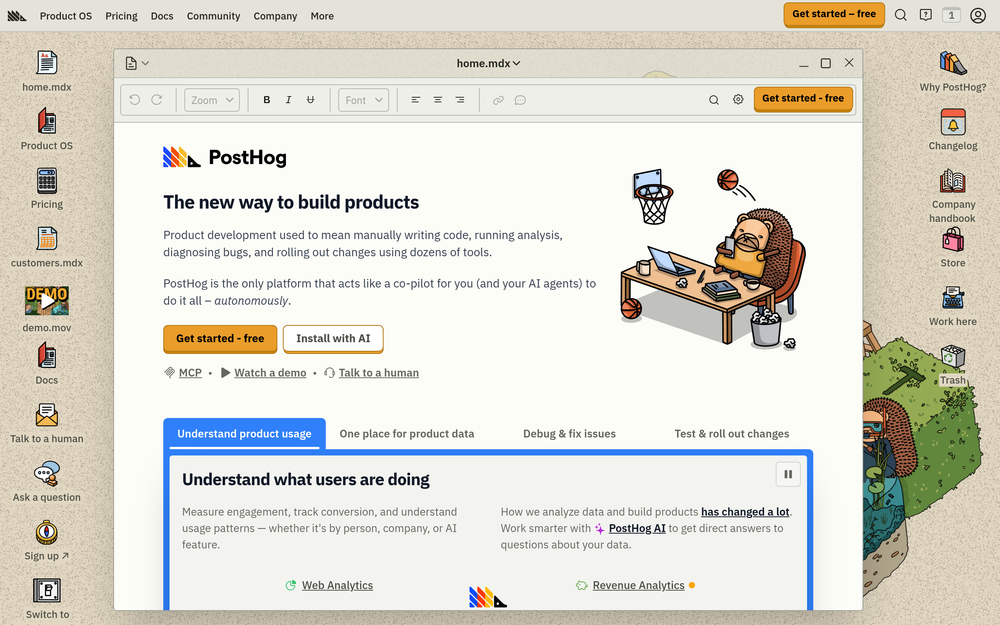
PostHog is a product analytics platform built for SaaS developers and product teams who need to understand what users do inside their application, not just who visits their website. That distinction matters before deploying it.
Where Plausible, Umami, and Matomo track pageviews and marketing attribution, PostHog tracks individual user behavior: which features they use, where they drop off in an onboarding funnel, which users churned after a specific UI change, and how a feature flag rollout affected retention. If you are building a marketing site, you do not need PostHog. If you are building a SaaS application and want to replace Mixpanel, Amplitude, FullStory, and LaunchDarkly with one self-hosted tool, PostHog covers all of it.
Key Features
- Event-based product analytics: track arbitrary events, properties, and user identities; not just pageviews
- Feature flags and remote configuration: roll out features to specific user segments with instant rollback, no redeployment required
- Session recordings: watch exactly how users interact with your UI; privacy controls mask sensitive fields
- Heatmaps and click maps: understand where users click, scroll, and focus
- A/B testing and experiments: run controlled experiments against user cohorts with statistical significance tracking
- Funnel analysis and retention: measure where users drop off and which cohorts retain longest
- Group analytics: track companies or organizations as first-class entities alongside individual users
Pros
- Replaces 4-5 separate SaaS tools (Mixpanel, Amplitude, LaunchDarkly, FullStory, Hotjar) with one self-hosted platform
- MIT license, commercially friendly with no copyleft obligations
- Generous free cloud tier (1M events/month) if self-hosting feels like too much overhead for your team
- Active development, well-funded, with a strong open-source commitment
- Strong developer experience: SDKs for every major language and framework
Cons
- Heavy infrastructure: PostgreSQL + ClickHouse + Kafka + Redis + multiple app services
- Minimum 4GB RAM to run comfortably; 8GB+ recommended for production event volumes
- Overkill and expensive to operate if your goal is simple website traffic data
- Kubernetes is strongly recommended for production; Docker Compose only for development or testing
- Not designed for cookieless tracking the way Plausible and Umami are
License and Hosting
MIT (open-source edition). Official Helm chart for Kubernetes or Docker Compose for development. Production minimum: 4GB RAM, 2 vCPUs, 50GB storage. Requirements grow with event volume.
Best For
PostHog is best for SaaS product teams who want to understand user behavior inside their application, run A/B tests, and manage feature rollouts without paying for multiple tools. It is not the right tool for content sites or marketing-focused analytics.
How to Choose the Right Self-Hosted Analytics Tool
The decision is simpler than it looks once you know your use case.
You run a content site, blog, or marketing site: Use Plausible. It gives you everything you need: traffic, referrers, top pages, geo breakdown, without cookies, without adding consent management overhead, and without any data leaving your server. It is the default choice for this use case.
You want the simplest possible stack or need an MIT license: Use Umami. PostgreSQL plus one container. No ClickHouse. If you need to embed analytics into a product you are selling, MIT licensing removes the copyleft concern that comes with Plausible or Matomo.
You are migrating from Google Analytics and need to keep your reports: Use Matomo. It is the only option with a GA data importer, full ecommerce tracking, and a built-in GDPR manager. The setup is heavier but the reporting depth is unmatched in open source.
You are building a SaaS product and need product analytics: Use PostHog. Plausible tells you how many people visited a page. PostHog tells you which users completed onboarding, which feature flag variant retained them longer, and which company accounts are at churn risk. Those are different questions requiring a different tool.
You need something ultra-minimal on a shared host or Raspberry Pi: Consider GoatCounter (not currently in the OSA directory). It runs on SQLite, handles millions of pageviews on minimal hardware, and has a free tier for non-commercial use.
For teams building custom data pipelines, n8n can route analytics events into self-hosted systems, and Supabase works well as a PostgreSQL backend for teams who want to build lightweight custom event logging on top of an existing database.
FAQ
The following questions are drawn from common "People Also Ask" searches around self-hosted analytics.
Is self-hosted analytics GDPR compliant?
Yes, when configured correctly. GDPR compliance depends on where data is stored and whether personal data is collected, not what tool you use. All four tools in this roundup can store visitor data exclusively on your server with no third-party data transfers. Plausible and Umami are cookie-free by default, which means no consent banner is required in most EU jurisdictions. Matomo requires explicit cookie-free mode configuration to achieve the same result.
What is the difference between Plausible and Umami?
Both are lightweight, cookie-free analytics tools, but they differ in license and stack. Plausible uses AGPL-3.0 and relies on ClickHouse for analytics storage, which handles scale well but adds hosting complexity. Umami uses MIT licensing (commercially friendly for embedded use) and runs on PostgreSQL or MySQL, making it simpler to deploy on infrastructure you already operate. For most self-hosters, the choice comes down to whether you want ClickHouse for future scale or a simpler stack today.
Do I need a cookie banner for self-hosted analytics?
Not with Plausible or Umami. Both tools collect no personal data and set no cookies by default. Under GDPR, the consent banner requirement is triggered by cookies or personal data collection; if neither is present, no banner is needed. Matomo requires cookie-free mode to achieve the same; its default installation uses cookies and would require a consent banner.
How do I self-host Plausible Analytics?
Plausible provides an official plausible/hosting Docker Compose repository on GitHub. The setup runs three containers: Plausible itself, PostgreSQL for app state, and ClickHouse for analytics data. A reverse proxy (Nginx or Traefik) handles SSL termination. The official documentation covers production deployment at plausible.io/docs/self-hosting.
Can I import my Google Analytics data into Matomo?
Yes. Matomo supports GA4 data import through its official Google Analytics Importer plugin. Historical data including sessions, pageviews, events, and goals can be migrated. The import runs as a background task; large datasets may take several hours to complete.
What is the minimum server size for self-hosted analytics?
It depends on the tool. Umami runs on 512MB-1GB RAM with PostgreSQL on a $5-6/month VPS. Plausible needs 2GB+ RAM for ClickHouse to operate reliably; a $10-12/month VPS is comfortable. Matomo on a standard PHP stack works on 1-2GB RAM. PostHog needs 4GB+ and is best on an 8GB dedicated node or a Kubernetes cluster.
Is PostHog a Google Analytics replacement?
No. PostHog is a product analytics platform for SaaS and app teams. It tracks individual user behavior, feature flag rollouts, and A/B test results, not marketing attribution and pageviews. If you want to replace Google Analytics on a content or marketing site, use Plausible or Matomo instead.
Can I track multiple websites from one self-hosted instance?
Yes. All four tools in this roundup support multi-site tracking from a single deployment. Plausible, Umami, and Matomo all let you add multiple domains to one instance and view them separately in the dashboard.
Does self-hosted analytics affect my site's performance?
Less than Google Analytics does. Plausible's tracking script is under 1KB (Google Analytics 4's loading script is 30KB+). Umami's script is similarly lightweight. The impact on Core Web Vitals is minimal. Serving the script from your own domain also means it will not be blocked by common ad blockers the way third-party analytics scripts are.
What open source analytics tools have the most GitHub stars?
Among self-hosted options, Umami, PostHog, and Plausible all sit in the 20,000-25,000 star range, with Matomo close behind. All four are actively maintained with regular releases. Star counts shift frequently; check each tool's GitHub page for current figures.