

Who Handle is for#
Frontend developers polishing generated UI
Handle fits developers who use agents to create interfaces and need faster ways to correct visual details after the first pass.
Skip if:
Your frontend work is mostly backend-driven templates with little visual iteration.
Design engineers reviewing live screens
Handle gives design engineers a direct way to mark UI changes in the running browser and pass actionable context back to the coding agent.
Skip if:
Your team already completes all design changes in Figma before code starts.
The problem it solves#
AI coding agents can build a first version of a UI, but small visual corrections are painful to describe in text. Developers end up writing long prompts about element position, spacing, copy, and hierarchy, then reviewing another generated patch that may miss the point.
The gap is visual intent. Designers, design engineers, and frontend developers need to point at the exact element, make or describe the change in context, and give the agent feedback it can map back to code.
How it solves it#
Browser-based UI refinement
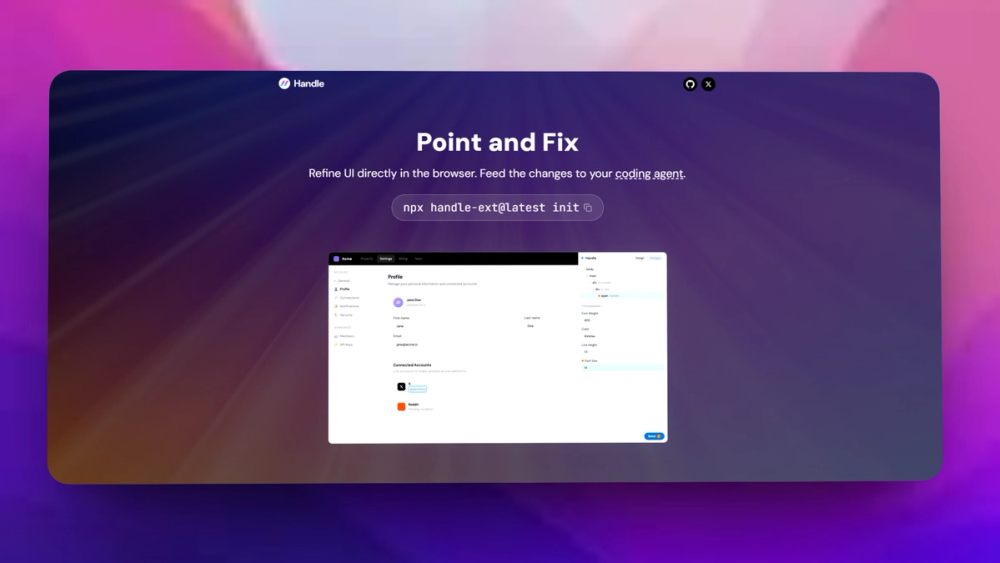
Handle lets users inspect and refine elements directly inside Chrome instead of describing the target element and desired change in a prompt.
MCP server setup
The README documents an MCP setup command that configures supported agents with npx handle-ext@latest init.
Multi-agent support
Handle lists support for Claude Code, Codex, Cursor, GitHub Copilot, Windsurf, Gemini CLI, Rovo Dev, and Antigravity.
Strengths and trade-offs#
Strengths
- Better feedback than prompt descriptionsPointing at the UI reduces ambiguity when changing spacing, position, hierarchy, or visual polish in generated frontend code.
- Works with existing agent toolsThe MCP approach lets Handle sit beside coding agents developers already use instead of requiring a separate design handoff system.
Trade-offs
- -Requires Chrome extension workflowHandle depends on installing a browser extension and MCP server, so teams with locked-down browsers or no MCP adoption may need process changes first.
Quick start#
Setup requires Node and an MCP-ready coding agent before installing the Handle browser extension.

```bash
npx handle-ext@latest init
```What it's built on#
- Languages
- JavaScriptTypeScript
- Frameworks
- React
FAQ#
What does Handle do?
Handle lets users refine UI in the browser and send structured feedback to AI coding agents through a Chrome extension and MCP server.
Which coding agents does Handle support?
The README lists Claude Code, Codex, Cursor, GitHub Copilot, Windsurf, Gemini CLI, Rovo Dev, and Antigravity as supported agents.
How do you set up Handle?
The official setup starts with installing the MCP server using npx handle-ext@latest init, then installing the Handle Chrome extension.
Similar open-source tools#

Caret
Your design canvas is backed by real files in git

VvvebJs
Open source drag-and-drop page builder for Bootstrap 5 sites

Onlook
Visual React editor where every design change writes real code

WordPress

Silex

Revyme
Build stunning website, export your code anytime