
Who Mumble is for#
Gaming groups hosting private voice
Mumble gives gaming communities low-latency voice rooms with a server they control, which is useful for clans, guilds, and long-running private groups.
Skip if:
Choose Discord if the group also needs integrated text chat, public discovery, bots, and mobile-first community features.
Privacy-minded communities
Communities can run their own voice infrastructure and decide how access, logs, and moderation work.
Skip if:
Skip it if no one in the group can maintain a small server and troubleshoot user connection issues.
The problem it solves#
Proprietary voice chat tools centralize identity, moderation, telemetry, and server policy under one vendor. Gaming groups and communities that only need reliable voice often end up accepting account requirements, advertising pressure, or feature changes they did not ask for.
Running a dedicated voice server also creates a different tradeoff. You get more control over access and hosting, but you must configure the server, permissions, and client onboarding yourself.
How it solves it#
Low-latency voice chat
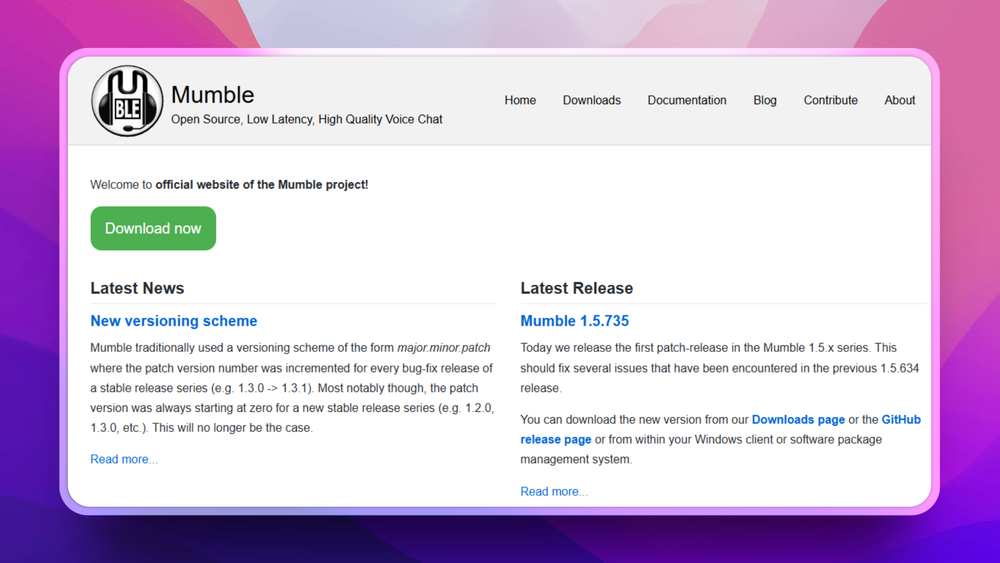
The project describes Mumble as low-latency and high-quality voice chat built on Qt and Opus, which fits real-time gaming and group calls.
Client and server split
Mumble includes a desktop client and a separate server component, so communities can host their own voice service instead of depending on a central vendor.
Cross-platform client support
The README lists Windows, Linux, FreeBSD, OpenBSD, and macOS client support, with server support anywhere Qt can run.
Plugin extension path
Mumble supports plugins for capabilities that are not built into the main application, with developer documentation in the repository.
Strengths and trade-offs#
Strengths
- Server ownershipSelf-hosting the Mumble server gives communities control over access, availability, and moderation policy without moving voice traffic through a proprietary community service.
- Focused audio experienceMumble stays centered on voice chat instead of bundling a social network, forum, and content feed. That focus helps groups that want reliable voice with minimal product surface.
- Native clientsMumble's desktop clients avoid browser-only voice limitations and support long-running community use on major operating systems.
Trade-offs
- -Less all-in-one community toolingMumble does not replace Discord's text channels, discovery, bots, and community management features. Most groups pair it with a separate chat or forum.
- -Server setup still mattersA good Mumble deployment needs server configuration, certificates, permissions, backups, and user guidance. Nontechnical communities may prefer a hosted voice service.
Mumble vs alternatives#
Mumble vs Discord
Mumble and Discord both support group voice, but Mumble focuses on self-hosted voice servers while Discord provides a proprietary community app with text channels, social features, and managed infrastructure.
Mumble is the better fit when voice quality, low latency, and server ownership matter most. Discord is still the better fit when the community needs a broad social hub, mobile onboarding, bots, and no server maintenance.
What it's built on#
- Languages
- CC++Objective-C++Python
FAQ#
Does Mumble include a server?
Yes. Mumble includes the client and the Mumble server, formerly known as Murmur, so groups can host their own voice service.
Is Mumble only for gaming?
No. Mumble is popular with gaming groups because of its low-latency audio, but any community that needs private voice rooms can use it.
What platforms does Mumble support?
The README lists clients for Windows, Linux, FreeBSD, OpenBSD, and macOS. Server support depends on where the required Qt components can run.
Similar open-source tools#
Valour
Open source Discord alternative with flexible community tools
Revolt
Self-hosted open source Discord alternative with servers
Jami
Free P2P encrypted messaging, calls, and file sharing
Prose
Decentralized open source workplace with chat and docs
Passbolt
Open source team password manager with sharing and audit
MiroTalk
Free browser-based video calls with no sign-up required

