

Who RustDesk is for#
Small IT teams replacing TeamViewer
RustDesk keeps remote access familiar while allowing a self-hosted relay path.
Skip if:
you need a fully managed enterprise admin suite immediately.
MSPs supporting mixed operating systems
broad client support covers common desktop and mobile devices.
Skip if:
your customers require vendor-hosted compliance reports out of the box.
Privacy-conscious users accessing personal machines
self-hosted servers keep connection infrastructure under your control.
Skip if:
you cannot maintain a public-facing server securely.
The problem it solves#
Remote desktop tools become risky when pricing, account policies, or vendor infrastructure control access to critical machines. Support teams, IT admins, and small businesses need reliable remote access, but they also need to know where connection metadata and relay traffic flow.
The operational pain grows when remote access must work across Windows, macOS, Linux, mobile devices, and locked-down networks. A self-hosted rendezvous and relay path gives teams more control over access infrastructure while keeping the user-facing remote desktop workflow familiar.
How it solves it#
Cross-platform remote desktop
Cross-platform remote desktop client supports Windows, macOS, Linux, Android, iOS, and web workflows.
Self-hosted server option
Self-hosted server option runs `hbbs` for ID and signaling plus `hbbr` for relay traffic.
Public server path
Out-of-the-box public server path lets users start quickly before moving to their own backend.
OSS and Pro server paths
RustDesk Server OSS gives individuals and teams a free self-hosted backend, while Server Pro adds admin and business features.
Custom client and branding
Custom client and branding options support managed support deployments.
Strengths and trade-offs#
Strengths
- Self-hosted relay controlRustDesk gives teams a practical escape from TeamViewer-style vendor dependency by letting them run their own ID and relay infrastructure.
- Broad client coverageThe client coverage is broad enough for mixed-device support teams, including desktop and mobile operating systems.
- Useful OSS server pathThe OSS server path is enough for many individuals and small teams that need control without enterprise admin layers.
- Inspectable remote access coreRust implementation and AGPL licensing make the core project inspectable for security-sensitive remote access workflows.
Trade-offs
- -Network-facing server operationsSelf-hosting RustDesk means operating network-facing relay and ID services, including ports, TLS, firewall rules, and uptime monitoring.
- -Business features require ProBusiness features such as web console, OIDC, LDAP, 2FA, device management, and access control sit in RustDesk Server Pro rather than the OSS server.
- -Remote access misuse riskRemote access tools carry misuse risk, so organizations need clear consent, logging, and access policies before rollout.
Quick start#
Self-host RustDesk Server OSS on a Linux host or VPS when you want your own ID and relay infrastructure. Docker is the easiest starting point for most teams.

git clone https://github.com/rustdesk/rustdesk-server
cd rustdesk-server
docker compose up -dWhat it's built on#
- Languages
- CC++DartKotlinPythonRust
- Frameworks
- Flutter
FAQ#
Can RustDesk be self-hosted?
Yes. RustDesk supports self-hosted ID and relay servers through hbbs and hbbr. The OSS server fits individuals and teams that want a free backend, while Server Pro adds centralized business controls.
What does RustDesk replace?
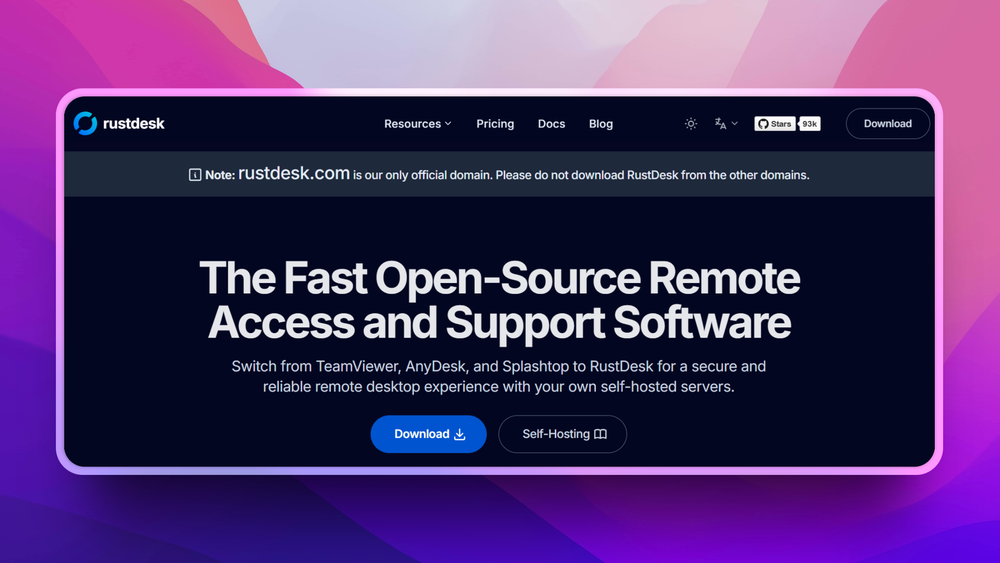
RustDesk replaces proprietary remote desktop tools like TeamViewer, AnyDesk, and Splashtop for users who want more control over relay infrastructure and data flow.
Is RustDesk safe to use?
RustDesk can be safe when deployed with proper access controls, consent, and server security. Like any remote desktop tool, misuse is possible, so teams should define policies and restrict who can initiate sessions.
Similar open-source tools#

Bitwarden

Vaultwarden
Self-hosted Bitwarden-compatible password management

NothingHere
macOS app that hides all windows and mutes sound instantly

KeePass
Free open source password manager with encrypted local file

KeePassXC
Cross-platform open source password manager with browser plugin

Psono
Self-hosted password manager for teams with enterprise SSO