Stoat vs Discord
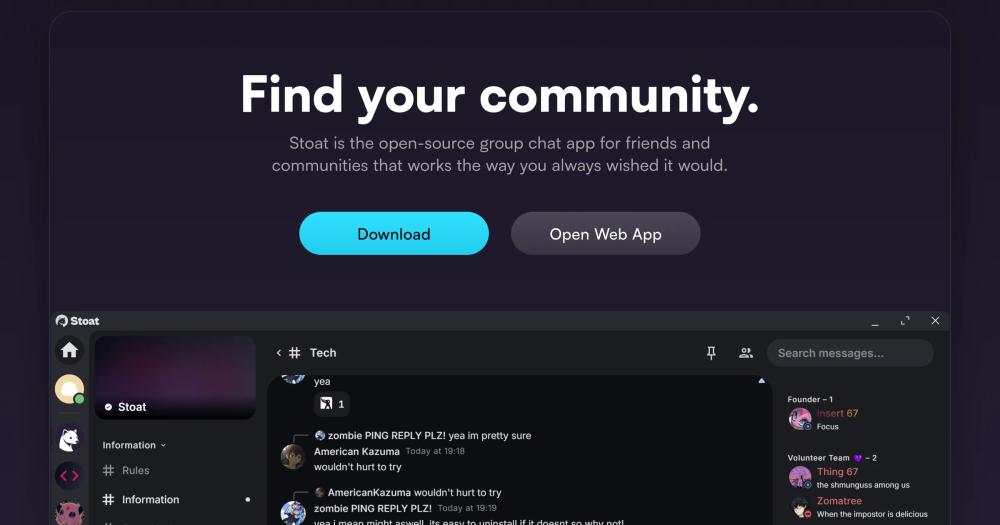
Stoat is the closest open source match to Discord: both use servers, channels, roles, bots, and voice chat. The critical difference is deployment. Discord is a closed commercial service with no self-hosting option; Stoat runs on infrastructure you control under an AGPL-3.0 license.
| Feature | Stoat | Discord |
|---|
| License | AGPL-3.0 | Proprietary |
| Self-hosting | Yes | No |
| Voice chat | Yes | Yes |
| File upload limit | 20MB, no subscription | Tiered by subscription |
| Custom emojis | Free for all users | Requires paid subscription |
| Animated avatars | Free for all users | Requires paid subscription |
Stoat is the better choice for communities that need data ownership or operate under GDPR where Discord's US-based data handling creates compliance risk. Features Discord gates behind subscriptions are available to all Stoat users at no cost. Discord remains the better fit for communities that need its broad third-party bot and integration ecosystem, or where most members already have Discord accounts.
Stoat vs Slack
Slack and Stoat overlap on channel-based messaging and cross-platform sync, but they target different audiences. Slack is a commercial team product; Stoat is an open source community chat service you host yourself.
| Feature | Stoat | Slack |
|---|
| License | AGPL-3.0 | Proprietary |
| Self-hosting | Yes | No |
| Cost | Free (self-hosted) | Commercial |
| Voice chat | Yes | Yes |
Stoat is the better choice for teams that need channels and messaging without commercial licensing costs. Self-hosted deployments give you full message history and no per-seat fees. Slack is worth keeping when your team depends on its app directory, calendar integrations, or workflow automation that Stoat does not cover.
Stoat vs Microsoft Teams
Microsoft Teams is an enterprise communication suite within the Microsoft 365 ecosystem. Stoat covers chat and voice but not document co-editing, calendar scheduling, or the full Teams meeting experience.
Stoat is the right choice for communities and teams that want self-hosted messaging without entering the Microsoft 365 ecosystem. Teams is the better fit for organizations already on Microsoft 365 that need a single tool for chat, meetings, and document collaboration.