

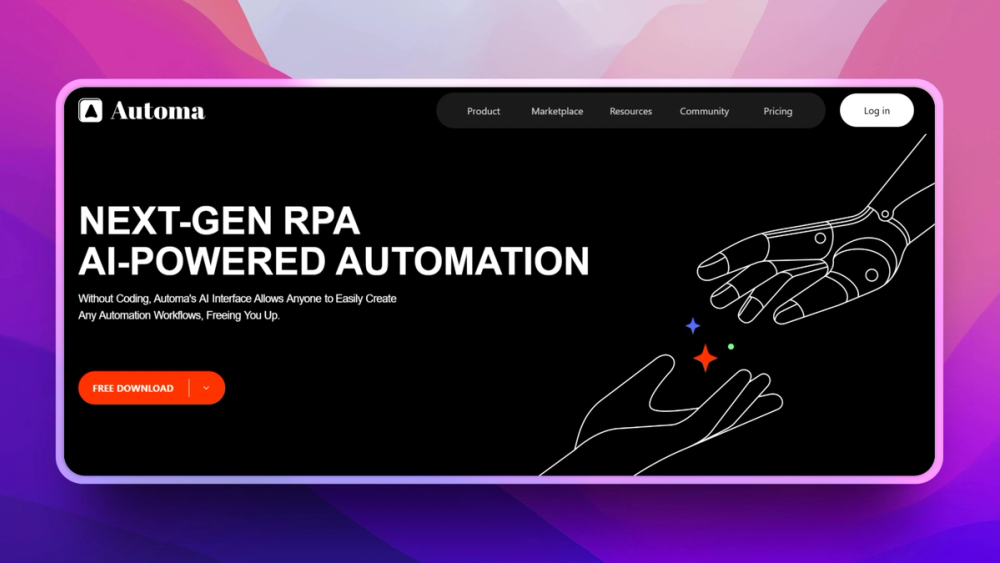
Who Automa is for#
Analysts scraping or checking web dashboards
Automa can automate repeated browser interactions and extracts where no API exists.
Skip if:
Skip if the source system offers a stable API that a backend integration can use.
Marketing teams running repetitive web tasks
The extension can handle form, page, and scraping tasks without asking a developer for every workflow.
Skip if:
Skip if the workflow is business-critical and needs centralized monitoring.
The problem it solves#
Repetitive browser work is hard to automate when the target site has no API. People copy data from pages, fill forms, check dashboards, and export tables by hand because SaaS automation tools only work when an app exposes the right connector.
Developer scripts can solve the problem, but Puppeteer or Playwright workflows require code ownership and maintenance. Business users need a visual way to automate browser actions while keeping data local to their machine when possible.
How it solves it#
Visual browser workflow builder
Automa lets users assemble actions such as clicks, form fills, scraping, loops, and conditionals without writing a full script.
Runs as a browser extension
The workflow executes in the browser context, which helps automate sites that do not expose APIs.
Data extraction outputs
Automa can extract page data into structured outputs such as tables, files, or connected destinations depending on workflow configuration.
Custom JavaScript step
Technical users can add JavaScript when visual blocks do not cover a specific interaction.
Strengths and trade-offs#
Strengths
- API-free automation pathAutoma can automate websites even when the vendor does not provide an API or Zapier connector.
- Inspectable browser automation sourceAutoma publishes AGPL source outside its business directory, which helps technical users inspect and adapt local browser automation workflows within the license terms.
Trade-offs
- -Fragile against website changesBrowser automations can break when page structure, labels, or login flows change.
- -Local extension model limits governanceAutoma is not the same as a centralized automation platform with team permissions, audit logs, and managed execution queues.
Automa vs alternatives#
Automa vs Zapier
Automa and Zapier both automate repetitive work, but Automa works inside the browser while Zapier connects cloud apps through APIs.
| Criteria | Automa | Zapier |
|---|---|---|
| License | AGPL source with commercial business components | Proprietary |
| Execution model | Browser extension | Managed cloud workflows |
| Best fit | Webpage actions and scraping | SaaS app integrations |
Automa is better when the workflow depends on clicking through pages or extracting website data. Zapier is better when the workflow has reliable app connectors and needs managed execution.
What it's built on#
- Languages
- JavaScript
- Frameworks
- Vue
- Tooling
- Webpack
FAQ#
Is Automa open source?
Automa publishes non-business source under AGPL, while business code and business binaries use the Automa Commercial License. Review the license path before commercial or internal company use.
Can Automa replace Zapier?
Automa can replace Zapier for browser-based workflows and scraping tasks. Zapier is stronger for managed app-to-app API automation.
Does Automa require coding?
No for many workflows. Automa uses a visual builder, with optional JavaScript for custom logic.
Similar open-source tools#

Atomic Bot
One-click OpenClaw installer and agent setup bot

paperclip
Self-hosted AI agent management with org charts and budgets

Node-RED
Low-code event-driven programming with a browser-based editor

Automatisch
Self-hosted Zapier alternative for workflow automation

OpenFang
Open source Agent OS built in Rust with autonomous agents

FckSignups
Open-source tools that work instantly, no signup required