

Who NothingHere is for#
Interruptible work environments
NothingHere fits macOS users who often need to hide private or distracting work quickly.
Skip if:
You need true device security or screen-lock enforcement.
Presentations and demos
The app can help presenters avoid exposing unrelated windows or media during live work.
Skip if:
You already use a dedicated presentation machine or locked-down demo profile.
The problem it solves#
People often work with sensitive tabs, internal dashboards, private chats, or unfinished creative work on screen. When someone walks up unexpectedly, manually minimizing windows and muting audio is slow and unreliable.
NothingHere handles that narrow privacy moment with a single-purpose macOS utility. It is not a security boundary, but it can reduce accidental exposure during everyday interruptions.
How it solves it#
One-action screen cover
NothingHere hides windows and opens a chosen cover document or app so the screen changes quickly.
Media pause and mute behavior
The utility can pause playback and silence sound, reducing awkward audio exposure during interruptions.
macOS-focused workflow
The app targets macOS users who want a small privacy utility rather than a broader productivity suite.
Strengths and trade-offs#
Strengths
- Very clear use caseNothingHere does one thing: quickly hide distracting or sensitive work when someone interrupts.
- Useful for shared spacesThe utility is relevant for offices, coworking spaces, classrooms, demos, and home setups where screens are visible.
Trade-offs
- -Privacy aid, not security controlNothingHere should not be treated as encryption, access control, or compliance tooling. It only changes what is visible on screen.
What it's built on#
- Languages
- Swift
FAQ#
What is NothingHere?
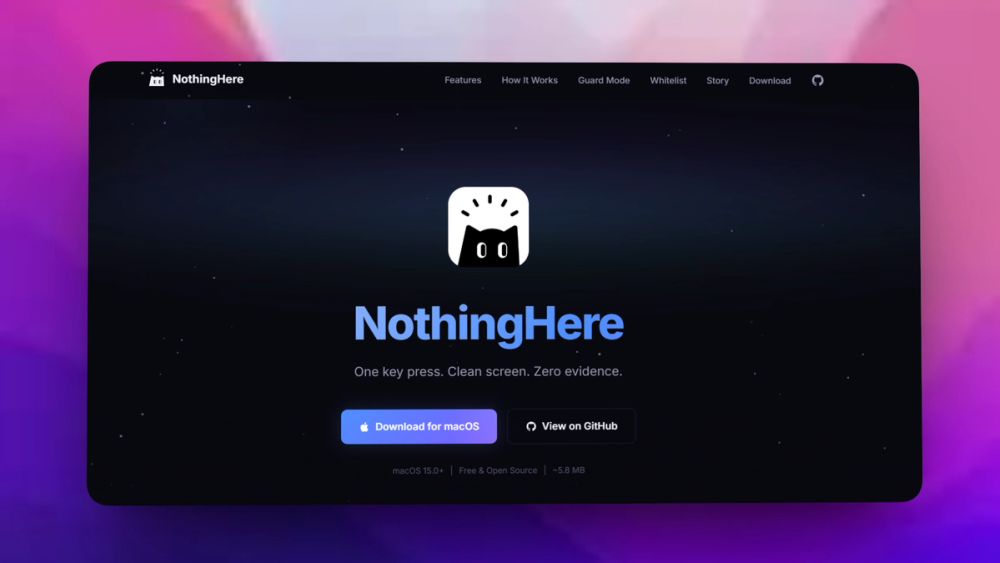
NothingHere is a macOS utility that hides windows, pauses media, and opens a cover document or app quickly.
Is NothingHere a security tool?
No. It is a privacy convenience for visible screen content, not a substitute for locking the device or protecting files.
Who is NothingHere for?
NothingHere is for macOS users who work around interruptions and want a fast way to cover their screen.
Similar open-source tools#

Bitwarden

Vaultwarden
Self-hosted Bitwarden-compatible password management

KeePass
Free open source password manager with encrypted local file

KeePassXC
Cross-platform open source password manager with browser plugin

Psono
Self-hosted password manager for teams with enterprise SSO

Password Safe
Store passwords in an encrypted local database, no cloud account