

Who AI-Flow is for#
Creators chaining image and text models
AI-Flow fits creators who need repeatable prompt flows across text, image, and web-search steps without writing glue code.
Skip if:
You only need a single chat interface and never reuse the workflow.
Operators prototyping AI automations
The visual canvas helps operations teams test provider combinations before deciding whether a workflow deserves custom code.
Skip if:
You need strict production orchestration, retries, and audit controls from day one.
The problem it solves#
AI work often spans several model providers, image generators, web search calls, and post-processing steps. Running those steps manually wastes time and makes successful workflows hard to repeat.
No-code AI builders can help, but many lock users into hosted credits or a fixed provider list. Teams that already bring their own API keys need a workflow canvas they can inspect and adapt.
How it solves it#
Drag-and-drop AI workflow canvas
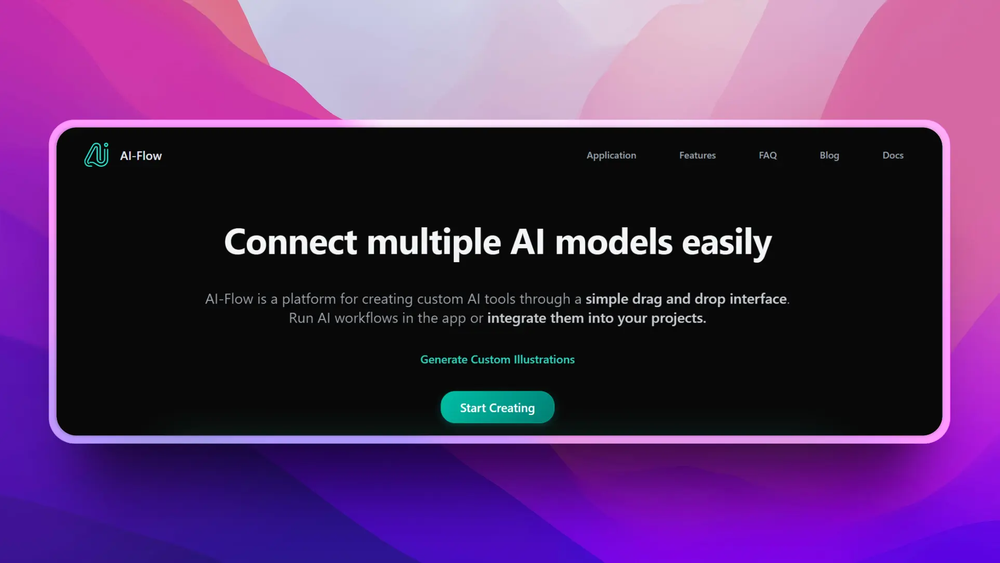
AI-Flow lets users connect model nodes visually, which makes multi-step prompt and generation workflows easier to design than scattered scripts.
Multiple model provider nodes
The README references GPT, Claude, Stable Diffusion, FLUX, Replicate models, web search, and other model nodes, giving users a broad automation surface.
Bring-your-own-key workflow
Repository metadata emphasizes using your own API keys, which keeps provider billing and access under the user's accounts instead of only a hosted credit system.
Strengths and trade-offs#
Strengths
- Good fit for repeatable creative pipelinesAI-Flow is useful when the same prompt, model, and transformation steps need to run repeatedly for images, copy, or mixed media.
- Open canvas instead of closed automationMIT licensing gives technical teams a path to inspect and adapt the workflow builder rather than relying on a closed no-code platform.
Trade-offs
- -Provider keys and costs stay with youBring-your-own-key control also means users must manage API access, rate limits, and model spend across each connected provider.
What it's built on#
- Languages
- PythonTypeScript
- Frameworks
- FlaskReact
- Infrastructure
- AWS
FAQ#
What is AI-Flow used for?
AI-Flow builds repeatable AI workflows by connecting model and utility nodes on a visual canvas.
Does AI-Flow use my own API keys?
Yes. The repository description highlights connecting models with your own API keys.
Is AI-Flow open source?
Yes. The GitHub repository reports MIT licensing.
Similar open-source tools#

n8n
Self-hosted workflow automation with 400+ node connectors

trueforge
Open-source agent harness for reliable, long-running LLM agents

Node-RED
Low-code event-driven programming with a browser-based editor

Automatisch
Self-hosted Zapier alternative for workflow automation

Huginn
Self-hosted agents that watch the web and trigger automations

Activepieces
Build AI-powered automations and agents without vendor lock-in