

Who RawTherapee is for#
Photographers avoiding subscriptions
Use RawTherapee when RAW processing quality matters but a Lightroom subscription does not fit the budget or ownership model.
Skip if:
You need cloud sync, mobile editing, and integrated asset management.
Linux photographers editing RAW files
Use RawTherapee for a capable desktop RAW workflow on Linux.
Skip if:
Your camera workflow depends on a proprietary vendor plugin only available in commercial software.
Enthusiasts learning image processing
Use RawTherapee when you want direct control over demosaicing, color, and development settings.
Skip if:
You want a preset-first editor with minimal technical controls.
The problem it solves#
RAW photo editing tools often combine processing quality with subscription lock-in and proprietary catalogs. Photographers need accurate demosaicing, color correction, noise reduction, and batch editing, but they may not want editing history tied to a cloud account. Linux photographers and users with uncommon camera workflows also need a serious desktop editor outside the Adobe ecosystem.
How it solves it#
RAW development for many camera formats
RawTherapee targets RAW files from a broad range of digital cameras, plus HDR DNG and non-RAW formats like JPEG, TIFF, and PNG.
Advanced demosaicing control
RawTherapee uses dcraw-based reading with in-house improvements and is known for detailed control over demosaicing and development.
Cross-platform desktop app
Linux, Windows, and macOS build and download resources make RawTherapee usable across major desktop environments.
GPL-3.0 libre software
RawTherapee is released under GNU GPL version 3, giving photographers and developers source access under copyleft terms.
Strengths and trade-offs#
Strengths
- Deep processing controlRawTherapee is strongest for photographers who want to understand and tune the RAW development pipeline rather than rely only on presets.
- No subscription catalog lock-inCompared with Lightroom, RawTherapee lets users process photos locally without paying for ongoing access to the editor.
- Good Linux photography optionRawTherapee gives Linux users a serious RAW workflow where many commercial photography tools focus on Windows and macOS first.
Trade-offs
- -Not a full asset managerRawTherapee is not aimed at being an all-in-one program and may lack peripheral features such as digital asset management, printing, and uploading.
- -Learning curve for color workColor science knowledge is not compulsory, but users should be ready to read documentation and learn basic concepts.
What it's built on#
- Languages
- CC++JavaScript
FAQ#
What is RawTherapee?
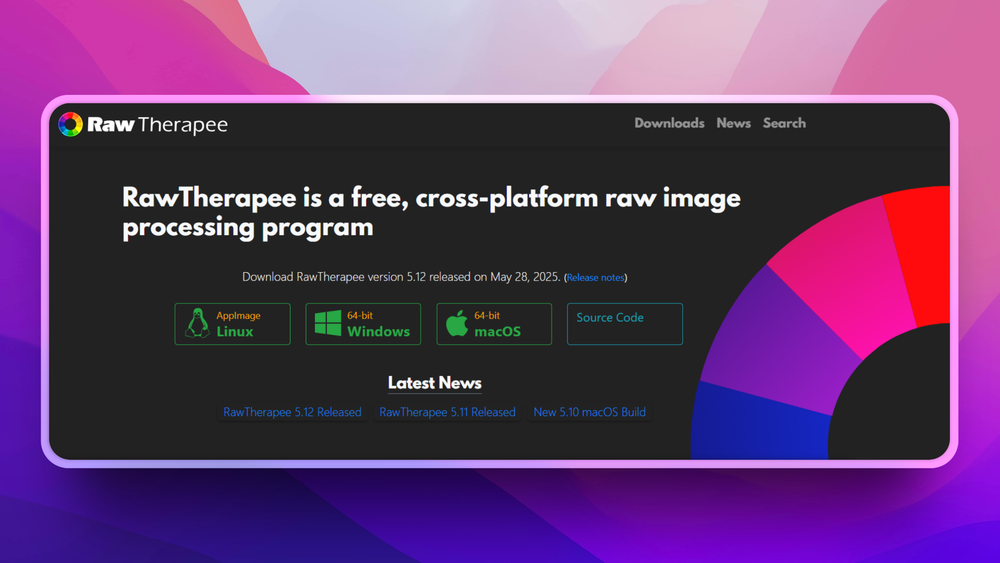
RawTherapee is a free and open source desktop RAW photo processing program.
Is RawTherapee a Lightroom replacement?
It can replace Lightroom for RAW development, color control, and local editing, but it does not provide the same cloud catalog and ecosystem features.
Who is RawTherapee best for?
RawTherapee is best for photographers who want precise RAW processing control and are willing to learn a technical desktop editor.
Similar open-source tools#

darktable
Non-destructive RAW photo editor and darkroom workflow

GIMP
Free image editor for graphic designers and photographers

God's Eye View
Real-time global intelligence on a 3D globe

OpenCreator
Local AI workspace for video, image, voice, and translation

Drift
Desktop CapCut alternative. GPL-3.0, no subscription, no watermark.

Tabler Icons
6,238 free MIT-licensed SVG icons for web and app design