
Add up your SaaS subscriptions. Notion at $8–16/user/month. Airtable at $20–45/user/month. Datadog at $15–23/host/month. Zapier at $49–69/month. For a 10-person team, you're easily spending $500–2,000/month on software that you don't own, can't customize, and will lock you into their pricing forever.
A $12/month VPS can run most of these. A $24/month VPS with 4GB RAM can run all of them simultaneously. The math works out dramatically in favor of self-hosting once you cross certain team size or usage thresholds.
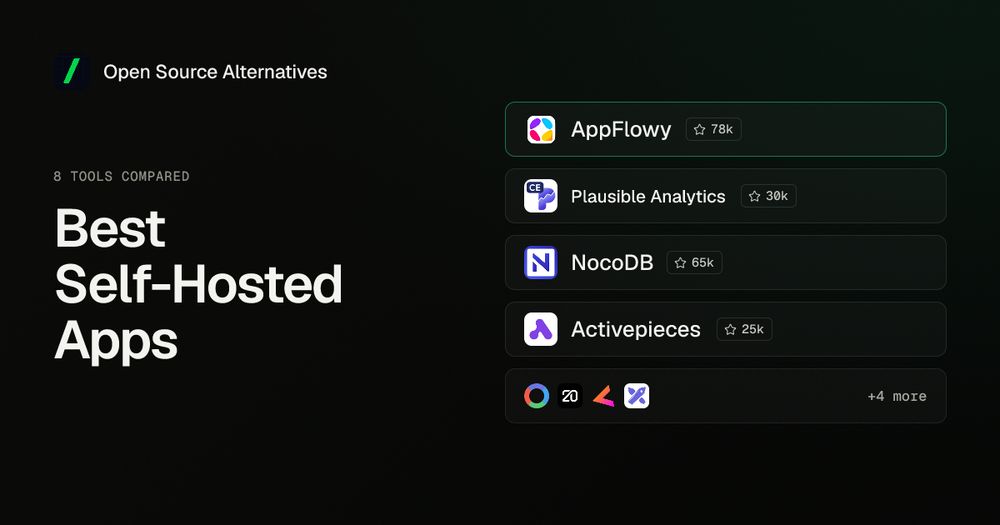
Self-hosting isn't free: it costs ops time, and you're responsible for backups and security updates. But for a growing set of open source tools, the quality gap between self-hosted and SaaS has closed. These are the best self-hosted apps for business teams in 2026: eight tools that replace SaaS across your whole stack without compromising on features.
The bottom line: The apps on this list are the best self-hosted options for each category: mature projects with active communities, proper Docker support, and feature parity with their SaaS competitors. Each has been running in production for years, not months.
TL;DR: Best Self-Hosted Apps by Category
| Category | Best Self-Hosted App | Replaces | License |
|---|---|---|---|
| Workspace | AppFlowy | Notion | AGPL 3.0 |
| Analytics | Plausible | Google Analytics | AGPL 3.0 |
| Databases | NocoDB | Airtable | AGPL 3.0 |
| Automation | Activepieces | Zapier | MIT |
| Monitoring | OpenObserve | Datadog | AGPL 3.0 |
| CRM | Twenty | Salesforce | AGPL 3.0 |
| Auth | ZITADEL | Auth0 / Okta | Apache 2.0 |
| Whiteboard | Excalidraw | Miro | MIT |
How I Evaluated These Tools
Every app on this list meets three criteria: active GitHub development with commits in the last 90 days, official Docker image for straightforward deployment, and documented production use by real teams. Tools were chosen to cover the full business software stack (workspace, analytics, databases, automation, monitoring, CRM, authentication, and collaboration), not hobbyist homelab use cases like media servers or smart home hubs.
AppFlowy: Replace Notion
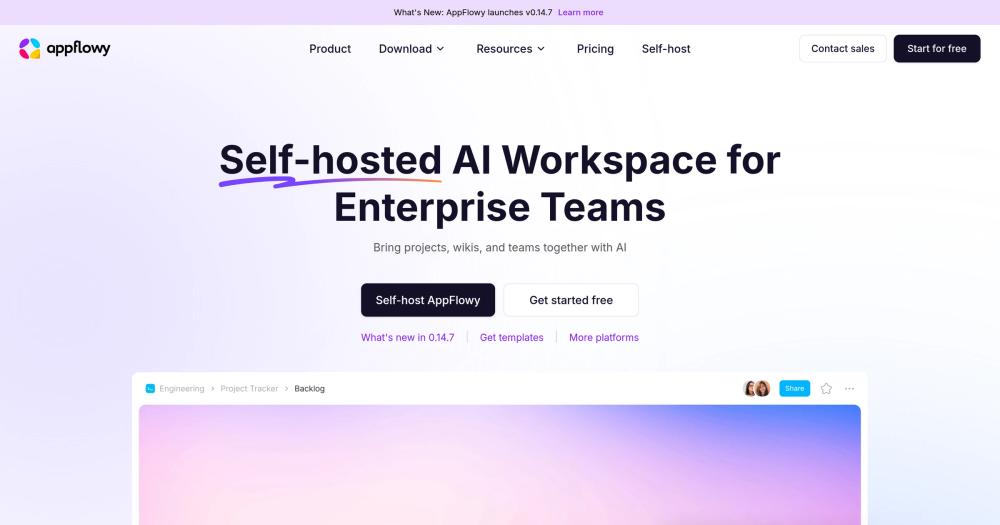
License: AGPL 3.0 | GitHub stars: 60,000+ | Language: Rust + Flutter
AppFlowy is the most feature-complete open source Notion alternative in active development. You get databases, wikis, kanban boards, calendar views, and rich-text documents, all in one workspace. Unlike most Notion clones, AppFlowy is local-first, meaning your data lives on your machine or your server, not a cloud you don't control.
What it replaces: Notion Teams ($16/user/month), Confluence ($5.75/user/month)
Self-hosting requirements:
- Docker image available:
appflowyio/appflowy_cloud - RAM: ~512MB minimum, 1–2GB for teams
- Storage: Depends on file uploads; minimal for text content
- Difficulty: Intermediate (requires PostgreSQL, Redis, MinIO)
Key features:
- Document editor with slash commands, tables, embed blocks
- Database views: grid, board, calendar, gallery
- Real-time multiplayer collaboration via AppFlowy Cloud (self-hosted)
- Mobile apps (iOS, Android) connect to self-hosted server
- Offline-first: works without internet, syncs when connected
Self-hosting notes: AppFlowy requires a multi-service Docker Compose setup (PostgreSQL, Redis, MinIO for file storage, and the AppFlowy Cloud server). For single-user setups, the desktop app stores data locally with no server needed.
Cost comparison: Notion Teams costs $192/user/year. For a 10-person team, that's $1,920/year. AppFlowy self-hosted runs on a $12/month VPS ($144/year total), saving $1,776/year.
Plausible Analytics: Replace Google Analytics
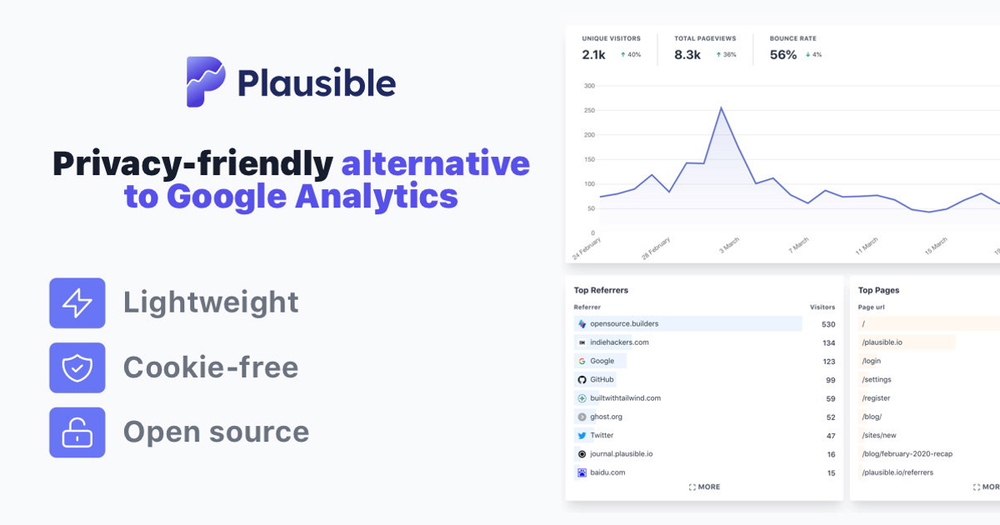
License: AGPL 3.0 | GitHub stars: 22,000+ | Language: Elixir
Plausible is the self-hosted analytics tool that respects your visitors. No cookies, GDPR-compliant by default, and a clean dashboard showing pageviews, referrers, top pages, device data, and geographic breakdown. The tracking script is under 1KB, compared to Google Analytics' 45KB.
What it replaces: Google Analytics (GA4), Mixpanel ($20–833/month), Amplitude
Self-hosting requirements:
- Docker image available:
plausible/analytics - RAM: ~512MB for low-traffic sites, 1–2GB for high-traffic
- Difficulty: Beginner (single Docker Compose file with PostgreSQL + ClickHouse)
Key features:
- Cookie-free tracking, no consent banner required in most jurisdictions
- Custom events and goals
- Email reports and traffic spike notifications
- Real-time dashboard
Self-hosting notes: Plausible's Community Edition (CE) is the self-hosted version. It uses PostgreSQL for app data and ClickHouse for analytics. The ClickHouse requirement means slightly higher RAM usage than simpler tools, but it's what enables fast aggregations over millions of events.
Cost comparison: Plausible Cloud starts at $9/month for 10K pageviews, scaling to $129/month for 10M. Self-hosted CE costs only the VPS: $6–12/month for most sites.
NocoDB: Replace Airtable
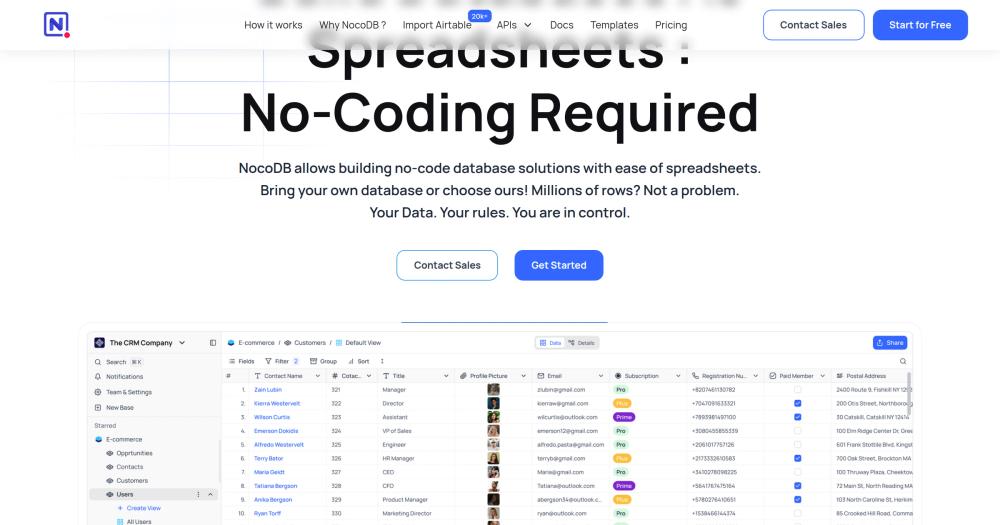
License: AGPL 3.0 | GitHub stars: 50,000+ | Language: TypeScript (Node.js)
NocoDB turns any PostgreSQL, MySQL, SQLite, or SQL Server database into a smart spreadsheet interface. You get multiple views (grid, gallery, form, kanban, calendar), row-level permissions, automations, webhooks, and a REST API, covering everything Airtable offers, on top of a database you control.
What it replaces: Airtable ($20–45/user/month), Smartsheet ($14–25/user/month)
Self-hosting requirements:
- Docker image available:
nocodb/nocodb - RAM: ~256MB minimum (scales with usage)
- Difficulty: Beginner (single Docker container, SQLite by default)
Key features:
- Connect to existing databases without storage lock-in
- Grid, gallery, form, kanban, and calendar views
- Row and cell-level permissions
- REST API auto-generated from your schema
- Webhooks and automations for workflow triggers
- Team collaboration with role-based access
Self-hosting notes: NocoDB runs with SQLite (built-in, zero config) for simple use cases, or connects to your existing PostgreSQL/MySQL. The single-container deployment is beginner-friendly.
Cost comparison: Airtable Business at $45/user/month for a 10-person team is $5,400/year. NocoDB self-hosted on a $12/month VPS costs $144/year.
Activepieces: Replace Zapier
License: MIT | GitHub stars: 10,000+ | Language: TypeScript (Angular + Node.js)
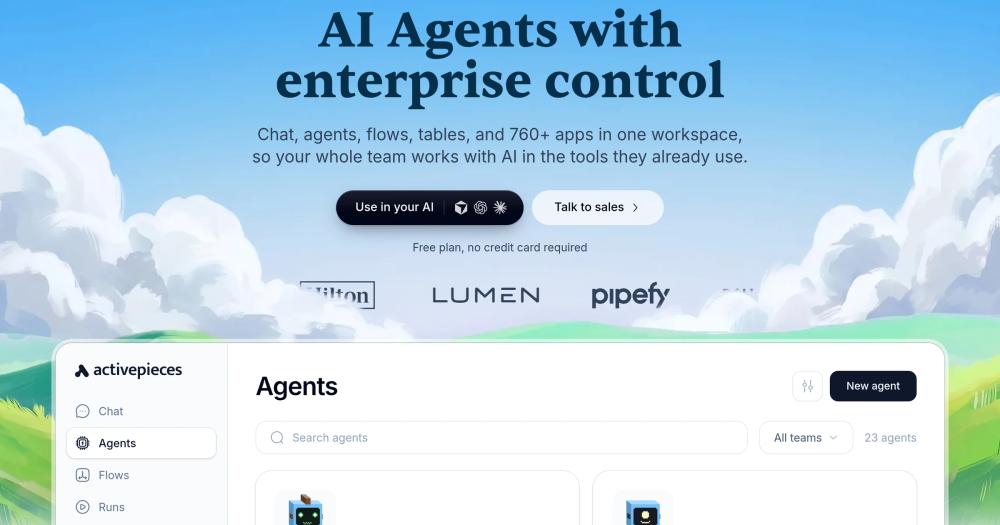
Activepieces is the MIT-licensed workflow automation platform that replaces Zapier with no per-task pricing. You get a visual flow builder, 150+ integrations (Slack, GitHub, Gmail, PostgreSQL, webhooks, HTTP), and code steps for custom logic, running entirely on your own server.
What it replaces: Zapier ($49–200+/month), Make ($9–100+/month)
Self-hosting requirements:
- Docker image available:
activepieces/activepieces - RAM: ~512MB (requires PostgreSQL and Redis)
- Difficulty: Beginner to Intermediate (Docker Compose with PostgreSQL + Redis)
Key features:
- 150+ built-in integrations across common SaaS tools and databases
- Visual drag-and-drop flow builder
- Code steps (TypeScript) for custom logic inside flows
- Webhook triggers for real-time event processing
- Execution history and error handling with retry logic
- Team collaboration with role-based access
Self-hosting notes: Activepieces uses Docker Compose with PostgreSQL and Redis. The single docker-compose.yml from their repository sets everything up.
Cost comparison: Zapier Professional at $69/month is $828/year. Activepieces self-hosted costs only the VPS infrastructure. At meaningful automation volume, the savings vs. Zapier's task-based pricing compound fast.
OpenObserve: Replace Datadog
License: AGPL 3.0 | GitHub stars: 15,000+ | Language: Rust
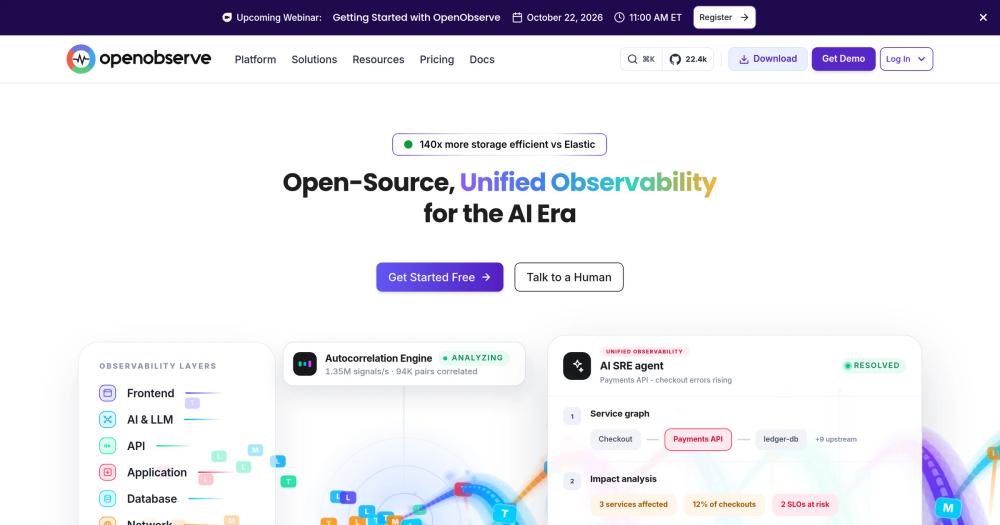
OpenObserve is a full observability platform that handles logs, metrics, and traces in a single tool. At enterprise APM scale, Datadog can reach $60,000+/year; even basic infrastructure monitoring at 50 nodes costs $9,000/year, and the invoice grows every time you add a host. OpenObserve delivers 140x better storage compression than Elasticsearch (per OpenObserve's own benchmarks), running the same workload for under $200/month self-hosted.
What it replaces: Datadog ($15–100+/host/month), Elastic Stack, Grafana + Loki + Prometheus
Self-hosting requirements:
- Docker image available:
public.ecr.aws/zinclabs/openobserve - RAM: ~512MB for small deployments; scales with data volume
- Difficulty: Intermediate (single binary or Docker; HA setup requires S3)
Key features:
- Logs, metrics, and traces in a single platform (no separate tools)
- SQL-based query interface, no new query language to learn
- Built-in alerting and dashboards
- S3-compatible storage backend (Backblaze B2, MinIO, AWS S3)
- OpenTelemetry-native ingestion
Self-hosting notes: Single-node OpenObserve runs as a single binary or Docker container with local storage. For production HA, configure an S3-compatible backend.
Cost comparison: Datadog at $15/host/month × 50 hosts = $9,000/year. OpenObserve on a $48/month server = $576/year. Annual saving: ~$8,400.
Twenty: Replace Salesforce
License: AGPL 3.0 | GitHub stars: 27,000+ | Language: TypeScript
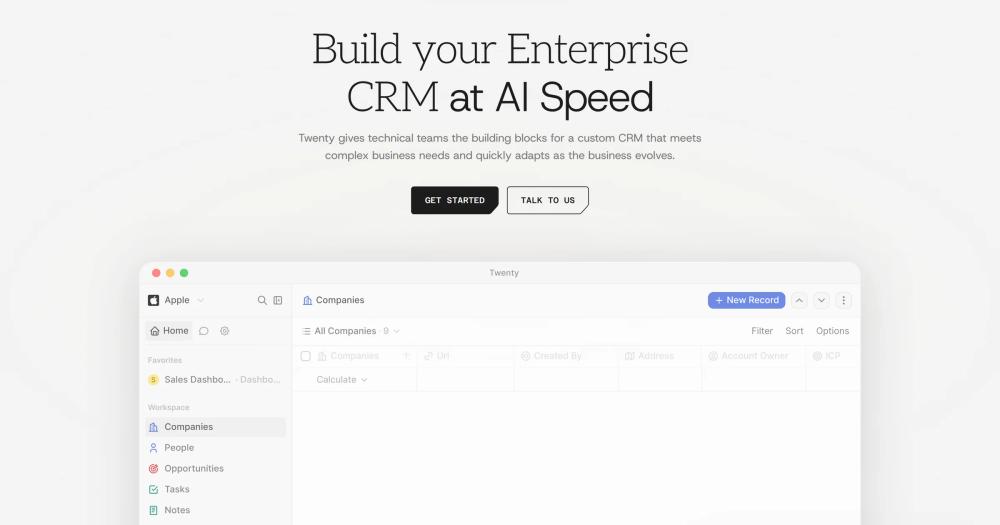
Twenty is a modern, API-first open source CRM built for technical teams: clean interface, customizable data model, and full Docker deployment. Unlike legacy CRMs, Twenty uses a modern stack (React, GraphQL, PostgreSQL) and ships frequent releases.
What it replaces: Salesforce ($25–300+/user/month), HubSpot ($45–1,200+/month)
Self-hosting requirements:
- Docker image available:
twentycrm/twenty - RAM: ~1GB (requires PostgreSQL and Redis)
- Difficulty: Intermediate (multi-service Docker Compose: app + PostgreSQL + Redis)
Key features:
- Contact and company management with custom fields
- Activity timeline (emails, calls, meetings)
- Kanban pipeline views for deals
- GraphQL API with full introspection
- Custom objects to define your own data model beyond standard CRM entities
- Email and calendar integration
Self-hosting notes: Twenty requires PostgreSQL and Redis alongside the main application. Include the twenty-worker background service in your deployment for async task handling.
Cost comparison: Salesforce Starter at $25/user/month for a 5-person sales team is $1,500/year. Twenty self-hosted runs on a $12/month VPS, costing $144/year.
ZITADEL: Replace Auth0 / Okta
License: Apache 2.0 | GitHub stars: 9,000+ | Language: Go
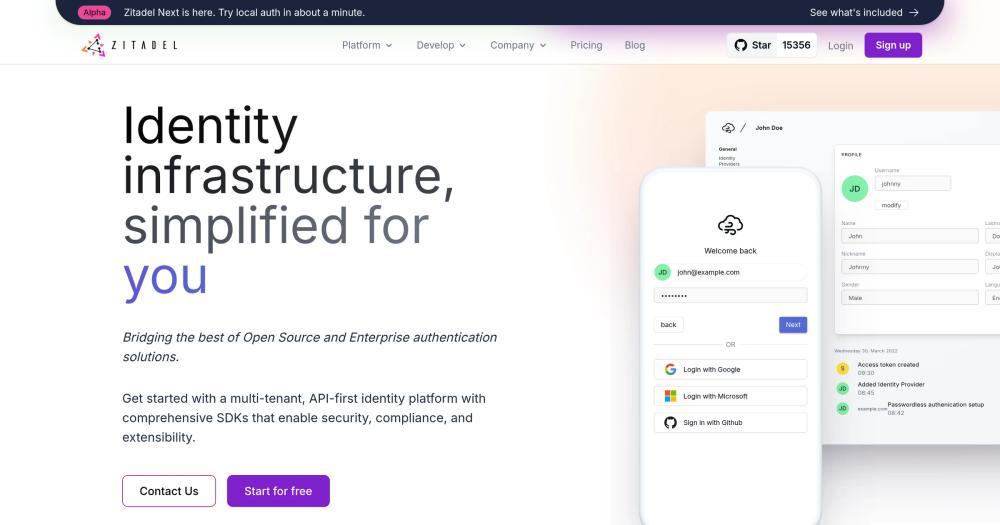
ZITADEL is an enterprise-grade identity platform with multi-tenancy, SAML/OIDC, machine-to-machine auth, and audit logging. It covers the full enterprise SSO scenario: B2B SaaS with per-customer identity providers, role-based access, and compliance-grade audit trails.
What it replaces: Auth0 ($240–3,600+/year), Okta, Cognito
Self-hosting requirements:
- Docker image available:
ghcr.io/zitadel/zitadel - RAM: ~512MB (requires PostgreSQL)
- Difficulty: Intermediate (requires PostgreSQL; CockroachDB for HA)
Key features:
- Multi-tenancy: separate identity spaces per customer/organization
- SAML 2.0, OIDC, OAuth 2.0 support
- Machine-to-machine auth with service accounts and JWT profiles
- Audit logging (compliance-ready)
- Custom login UI branding per tenant
- Built-in MFA: TOTP, FIDO2/passkeys, SMS
Self-hosting notes: ZITADEL runs on PostgreSQL. For high availability, use CockroachDB as the database backend. The Apache 2.0 license is notable; most identity platforms use AGPL or BSL.
Cost comparison: Auth0 B2B Essentials at $800/month (1,000 MAU + enterprise features) is $9,600/year. ZITADEL self-hosted costs the VPS: typically $12–24/month.
Excalidraw: Replace Miro
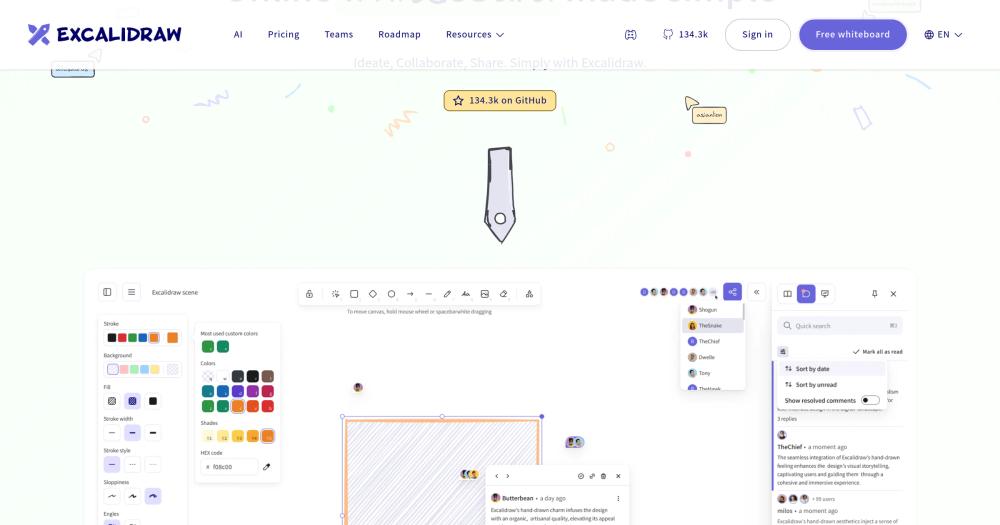
License: MIT | GitHub stars: 95,000+ | Language: TypeScript
Excalidraw is an infinite canvas whiteboard tool with a hand-drawn aesthetic that teams actually enjoy using. E2E encrypted collaboration, no account required for guests, and a simple self-hosted deployment (it's a static web app).
What it replaces: Miro ($8–16/user/month), FigJam, Lucidchart
Self-hosting requirements:
- Docker image available:
excalidraw/excalidraw - RAM: Minimal (static web app + optional collaboration server)
- Difficulty: Beginner (single Docker container; collaboration server optional)
Key features:
- Infinite canvas with freehand drawing
- E2E encrypted room-based collaboration
- Diagrams export as PNG, SVG, or JSON
- Library of reusable shapes and icons
- Mermaid diagram import
- Embeds into Notion, Confluence, Linear
Self-hosting notes: Excalidraw's front-end is a static app served from any web server. The collaboration server (@excalidraw/excalidraw-room) enables real-time multiplayer. For simple internal use, serve the static files from Nginx.
Getting Started with Self-Hosting
You can browse self-hosted software in the Open Source Alternatives directory.
What You Need
The minimal self-hosting stack:
- A VPS: 2 vCPU, 4GB RAM is enough for 3–5 apps (check current pricing at hetzner.com, digitalocean.com, or linode.com)
- Docker: all apps on this list provide official Docker images
- A domain: required for HTTPS; a $10/year domain works
- A reverse proxy: Nginx Proxy Manager provides a visual interface + automatic SSL via Let's Encrypt
Recommended Setup for Beginners
- Provision a VPS with at least 4GB RAM
- Install Docker and Docker Compose
- Install Nginx Proxy Manager first; it handles all SSL and routing
- Deploy apps one at a time with their Docker Compose files
- Point your domain's DNS (via Cloudflare, free tier) to your VPS IP
Best starting point: NocoDB and Excalidraw have the lowest setup friction: both run as single Docker containers with no external dependencies. Start there before tackling multi-service setups like AppFlowy or Twenty.
What NOT to Self-Host
Some tools are genuinely better as SaaS:
- Transactional email: SMTP deliverability is hard to maintain; use Resend, Postmark, or AWS SES
- Video conferencing at scale: Jitsi works for small meetings, but large calls need CDN-grade infrastructure
- Payment processing: regulatory and security overhead makes self-hosting Stripe-equivalent infrastructure impractical
SaaS vs Self-Hosted Cost Comparison
Prices as of early 2026. SaaS prices change; verify current pricing on each vendor's site.
10-person team, typical SaaS stack:
| Tool | SaaS Cost | Annual |
|---|---|---|
| Notion Teams | $16/user/month × 10 | $1,920 |
| Airtable Business | $45/user/month × 10 | $5,400 |
| Miro Business | $16/user/month × 10 | $1,920 |
| Zapier Professional | $69/month | $828 |
| Auth0 B2B Essentials | $800/month | $9,600 |
| Datadog (10 hosts) | $15/host/month × 10 | $1,800 |
| Total | — | $21,468/year |
Same team, self-hosted stack:
| Tool | Self-Hosted Cost | Annual |
|---|---|---|
| AppFlowy (Notion) | $0 software | $0 |
| NocoDB (Airtable) | $0 software | $0 |
| Excalidraw (Miro) | $0 software | $0 |
| Activepieces (Zapier) | $0 software | $0 |
| ZITADEL (Auth0) | $0 software | $0 |
| OpenObserve (Datadog) | $0 software | $0 |
| VPS (runs all tools) | ~$24/month | ~$288 |
| Total | — | ~$288/year |
Annual savings: ~$21,180
A 4GB VPS can realistically run all six apps simultaneously with room to spare.
Frequently Asked Questions
What is the easiest self-hosted app for beginners?
NocoDB and Excalidraw. Both run as single Docker containers with no external dependencies: SQLite handles storage for NocoDB by default, and Excalidraw is a static web app. You can have either deployed in under 15 minutes with a basic Linux server.
How much technical knowledge do I need to self-host these apps?
Most Docker-based deployments take under 30 minutes with basic Linux familiarity. If you can follow a README and edit a .env file, you can self-host most apps on this list. Tools like Nginx Proxy Manager eliminate most command-line complexity. AppFlowy Cloud and Twenty require intermediate comfort with multi-service Docker Compose.
Is self-hosting cheaper than cloud?
For the tools on this list, yes, typically within the first year. The break-even point depends on team size: even a 3-person team paying $20/user/month for Airtable ($720/year) saves money vs. a $12/month VPS ($144/year). The savings compound as your team grows because SaaS scales per seat, while self-hosted scales per server.
What happens if my self-hosted app goes down?
You're responsible for uptime. A $12/month VPS is not enterprise infrastructure. For critical apps, set up automated backups, choose a VPS provider with a high uptime SLA (Hetzner, DigitalOcean, Linode), and add uptime monitoring. Most teams find that 99.5% uptime from a well-maintained VPS is sufficient for internal tools.
Is self-hosting secure?
Self-hosted apps can be very secure, but you own the security responsibility. Subscribe to security announcements for every app you run. Keep Docker images updated with regular pulls. Use Cloudflare Tunnel or fail2ban to reduce your attack surface. Enable 2FA on server access.
How do I handle backups for self-hosted apps?
Most apps store data in PostgreSQL or SQLite plus file storage. Back up both with automated daily dumps. Store backups off-site: Backblaze B2 costs $0.006/GB/month, making a complete backup of a typical team's data under $5/month. Test your restore process before you need it.
Can I mix self-hosted and SaaS tools?
Absolutely. Self-host where cost or privacy matters most (analytics, CRM, internal notes), keep SaaS for tools where reliability matters more than cost (email sending, payment processing). The apps on this list are all standalone; you can adopt them one at a time.
Which apps are most resource-intensive?
OpenObserve grows with log volume: a high-traffic site ingesting gigabytes of logs daily needs a larger VPS or an S3 backend. AppFlowy Cloud requires the most services (PostgreSQL + Redis + MinIO + the sync server). Start with Plausible and Excalidraw (lowest overhead) and add heavier apps as you get comfortable with Docker management.
Are these apps production-ready?
Yes. All apps on this list are used in production by thousands of teams. AppFlowy, Plausible, and NocoDB each have 20,000+ GitHub stars, a reasonable proxy for production adoption. ZITADEL powers identity for multiple SaaS companies on their own self-hosted infrastructure.
Can these apps scale if my team grows?
All of them. NocoDB connects to your existing PostgreSQL: it scales as your database scales. OpenObserve on an S3 backend handles petabyte-scale data. AppFlowy Cloud supports team collaboration with no per-user limits. The main scaling consideration is your VPS: upgrade to a larger instance or add a dedicated database server as you grow.