

Who Kanri is for#
Individuals planning work offline
Use Kanri for personal Kanban planning where local storage, privacy, and no account setup matter.
Skip if:
You need shared team boards with live updates and comments.
Developers tracking small side projects
Use Kanri to keep a lightweight local board for tasks that do not need to live in Jira, Trello, or GitHub Projects.
Skip if:
Your project already depends on issue tracking, pull requests, and team workflow automation.
The problem it solves#
Personal task boards often force users into accounts, cloud sync, workspaces, and team features they do not need. That adds friction for people who only want a private board for daily planning.
The risk is data ownership. Lightweight planning data can become trapped in a hosted task app, even when the workflow is local, individual, and simple.
How it solves it#
Offline desktop Kanban
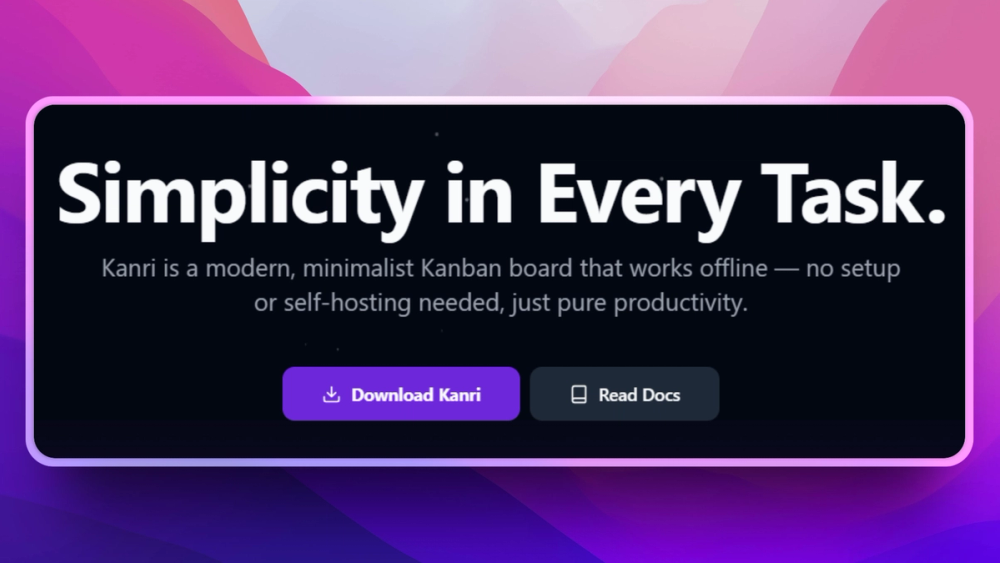
Runs as a desktop app on Windows, macOS, and Linux, with boards available without an internet connection or account.
Local-first task storage
Stores board data locally, making it a better fit for private personal planning than a cloud-only task board.
Simple board workflow
Focuses on cards and columns instead of a large project-management suite, which keeps daily task planning lightweight.
Strengths and trade-offs#
Strengths
- No account requiredKanri removes the signup and workspace setup step that hosted Kanban tools often require before a user can start planning.
- Good fit for private individual boardsOffline local storage suits users who want personal tasks on their machine rather than in a team SaaS account.
Trade-offs
- -Limited team collaborationKanri is built around offline desktop use. Teams needing shared boards, permissions, comments, and real-time collaboration should choose a team project-management tool.
What it's built on#
- Languages
- JavaScriptTypeScript
- Frameworks
- NuxtVue
- Tooling
- Rollup
FAQ#
Does Kanri work offline?
Yes. Kanri is an offline desktop Kanban app and does not require an internet connection or account for local boards.
What operating systems does Kanri support?
Kanri is available for Windows, macOS, and Linux through the official download path.
Is Kanri good for teams?
Kanri is better for personal offline boards than team collaboration. Teams that need shared boards and permissions should use a collaborative project-management tool.
Similar open-source tools#

Kaneo
Self-hosted project management without the bloat

OpenBug
Open source collaborative workspace for debugging issues

WeKan
Private self-hosted Kanban boards for Trello migration

Leantime
Focus-first project management designed for neurodivergent teams

Taiga
Agile project management for Scrum, Kanban, and hybrid teams

Focalboard
Open source project management: Kanban, Scrum, and lists