

Who showmd is for#
Developers checking README files
showmd helps developers scan repository docs, changelog notes, and Markdown specs from Finder before opening a project.
Skip if:
Your Markdown workflow already happens inside a full editor with live preview.
Writers organizing local notes
The Quick Look flow works well for people who keep Markdown notes in folders and need fast visual previews while sorting files.
Skip if:
You need sync, backlinks, or a full knowledge base app.
The problem it solves#
Markdown files are easy to write but awkward to inspect quickly on macOS. Finder previews often show raw text, while opening a full editor interrupts the flow when all you need is to check a README, project note, or documentation draft.
Developers and writers who keep many Markdown files also need previews that respect tables, task lists, code fences, and frontmatter. Without a native previewer, the review step becomes slower than the file format should require.
How it solves it#
Native Quick Look preview
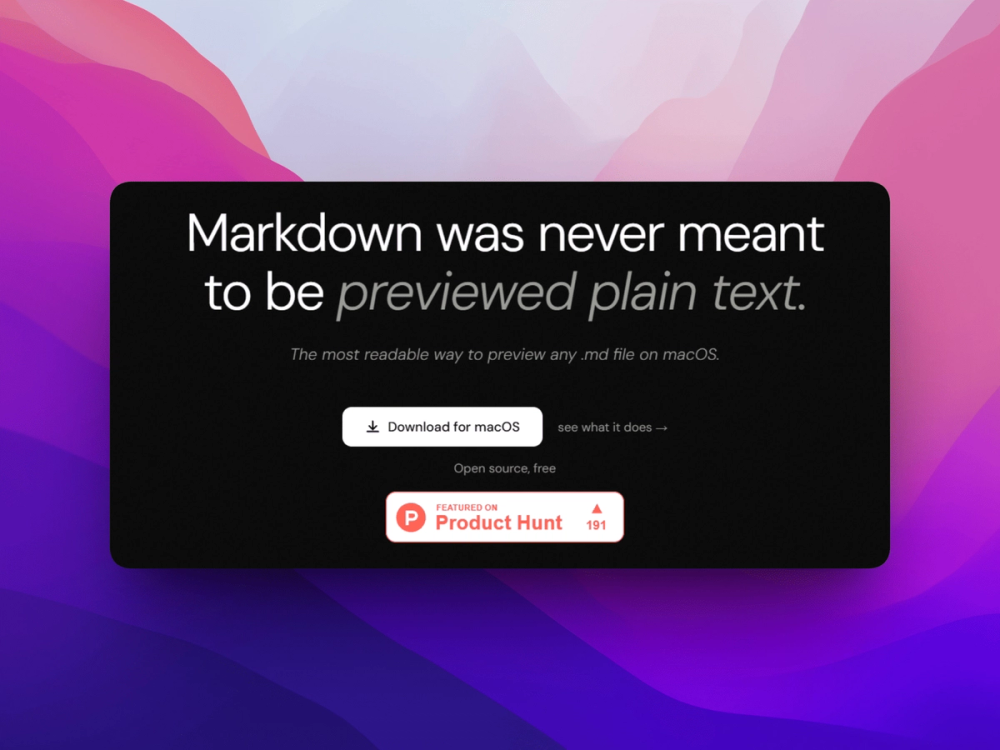
showmd works through macOS Quick Look, so pressing Space in Finder renders a Markdown file without opening a separate editor or browser tab.
GitHub Flavored Markdown rendering
The README lists support for tables, task lists, strikethrough, and fenced code blocks, which covers the Markdown syntax used in most project documentation.
Offline syntax highlighting
showmd bundles highlight.js support for more than 190 languages, giving local code-block previews without sending file contents to a hosted renderer.
Strengths and trade-offs#
Strengths
- Fits the macOS file workflowThe Quick Look integration keeps Markdown review inside Finder, which is faster than launching VS Code, Obsidian, or a browser for every small file.
- Useful for technical MarkdownFrontmatter tables, fenced code highlighting, and GitHub-style syntax make showmd better suited to developer docs than a plain text preview.
Trade-offs
- -macOS-only preview toolshowmd is built for macOS Quick Look and requires macOS 26 or later, so it is not a cross-device Markdown reader for Windows, Linux, iOS, or Android teams.
Quick start#
brew install --cask johannesnagl/tap/showmdWhat it's built on#
- Languages
- Swift
FAQ#
What does showmd do?
showmd renders Markdown files in macOS Quick Look. Press Space in Finder and the file displays as formatted Markdown instead of raw text.
Does showmd work offline?
Yes. The README states that Markdown rendering and syntax highlighting are bundled locally, so file previews do not need an internet connection.
How do you install showmd?
The official README recommends installing showmd with Homebrew, then enabling the Quick Look extension in macOS System Settings.
Similar open-source tools#

Markdown Preview Editor
Browser-only Markdown editor with live preview and strict privacy.
neo
Novel writing app: local files, no subscription, EPUB export

rakazo
AI teammates you own: your keys, your model, your machine.
winmux
Project-based window manager for macOS with sidebar and tab groups

FckSignups
Open-source tools that work instantly, no signup required

meridian
Local work journal that logs your day and drafts your standup.