

Who TypeUI is for#
Frontend teams standardizing AI prompts
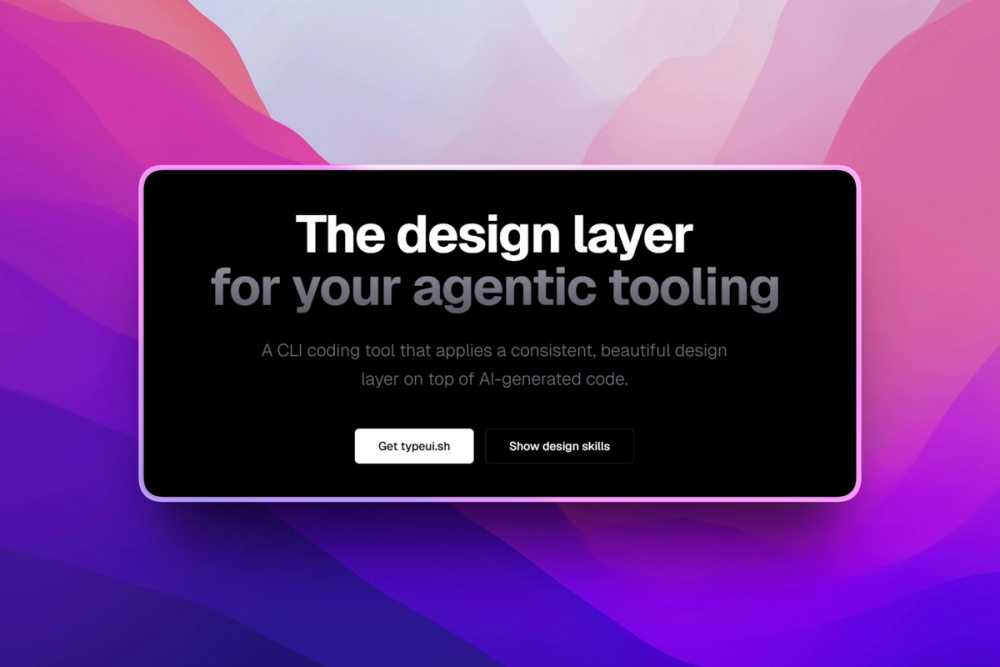
TypeUI fits teams that want reusable design instructions for agent-generated components, pages, and app screens.
Skip if:
Your team already has a mature design system encoded directly into components and lintable rules.
Solo builders improving AI UI output
The CLI and prompt resources can help builders get more consistent layouts from AI tools without writing a full design system first.
Skip if:
You need production-ready components rather than guidance for AI tools.
The problem it solves#
AI coding tools can generate interfaces quickly, but results drift when every prompt starts from scratch. Teams lose consistency in spacing, component behavior, visual tone, and product-specific design judgment because the design guidance lives only in chat history.
A reusable design skill or prompt library gives agents clearer constraints before they write UI code. That matters when teams want AI output to match a product standard instead of producing generic screens.
How it solves it#
Design skills for AI tools
TypeUI packages design skills and UI prompts for agentic tools such as Claude Design, Google Stitch, Codex, Cursor, and other AI tools.
Markdown resource formats
TypeUI distributes resources as markdown-friendly prompts and skill files, so teams can bring them into AI tools that support markdown or general prompting.
NPX CLI entry point
TypeUI provides an NPX command, giving developers a quick way to explore and use the TypeUI CLI from a terminal.
Strengths and trade-offs#
Strengths
- Targets the AI UI quality gapTypeUI addresses a specific problem in AI-assisted frontend work: reusable design guidance that agents can apply before generating code.
- Tool-agnostic prompt resourcesTypeUI keeps design instructions in portable markdown-oriented formats instead of locking them inside one editor or hosted account.
Trade-offs
- -Prompt library terms need reviewTypeUI licensing is not clearly asserted in the reviewed repository. Teams should confirm the repository terms before copying resources into commercial design systems or internal agent prompts.
Quick start#
npx typeui.sh --helpWhat it's built on#
- Languages
- JavaScriptPythonRustTypeScript
FAQ#
What is TypeUI?
TypeUI provides design skills, UI prompts, and resources for AI tools that generate user interfaces.
Which AI tools can use TypeUI resources?
TypeUI names Claude Design, Google Stitch, Codex, Cursor, and other AI tools that can work with markdown or prompting.
How do you start with TypeUI?
TypeUI shows an NPX help command for the CLI.
Similar open-source tools#

Onlook
Visual React editor where every design change writes real code

screenshot-to-code
Turn any design screenshot into clean, working code with AI

diagram-design
Editorial diagrams for Claude Code, no Figma or Mermaid required

design.md
Generate UIs effortlessly with AI.

Penpot
Open source collaborative UI design and whiteboard workspace

Puck
Open source drag-and-drop page editor for any React app