

Who Kap is for#
Designers sharing interface motion
Kap captures short UI flows that can be attached to design reviews, docs, and pull requests.
Skip if:
Skip if you need multi-track editing, annotations, or team video hosting.
Developers recording bug reproductions
Use Kap to capture a focused screen area and export a clip small enough for an issue thread.
Skip if:
Skip if your team needs Windows or Linux support from the same recorder.
The problem it solves#
Teams often need to show a UI bug, record a small product demo, or create a short animated asset without opening a full video editor. Heavy screen recording suites add cost and workflow overhead when the task is only to capture, trim, and export a small clip.
For developers and designers on macOS, the useful workflow is fast capture plus the right export format. Anything more complex can slow down sharing feedback.
How it solves it#
Fast macOS screen capture
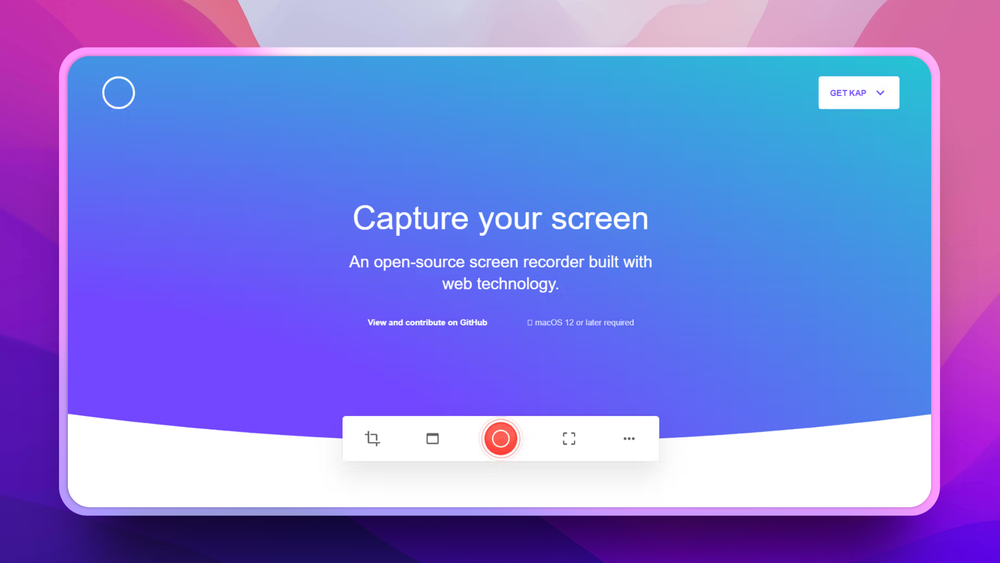
Records selected screen areas for quick product demos, bug reports, and short visual notes.
Multiple export formats
Exports common lightweight formats such as GIF, MP4, WebM, and APNG so clips can fit issue trackers, docs, and chat.
Plugin-oriented workflow
The project supports extensions and integrations that help send captures into downstream tools.
Strengths and trade-offs#
Strengths
- Lightweight alternative to video suitesKap focuses on quick captures rather than timeline-heavy editing, which suits product teams sharing small UI clips.
- MIT licensed desktop appDevelopers can inspect and modify the app rather than relying entirely on a proprietary capture tool.
Trade-offs
- -macOS-only focusKap is not a cross-platform recording suite. Windows or Linux teams need another tool such as ShareX, OBS, or a browser-based recorder.
Kap vs alternatives#
Kap vs Camtasia
Kap and Camtasia both record screens, but they serve different editing needs. Kap is a lightweight macOS capture app; Camtasia is a proprietary video editing and training-content suite.
Kap is better for quick UI clips, GIFs, and bug reproductions. Camtasia is still better for polished tutorials that need annotations, multi-track editing, and packaged course-style video output.
What it's built on#
- Languages
- JavaScriptTypeScript
- Frameworks
- Next.jsReact
FAQ#
Is Kap open source?
Yes. Kap is open source under the MIT license.
What formats does Kap export?
Kap is commonly used for lightweight exports such as GIF, MP4, WebM, and APNG.
Can Kap replace Loom?
Kap can replace Loom for local recording and exporting short clips. Loom is better when you need hosted async video pages, viewer analytics, and team sharing features.
Similar open-source tools#

Capso
Free open-source screenshot and recorder for macOS

Cap
Self-hosted screen recorder with custom S3 bucket support

Flameshot
Open source screenshot tool with annotation and upload

ShareX
Screenshot and record with 80+ upload destinations on Windows

OBS Studio
Record and stream with multi-source scenes and hardware encoding

Excalidraw
Open source whiteboard for hand-drawn style diagrams