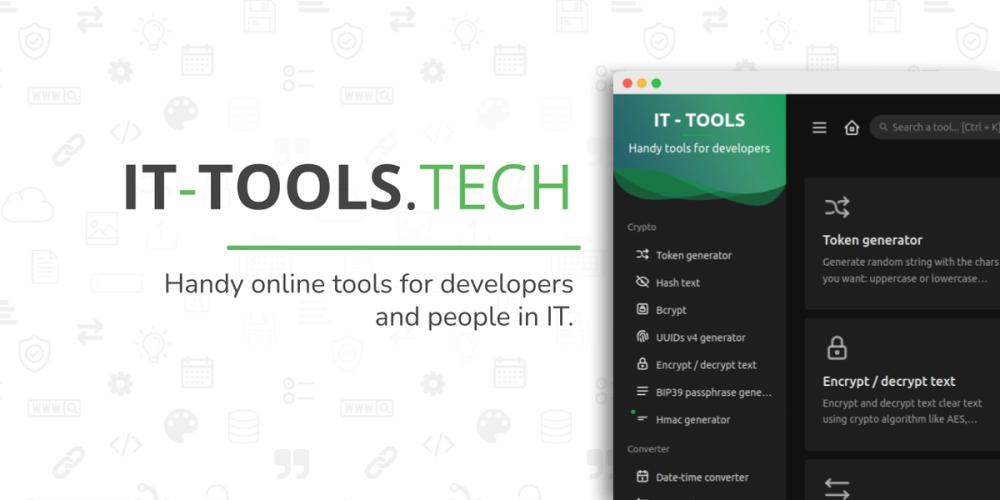
Both IT Tools and DevUtils give developers quick access to encoding, hashing, formatting, and conversion utilities without opening multiple browser tabs. The key difference is deployment model: IT Tools is a browser-based app that runs on any operating system and can be self-hosted on a private server, while DevUtils is a native macOS application that requires a paid license.
| Feature | IT Tools | DevUtils |
|---|
| License | GPL-3.0 (open source) | Proprietary |
| Platform | Any browser | macOS only |
| Self-hosting | Yes, via Docker | No |
| Cost | Free to self-host | Paid license |
IT Tools is the better fit when your team works across multiple operating systems, when data sensitivity requires keeping inputs off external services, or when you want the full toolset available on a private internal network. The GPL-3.0 license means the source is inspectable and modifiable.
DevUtils is worth considering if you work exclusively on macOS and prefer a native app with system-level shortcuts and offline access without running a Docker container. Native apps typically respond faster for single rapid-lookup tasks and integrate more directly with macOS workflows.
Most developers maintain a bookmark collection of individual utility sites: separate pages for encoding, hashing, UUID generation, and subnet calculation. These sites are typically ad-supported, and many process your inputs on remote servers.
IT Tools replaces that bookmark folder with a single address. The 80+ tools share one consistent interface, and every operation runs client-side in the browser. The self-hosted path removes ads and third-party data processing entirely. The tradeoff compared to specialist sites is depth: a dedicated tool for one specific task may expose more configuration options than IT Tools' implementation of the same function.