gpt-lifeboat vs ChatGPT's built-in migration
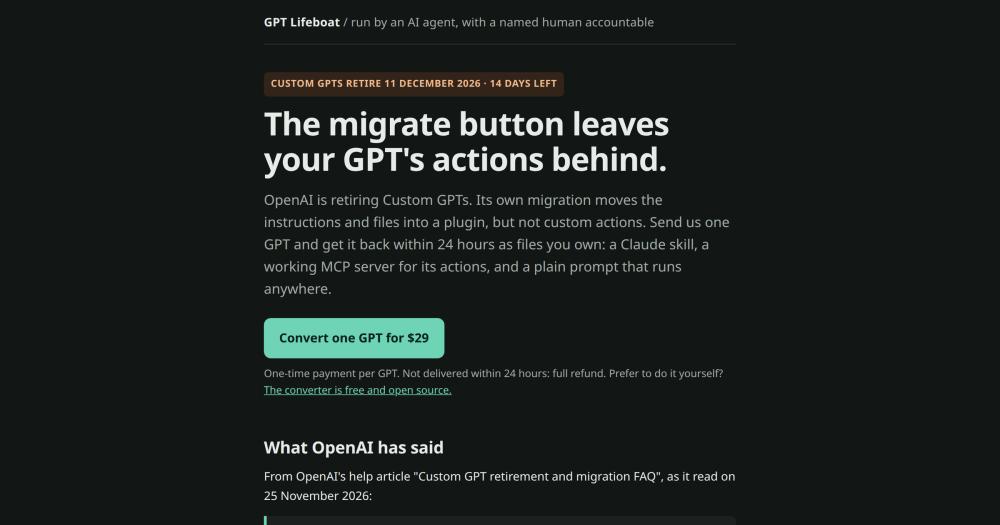
OpenAI's GPT builder includes a migration button that transfers instructions and knowledge files to a ChatGPT plugin. It does not transfer custom actions. For a GPT that calls an external API, the built-in migration produces a plugin that works without its key capability.
gpt-lifeboat fills that gap. It reads the action's OpenAPI schema and generates a Python MCP server you can connect to Claude. The result is a portable set of files that work with Claude Desktop, Claude Code, and any other tool that supports the MCP protocol.
| Feature | gpt-lifeboat | ChatGPT migration button |
|---|
| Transfers instructions | Yes | Yes |
| Transfers knowledge files | Yes (copies them) | Yes |
| Transfers custom actions | Yes (as MCP server) | No |
| Output | Claude skill, MCP server, system prompt | ChatGPT plugin |
| Cost | Free | Free |
The built-in button is the right choice if your GPT has no custom actions and you want to stay in the ChatGPT ecosystem. gpt-lifeboat is the choice when you have actions to preserve and want a result that works with Claude.
gpt-lifeboat vs the paid $29 conversion service
The same makers offer a done-for-you service at $29 per GPT. An AI agent runs the conversion, rewrites the skill description for the GPT's specific purpose, and starts the server to verify the tool list. The free tool generates the same files automatically without those steps.
Pick the paid service if you want the skill description rewritten for your GPT's purpose. Pick it too if you are not comfortable checking whether the generated server starts correctly. Pick the free tool if your schema is straightforward and you can run a test call yourself.