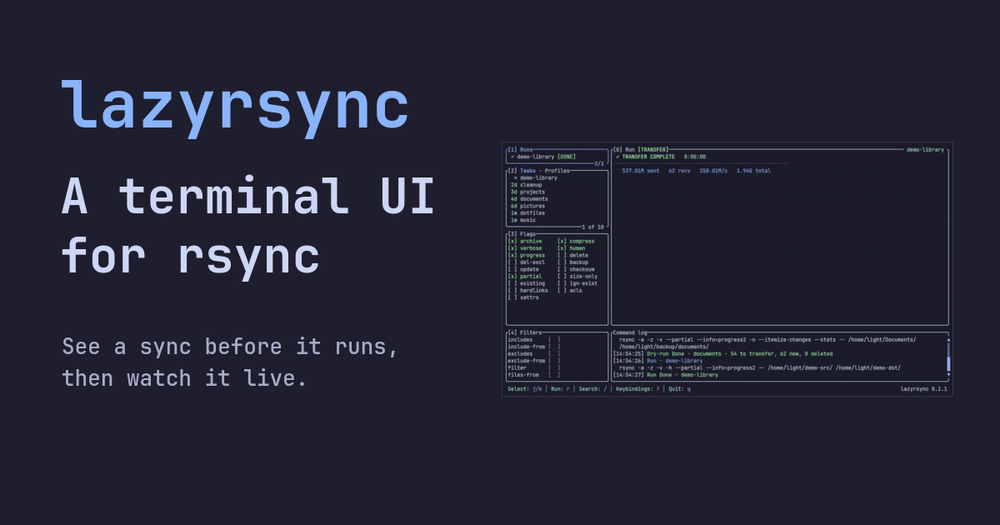
Lazyrsync vs Arq Backup
Both tools handle automated file backups, but they target different destinations. Arq Backup is a commercial GUI application with cloud storage support; lazyrsync wraps rsync and works with rsync-capable or SSH-accessible endpoints, including local paths and NAS devices.
| Feature | Lazyrsync | Arq Backup |
|---|
| License | MIT | Proprietary |
| Interface | Terminal UI | Desktop GUI |
| Destination support | rsync/SSH endpoints, local paths | Cloud storage + local |
| Headless automation | Yes (lazyrsync run) | Schedule-based |
| Platform | macOS, Linux | macOS, Windows |
Lazyrsync is the better choice when your destination is a server, NAS, or another machine accessible via SSH and you want a diff preview before each run. Arq Backup is worth considering when you need cloud destinations like S3 or Backblaze B2, or when you prefer a graphical setup wizard without terminal access.
Lazyrsync vs Transmit
Transmit is a commercial macOS file-transfer GUI that supports SFTP, FTP, S3, and WebDAV. Lazyrsync focuses on rsync over local paths and SSH and runs on both macOS and Linux.
| Feature | Lazyrsync | Transmit |
|---|
| License | MIT | Proprietary |
| Platform | macOS, Linux | macOS only |
| Protocol | rsync/SSH | SFTP, FTP, S3, WebDAV |
| Headless automation | Yes | Limited |
| Dry-run preview | Yes | No |
Lazyrsync is the better pick for automated rsync-based syncs on Linux servers or anywhere you work over SSH. Transmit makes sense when you need S3, WebDAV, or other non-rsync protocols, or when a graphical drag-and-drop interface is the priority.