Pixtamer vs Squash
Squash is a paid native Mac app for image compression and conversion; Pixtamer is MIT-licensed and free, covering the same core use case.
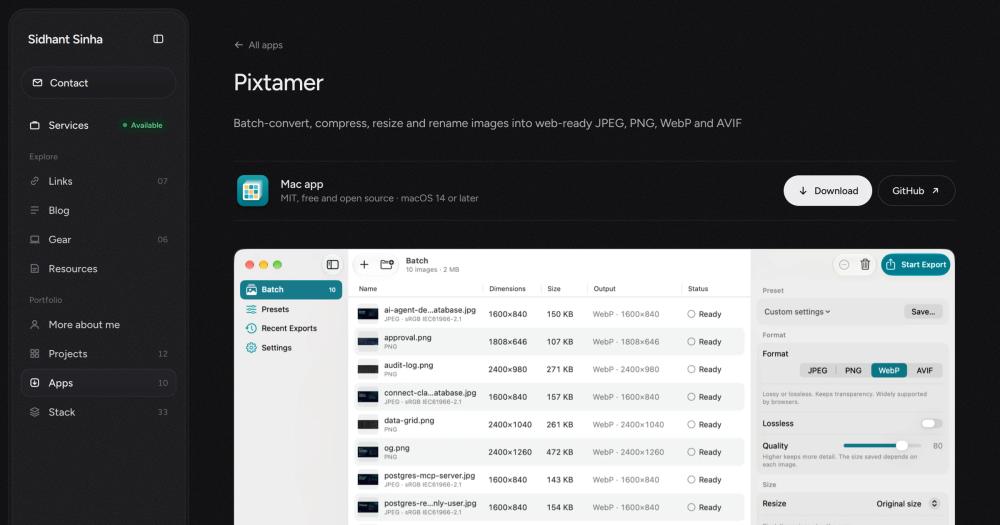
Pixtamer goes beyond basic compression to include responsive width exports, where one preset generates multiple sizes of each image for different screen breakpoints. It also provides template-based file renaming using patterns like {name}-{width}. These two capabilities are specific to Pixtamer's batch workflow.
Pixtamer is the better choice when you need responsive image sets or MIT-licensed tooling at no cost. Squash is worth considering when a purchase-supported product with a longer track record matters to your team.
Pixtamer vs Optimage
Optimage is a paid native Mac app focused on image compression that processes files locally. Pixtamer covers the same local compression use case and adds AVIF export, responsive width exports in one batch, and template-based renaming, all MIT-licensed and free.
Optimage has a longer track record in the category. For teams that need verified support for macOS versions older than 14, Optimage is likely the more tested option, since Pixtamer requires macOS 14 or later.