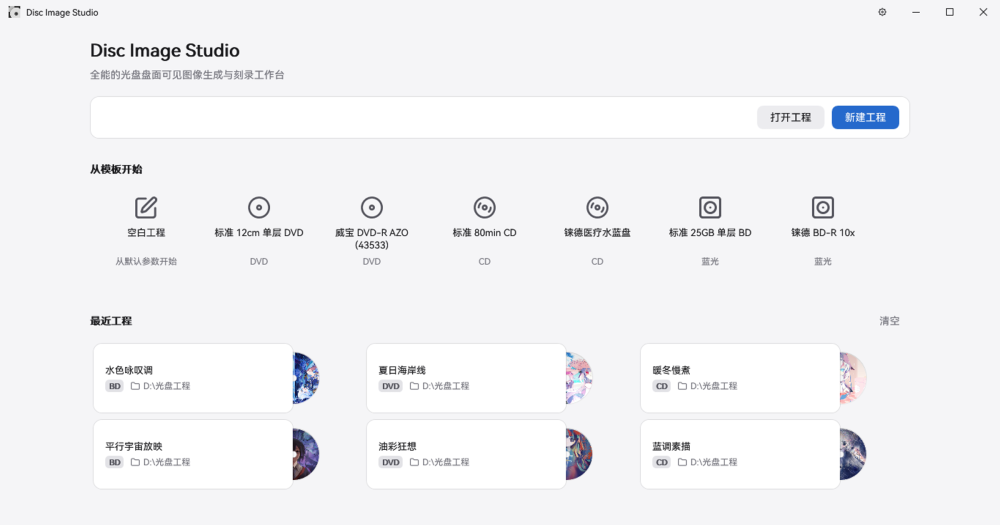
Both tools burn a visible image into an optical disc surface, but they target different hardware. LightScribe Toolbox requires HP's LightScribe-compatible discs and a matching LightScribe optical drive. DiscImageStudio encodes images into the data tracks of any standard blank CD, DVD, or Blu-ray disc using any optical burner.
| Feature | DiscImageStudio | LightScribe Toolbox |
|---|
| License | GPL-3.0 | Proprietary |
| Disc type | Any standard blank CD, DVD, BD-R | LightScribe discs only |
| Drive required | Any optical burner | LightScribe-compatible drive |
| Platforms | Windows GUI; Linux/macOS CLI (experimental) | Windows |
| Output | ISO, WAV+CUE, RAW, BD-R ISO | LightScribe label format |
| Network | None | Unknown |
| Calibration | Three-stage photo-based workflow | Automatic |
DiscImageStudio is the right choice when you do not have LightScribe hardware, when you want an open source tool with auditable source, or when you need image files for use with any burning software. The calibration workflow takes more effort than LightScribe's automatic process, but it works with hardware you likely already own and discs that remain widely available.
LightScribe Toolbox is simpler if you have an existing LightScribe drive and a supply of LightScribe discs. The LightScribe process requires no manual calibration and writes to the dedicated label side rather than the data side. For anyone starting fresh, LightScribe drives and discs are discontinued and rarely available on the used market, making DiscImageStudio the practical choice for new setups.