Mercury CLI vs Claude Code
Mercury CLI and Claude Code do the same core job. Both read your code, make edits, run commands, and work through tasks you describe in plain English.
Model choice
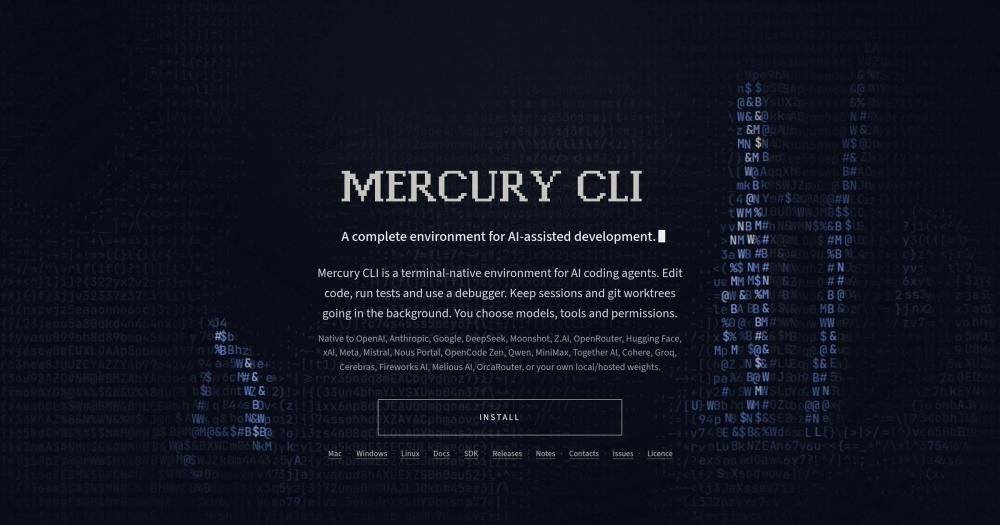
Claude Code works with Anthropic's Claude models only. Mercury CLI supports 22 model providers: OpenAI, Anthropic, Google, DeepSeek, Mistral, and more. You can also connect a local model through Ollama or llama.cpp.
Claude Code works across terminal, IDE (code editor), desktop, and browser surfaces. Mercury CLI works in the terminal and includes editor bridges for Visual Studio Code, Unity, Blender, Godot, and Aseprite.
Built-in debugger
Mercury CLI includes a built-in debugger that sets breakpoints, reads live variable values, and steps through failing tests in Python, JavaScript, TypeScript, Go, and Rust. This is a feature Mercury CLI adds on top of the standard code-edit-and-test loop.
Parallel sessions
Mercury CLI runs several agents at the same time, each in its own git branch with its own model. Each session writes a handoff note when it finishes so the next session can continue without manual context transfer.
Price
Claude Code is a paid tool. Mercury CLI is free and open source under the Apache 2.0 license. You pay only for the model calls you make to your chosen provider. If you run a local model, there is no cost beyond your hardware.
Who to pick
Pick Mercury CLI to use your own model, run a local model, access a built-in debugger, or run parallel sessions with handoff notes. Pick Claude Code if you want tight integration with Anthropic's Claude model family and support across IDE (code editor), desktop, and browser surfaces.