TwinDesk vs Synergy
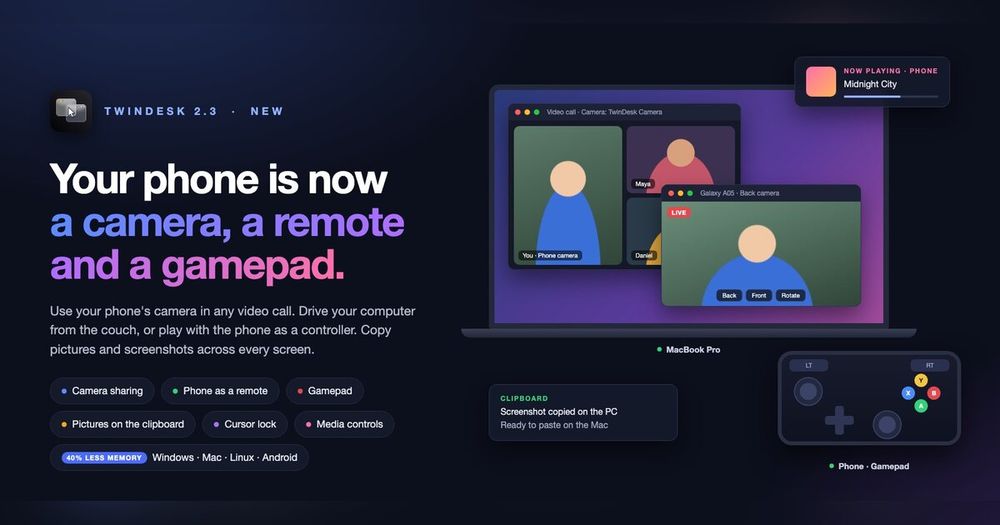
Synergy is a paid software KVM tool for desktop computers that shares one mouse and keyboard across Mac, Windows, and Linux. It has been commercially available for over a decade and is a well-established option for multi-computer setups. TwinDesk covers the same core capability and adds Android phone integration that Synergy does not address.
| Feature | TwinDesk | Synergy |
|---|
| License | GPL-3.0, free | Proprietary, paid |
| Mouse and keyboard sharing | Yes | Yes |
| Android phone integration | Yes (calls, texts, camera, files) | No |
| File drag-and-drop | Yes | No |
| Clipboard sync | Text and images | Text only |
| Shared network required | No (USB, Bluetooth, Wi-Fi Direct) | Depends on configuration |
TwinDesk is the better choice when you need mouse and keyboard sharing alongside an Android phone in your workflow, want file transfer without an additional tool, or prefer a free GPL-3.0 licensed app with no subscription. Synergy is worth considering for complex multi-machine setups where its advanced configuration options and longer track record matter more than phone integration.
TwinDesk vs ShareMouse
ShareMouse is a paid tool focused on mouse and keyboard sharing between Mac and Windows computers, with a shared folder feature. TwinDesk covers both capabilities and extends them to Linux and Android.
| Feature | TwinDesk | ShareMouse |
|---|
| License | GPL-3.0, free | Proprietary, paid |
| Platform support | Mac, Windows, Linux, Android | Mac, Windows only |
| Mouse and keyboard sharing | Yes | Yes |
| File sharing | Drag-and-drop and shared folders | Shared folder (network drive) |
| Phone integration | Yes (Android) | No |
TwinDesk is the stronger choice if you have a Linux machine in the mix, need Android phone integration, or want a free open source tool. ShareMouse is worth considering if you need its polished Mac-Windows experience and have no Linux or Android devices in your setup.