

Who ownCloud is for#
Organizations replacing shared cloud drives
ownCloud fits teams that need file sync and sharing without placing all files in a proprietary cloud account.
Skip if:
Skip if your team wants a managed office suite with no server administration.
IT teams with data-location requirements
Use it when files must stay on infrastructure controlled by the organization or a chosen hosting provider.
Skip if:
Skip if end users depend heavily on Google Workspace or Microsoft 365 co-authoring features.
The problem it solves#
Cloud file services are convenient, but they move sensitive files, calendars, contacts, sharing rules, and collaboration workflows into a vendor-controlled platform. Organizations with privacy, compliance, or data-location concerns need a way to sync and share files without giving up server ownership.
How it solves it#
File access, sync, and sharing
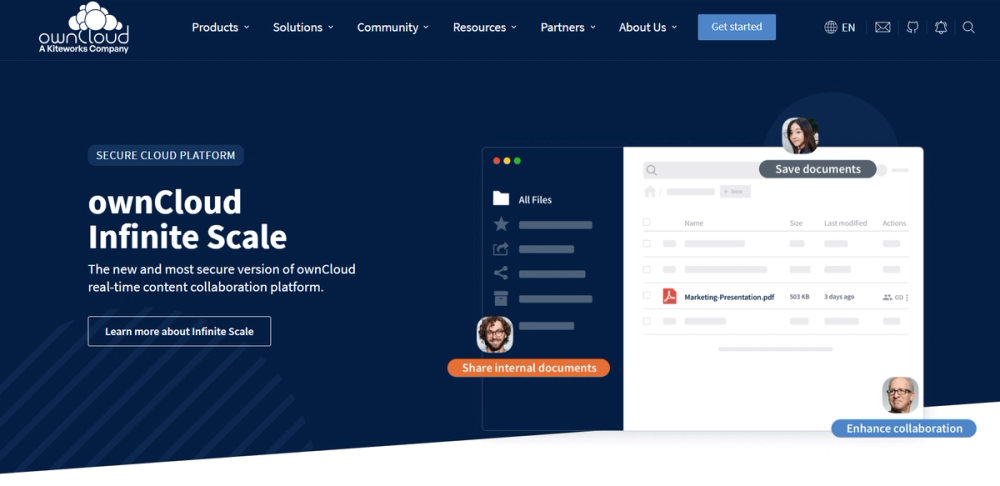
Stores files, contacts, calendars, and more on a server you choose, then syncs and shares them across devices.
App-based collaboration surface
Extends through apps such as Calendar, Contacts, Mail, and News to cover more than basic file storage.
Server-side encryption option
Supports encrypted transport with HTTPS and an encryption app for storage-level privacy improvements.
Strengths and trade-offs#
Strengths
- Cloud workflow on owned infrastructureownCloud gives teams Dropbox-style access and sharing while keeping the server under their control.
- Long-running collaboration projectThe project has mature documentation, installation manuals, and an established server product footprint.
Trade-offs
- -Server operations affect user trustFile sync must be reliable. Admins need to handle storage, backups, upgrades, HTTPS, desktop clients, and user support.
ownCloud vs alternatives#
What it's built on#
- Languages
- JavaScriptPHP
FAQ#
Is ownCloud self-hosted?
Yes. ownCloud is designed to run on a server of your choosing for file access, sync, and sharing.
Can ownCloud replace Dropbox?
It can replace Dropbox-style sync and sharing when server ownership matters. Dropbox is easier when users only need a managed file cloud.
Does ownCloud support encryption?
The README notes HTTPS for data in transit and an encryption app for storage encryption improvements.
Similar open-source tools#

Nextcloud

Twake Drive
Twake file management for Cozy-backed Drive workflows

Drivebase
Self-hosted cloud file manager with unified storage

Syncthing
Decentralized continuous file sync with no central server

LocalSend
Free cross-platform file sharing over local network, no cloud

Immich
Self-hosted Google Photos with mobile backup and face search