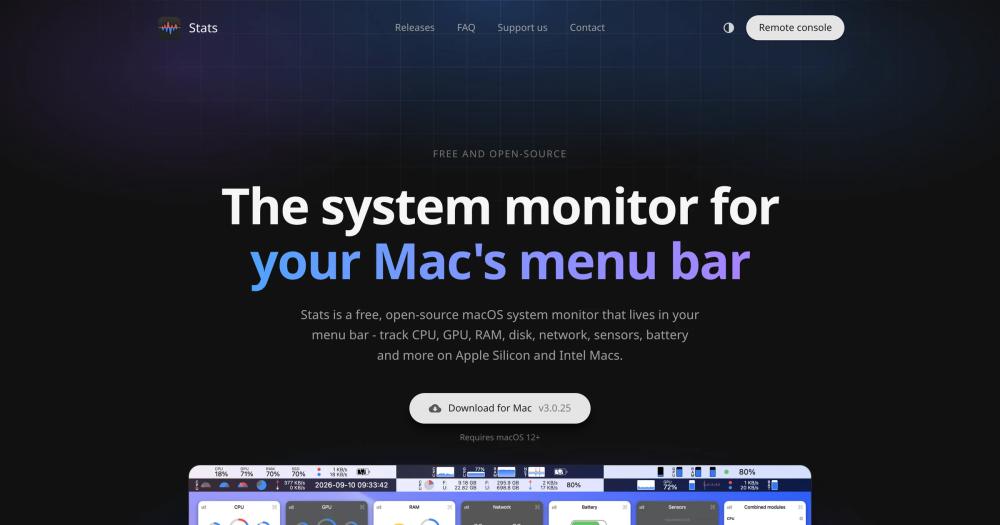
Stats and iStat Menus cover the same monitoring ground: CPU load, GPU utilization, RAM pressure, disk activity, network throughput, temperature sensors, fan speeds, and battery health in the macOS menu bar. The central difference is licensing.
| Feature | Stats | iStat Menus |
|---|
| License | MIT (free) | Paid license |
| Source code | Open source on GitHub | Closed source |
| Apple Silicon | Yes | Yes |
| CPU, GPU, RAM, disk, network, sensors, battery | Yes | Yes |
| Widget styles | 13 | Multiple |
| Remote web monitoring | Yes | No |
Stats is the better fit when cost is a constraint, when you want to inspect or fork the source code, or when you need remote web-based monitoring for a Mac server. iStat Menus is worth considering if you rely on its notification and alerting system for threshold-based warnings, which Stats does not currently offer.
Stats vs iStatistica
iStatistica is a paid macOS app with animated widgets covering CPU, GPU, memory, network, disk, battery, and sensors in the menu bar.
| Feature | Stats | iStatistica |
|---|
| License | MIT (free) | Paid |
| Widget styles | 13 configurable | Animated widgets |
| Translations | 41 languages | Varies |
| Remote monitoring | Yes | No |
Stats is the clearer choice for users who do not want to pay for a menu bar monitor and need broad language support. iStatistica is worth considering if you prefer its animated widget display style.
MenuBar Stats is a paid macOS app displaying CPU, GPU, RAM, disk, network, battery, and sensor stats with customizable compact widgets.
| Feature | Stats | MenuBar Stats |
|---|
| License | MIT (free) | Paid |
| Modules | 9 | Varies |
| Translations | 41 languages | Varies |
Stats matches MenuBar Stats' feature set at no cost, with open source code and broader language coverage. MenuBar Stats may suit users who are already customers and prefer its specific compact widget layout without switching tools.