

Who OpenFlowKit is for#
Developers mapping workflow automation
OpenFlowKit fits teams exploring visual ways to design and reason about automation flows.
Skip if:
You need a mature hosted diagramming suite with enterprise collaboration controls.
AI teams sketching agent flows
The AI and workflow tags make it a candidate for teams prototyping agent process maps.
Skip if:
You only need a static drawing tool for one-off diagrams.
The problem it solves#
Teams often design workflows in static diagrams, then reimplement the same logic elsewhere. That gap creates stale documentation and makes it harder to see how an automation or agent flow should actually behave.
Developer-oriented flow tools need to balance visual clarity with operational control. If the canvas cannot map to real workflows, it becomes decoration rather than part of the system.
How it solves it#
Diagramming workflow focus
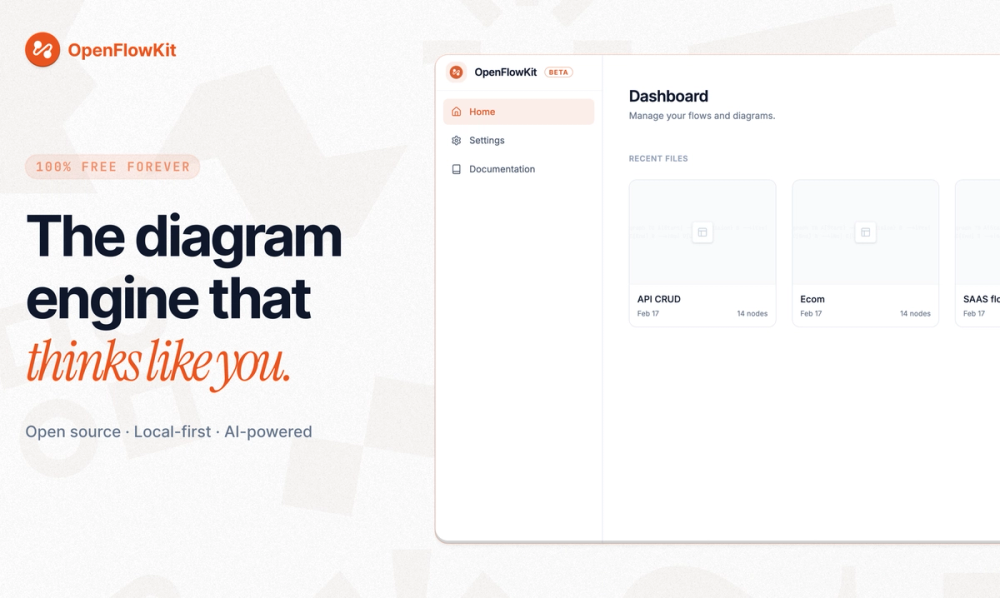
OpenFlowKit is positioned as a diagramming and workflow automation tool for design and developer workflows.
Local-first positioning
The item is tagged local-first and self-hosted, which makes it relevant for teams that want visual workflow control without a hosted-only canvas.
AI and agent context
The AI agent tags make OpenFlowKit worth evaluating for teams sketching or building agentic workflows.
Strengths and trade-offs#
Strengths
- Bridges design and implementationOpenFlowKit is most interesting when diagrams need to connect to developer-owned workflow logic.
- Source-visible evaluationThe GitHub project gives teams a way to inspect the implementation before trusting it for workflow planning.
Trade-offs
- -Source claims need a deeper passTeams should verify current feature coverage and deployment details before treating OpenFlowKit as core workflow infrastructure.
What it's built on#
- Languages
- JavaScriptTypeScript
- Frameworks
- React
FAQ#
What is OpenFlowKit used for?
OpenFlowKit should be evaluated as a diagramming and workflow automation project for developer-oriented visual flows.
Is OpenFlowKit self-hosted?
OpenFlowKit appears relevant for self-hosted evaluation, but teams should confirm the exact deployment path in current upstream documentation.
Who should evaluate OpenFlowKit?
Developers and AI teams planning visual workflow or agent flow tooling are the best fit for evaluation.
Similar open-source tools#

diagram-design
Editorial diagrams for Claude Code, no Figma or Mermaid required

diagrams.net
Create portable diagrams without vendor lock-in

Excalidraw
Open source whiteboard for hand-drawn style diagrams

ChartDB
Free open source database diagram editor and visualizer

modly
Generate 3D models from images or prompts, entirely offline

text-to-cad
AI agent skills for CAD, robotics, and fabrication workflows